SpaceBeam: Live Camera Shader Visuals
SpaceBeam is a free camera graphics app by CalmyJane that lets you turn your camera feed into live kaleidoscope visuals.
SpaceBeam is a 60 MB free app requiring Android 10 or newer, released on 2026-03-27 and updated to version 5.3 on 2026-11-23. It performs hand and face tracking on the device itself and stores or sends no camera data. The app suits live performers, VJs, and visual artists who want real-time geometry patterns from a phone.
Screen gallery
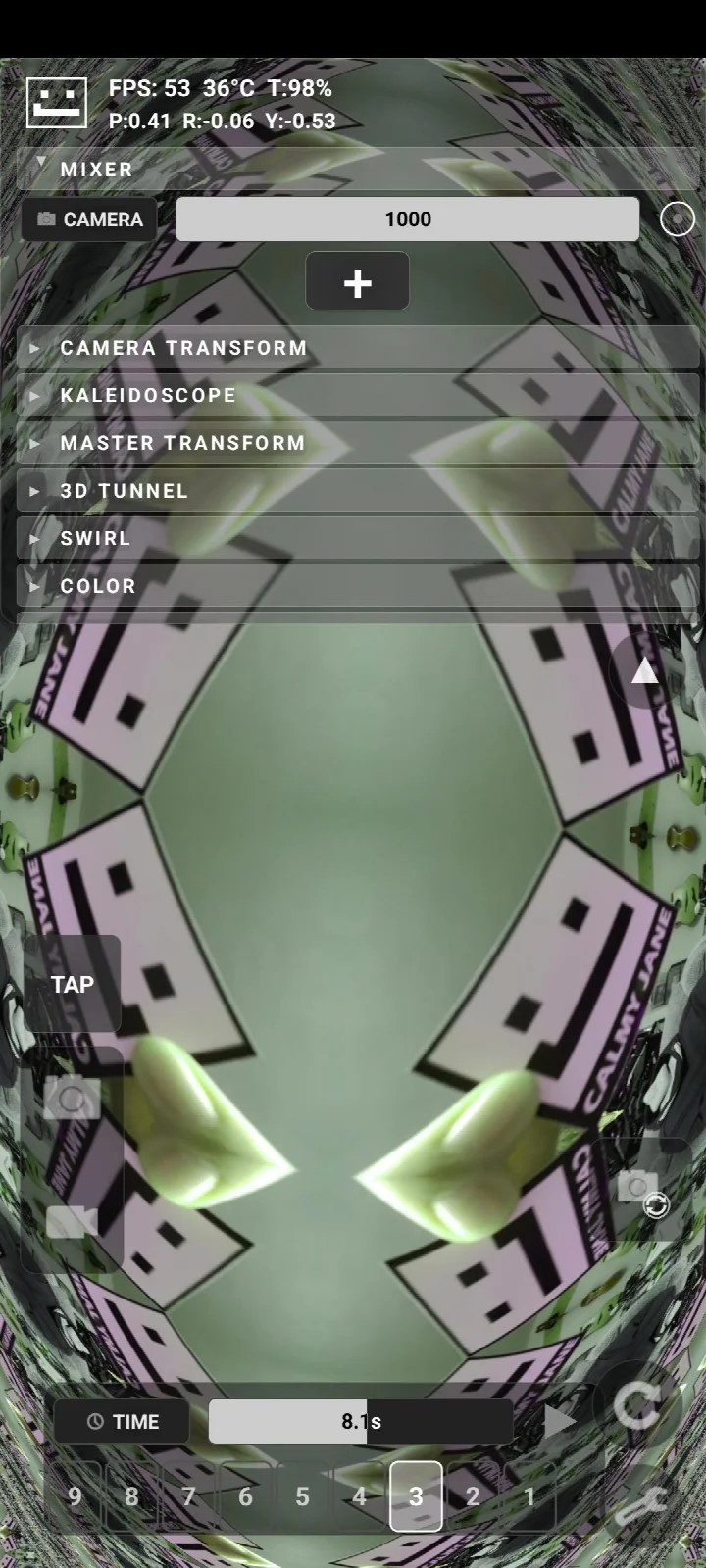
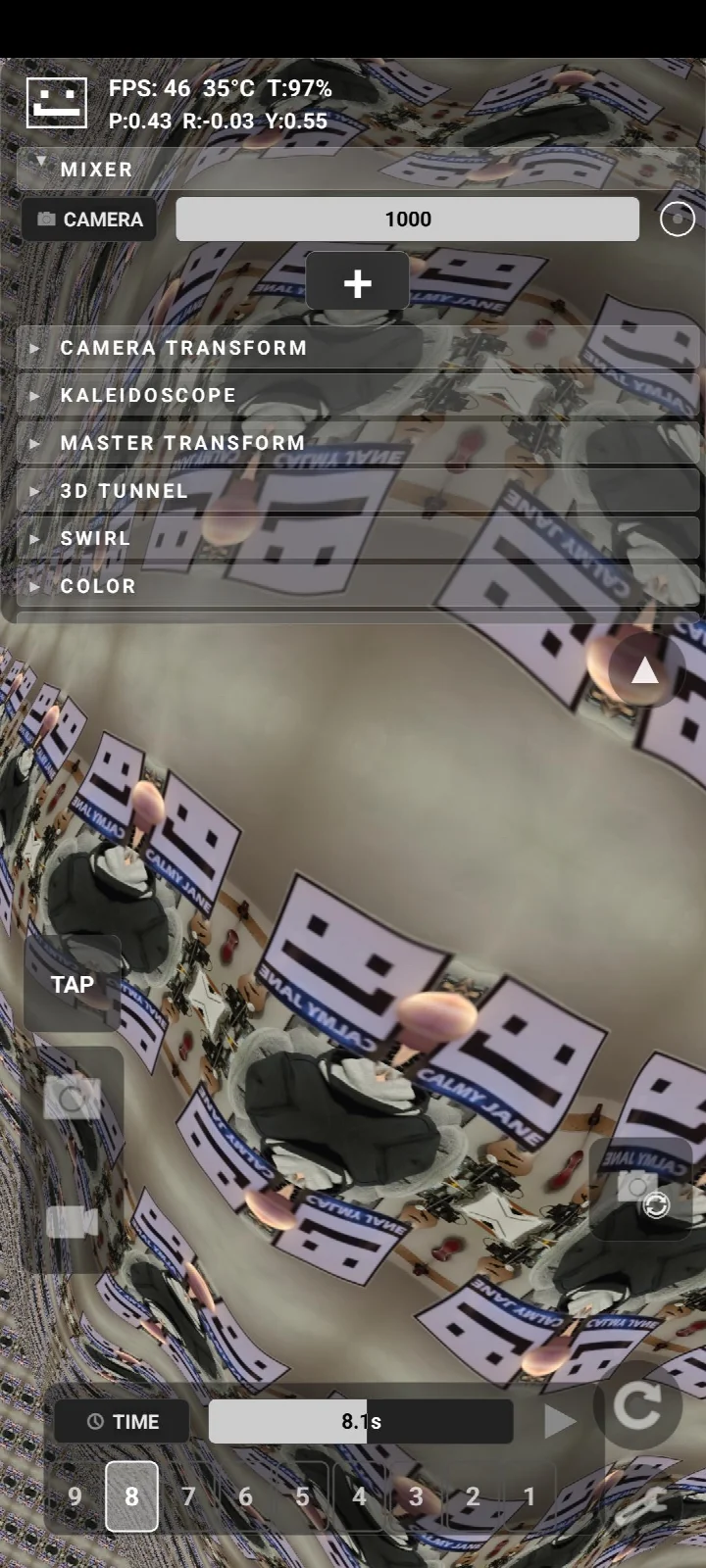
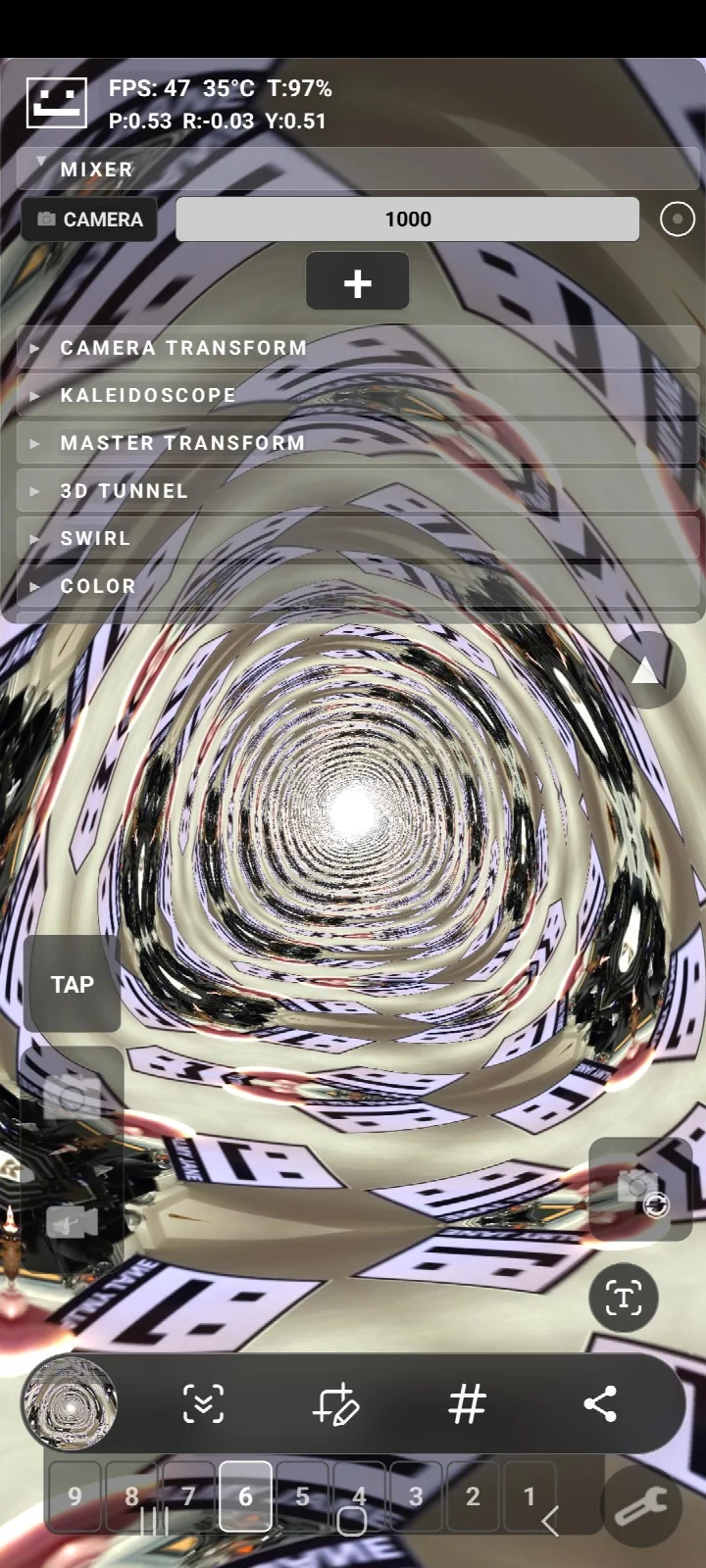
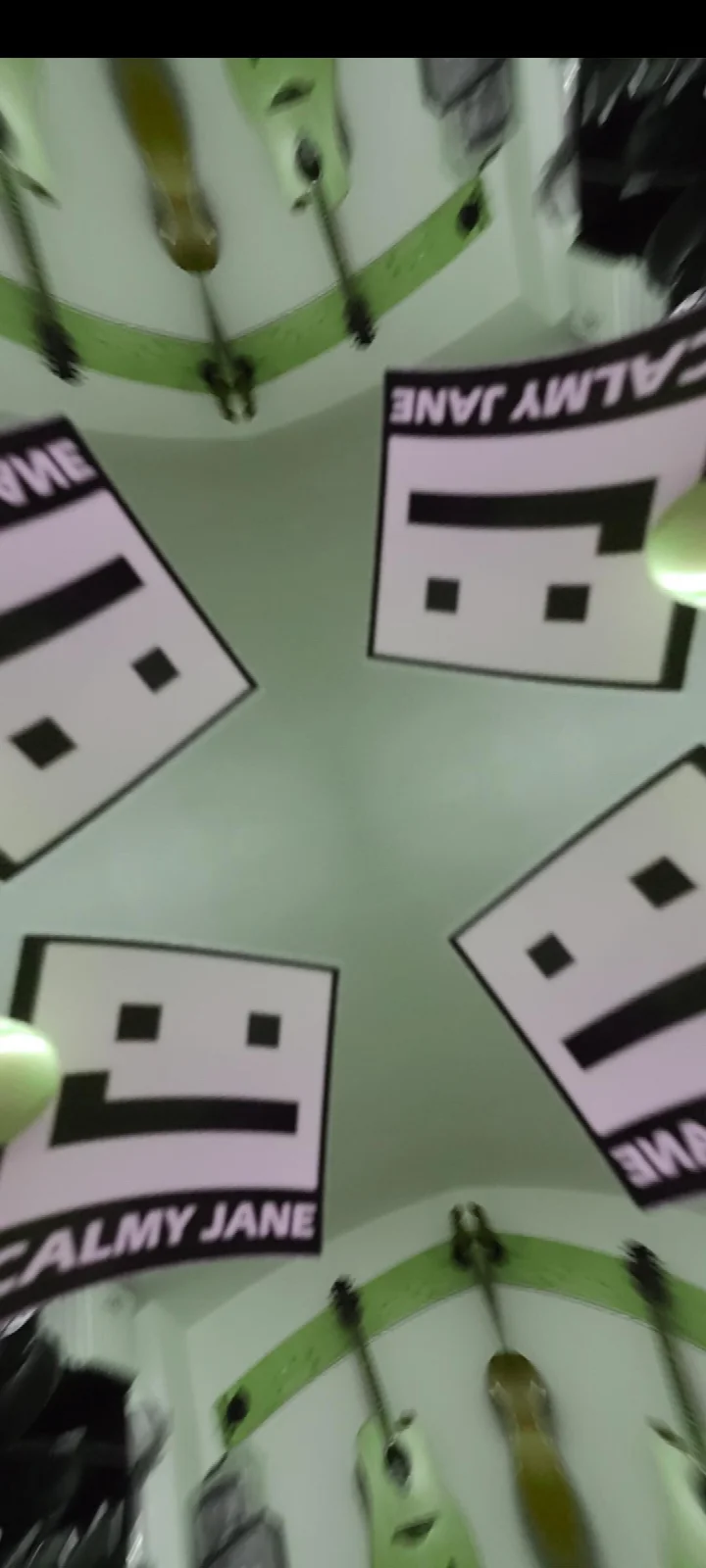
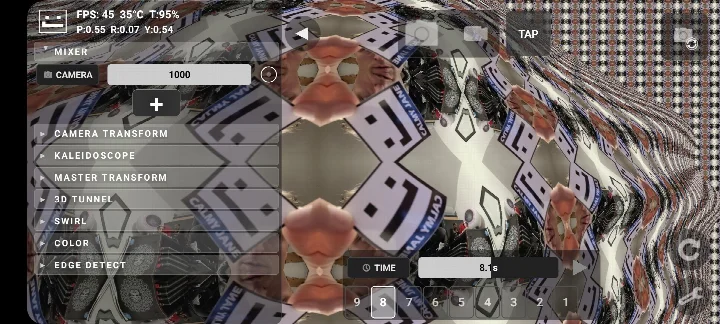
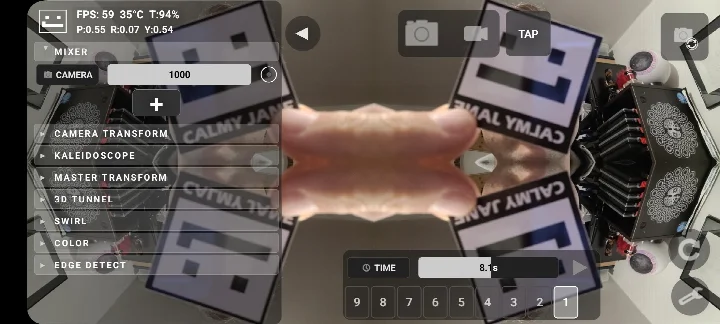
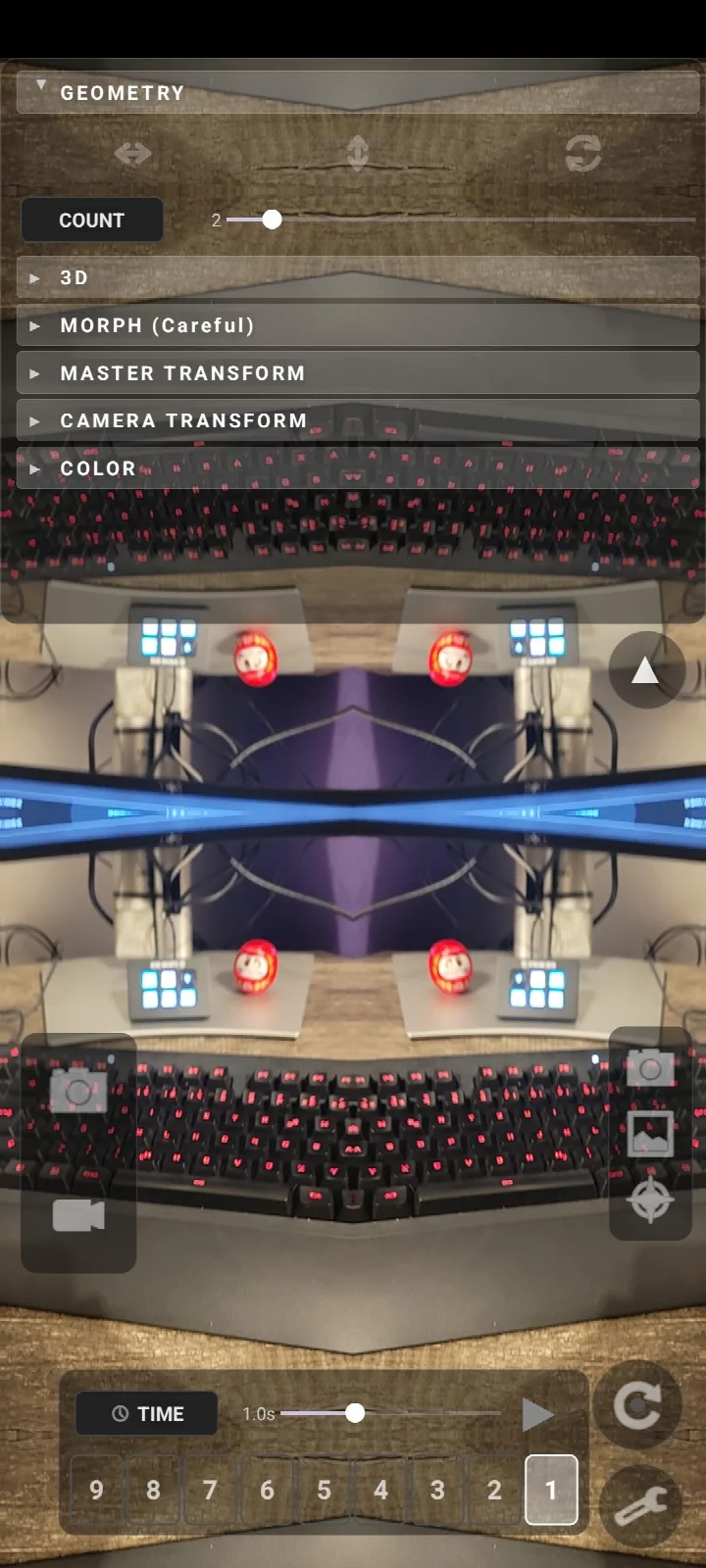
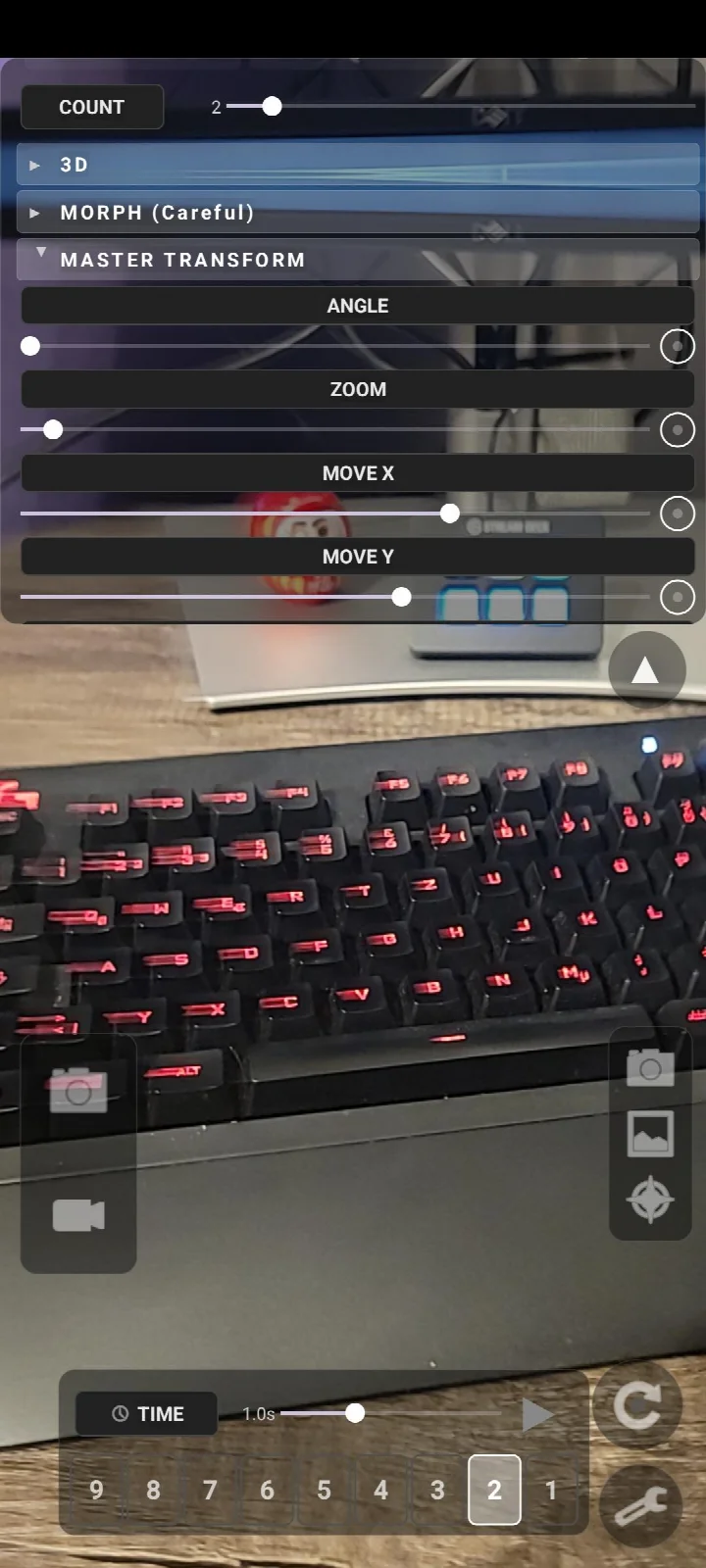
SpaceBeam is a real-time visual effects app by CalmyJane that converts a camera feed into kaleidoscopic, generative geometry for live performance. The tool solves the problem of building projection-style visuals on a phone instead of a laptop: it takes input from cameras, RTSP streams, playlists, shaders or feedback, runs effects such as spirals and tunnels, blends layers with different merge modes, and sends the result to a second screen over Miracast or HDMI. Control is handled live through hand gestures, face tracking, sensors, Bluetooth MIDI or beat-synced automation, so a performer can modify output on the fly. The app keeps analysis local, states that it does not communicate with the internet, and relies on a system setting to keep the screen awake during long sets.
Key features
- Kaleidoscope, Droste spiral, 3D tunnel and swirl effects applied to the live video signal
- Input sources include front and back cameras, RTSP streams, image and video playlists, generative shaders, and feedback from the output
- Merge modes such as add, subtract and multiply combine layers for complex compositions
- Hand tracking maps pinch, hand tilt and hand distance to parameters, while gestures like peace sign, metal sign and thumbs up switch presets
- Face tracking modulates effects using head tilt, distance and mouth width
- Accelerometer and gyroscope act as modulation sources, including for looking around inside tunnel effects
- Bluetooth MIDI controllers, BPM tap, beat-synced LFOs and beat-synced preset transitions give musical timing control
- Nine preset slots with smooth transitions, an auto-play mode timed in seconds or beats and bars, plus undo and redo buttons
How to install
- Tap the download button on this page to get the APK file, which is about 60 MB.
- When Android asks, allow your browser or file manager to install apps by enabling the 'Install unknown apps' setting for that app.
- Open the downloaded APK from your notifications or Downloads folder.
- Tap Install and wait for the installation to complete.
- Open SpaceBeam. Android 10 or newer is required.
Pros
- Free to use and released under the GPL-3.0-only license
- Hand and face tracking are processed on-device, with the app stating that nothing is stored or sent
- The app says it does not communicate with the internet, so the network permission only serves local RTSP streaming
- Very flexible inputs: cameras, RTSP, playlists, shaders and feedback can all feed the effect chain
- Strong performance controls via MIDI, BPM sync, gestures and sensors
- Undo and redo plus nine preset slots make live switching less risky
Cons
- Permissions cover camera, network and modifying system settings, which looks broad at first glance
- Modifying system settings is needed on some devices to force an infinite screen timeout
- If you block network usage, adding or using RTSP sources fails and shows an error, though other features keep working
- Advertisement and in-app purchase status is not documented, so monetization behavior is unclear
- Miracast output relies on hardware that current Samsung phones provide; other devices may not support it
Version history
| Version | Size | Requires Android | Updated |
|---|---|---|---|
| 5.3 | 60 MB | 10 | Nov 23, 2026 |
| 5.2 | 60 MB | 10 | Nov 13, 2026 |
| 5.1 | 60 MB | 10 | Oct 27, 2026 |
| 5.0 | 60 MB | 10 | Oct 14, 2026 |
| 4.3 | 51 MB | 10 | Apr 12, 2026 |
| 4.1 | 17 MB | 10 | Apr 12, 2026 |
| 4.0 | 17 MB | 10 | Apr 9, 2026 |
SpaceBeam suits VJs, projection artists, musicians and hobbyists who want a phone-only visual rig instead of a laptop with heavy software. It is aimed at people who already understand signal paths, presets and live control, because getting the best result means choosing an input source, setting up a Miracast TV or HDMI dongle, and optionally pairing a second phone as a remote camera over RTSP. Casual users looking for a quick filter app will find the workflow more involved, while experienced performers will appreciate the depth in gestures, sensors and MIDI integration.
For a remote camera, run an IP Webcam-style server on a second phone, put both devices on the same Wi-Fi or a hotspot, and enter the RTSP address that the server displays. During a set, use auto-play mode timed in beats or bars so transitions stay musical, and if the screen still sleeps, force the infinite timeout from the settings menu to avoid blackouts.
FAQ
Which phone and connection method does SpaceBeam recommend for sending its visuals to a TV or projector?
The recommended setup runs SpaceBeam on a Samsung Android device, such as the Samsung S20 FE, because Samsung is the only system still supporting miracast. On the phone you look for the 'Smart View' option, then connect to any smart TV, projector, or miracast-to-HDMI dongle that supports miracast.
Can a second phone act as a remote camera, and what is needed to set that up?
Yes. Install the 'IP Webcam' app on the second phone and start its server. Bring both phones onto the same Wi-Fi, either by hosting a hotspot on the main phone or using the same external Wi-Fi. In SpaceBeam, select RTSP as the input source and enter the RTSP address that is shown on the remote camera phone while its server is running, which allows receiving a remote image from quite some distance.
What kinds of hands-free and gesture controls does SpaceBeam offer?
Hand tracking lets you control parameters with finger pinch, hand tilt, and hand distance, while gestures such as a peace sign, metal sign, and thumbs up switch presets. Face tracking can control parameters with head tilt, distance, and mouth width. The accelerometer and gyroscope can modulate parameters and let you look around in the tunnel effects, and a Bluetooth MIDI controller can serve as another modulation source.
Does the camera-based hand and face tracking upload or store the image anywhere?
According to the permission notes, the camera image is used as the live input, and hand and face tracking analyze that image on the device only; nothing is stored or sent anywhere. Network usage is needed only for streaming videos from other devices into the app, and the app does not communicate with the internet. If your operating system allows it, you can block the app's network usage; only adding RTSP sources would then show an error, while other functionality stays unaffected.
Why does SpaceBeam ask for permission to modify system settings, and what does the app touch?
SpaceBeam needs that permission to force the screen timeout to infinite, because the 'keep screen on' flag does not work on all devices and the screen may turn black during use. After you enable it from the settings menu, the permission note says no other settings besides the screen timeout are touched by the app.
SpaceBeam is a focused tool for turning an Android phone into a live visual processor rather than a general-purpose camera app. If your display supports Miracast or an HDMI dongle, it is a compact and controllable option worth evaluating for performance work.
Similar apps
 Samsung GallerySamsung Electronics Co., Ltd. · ★ 3.8 · Photography · 58 MB
 GalleryGoogle LLC · ★ 4.2 · Photography
 Picsart AI Photo Editor, VideoPicsArt, Inc. · ★ 3.9 · Photography · v31.2.6
 AI GalleryTranssion Holdings · ★ 3.5 · Photography · 166 MB
 BeautyPlus-Selfie Photo EditorPIXOCIAL TECHNOLOGY (SINGAPORE) PTE. LTD. · ★ 4.5 · Photography · v7.50.0
 FaceApp: Perfect Face EditorFaceApp Technology Ltd · ★ 4.3 · Photography · 36 MB
 Video Editor & Maker - InShotInShot Video Editor · ★ 4.8 · Photography · v2.250.1556
Updated: Nov 26, 2026