Google Messages for Android
Google Messages is a communication app from Google LLC for sending and receiving messages with RCS support.
Google Messages is for Android users who want a modern, secure texting experience that goes beyond standard SMS and MMS. The app is free, has no ads or in-app purchases, and requires Android 6.0 or higher, with a compact size of 9 MB.
Screen gallery
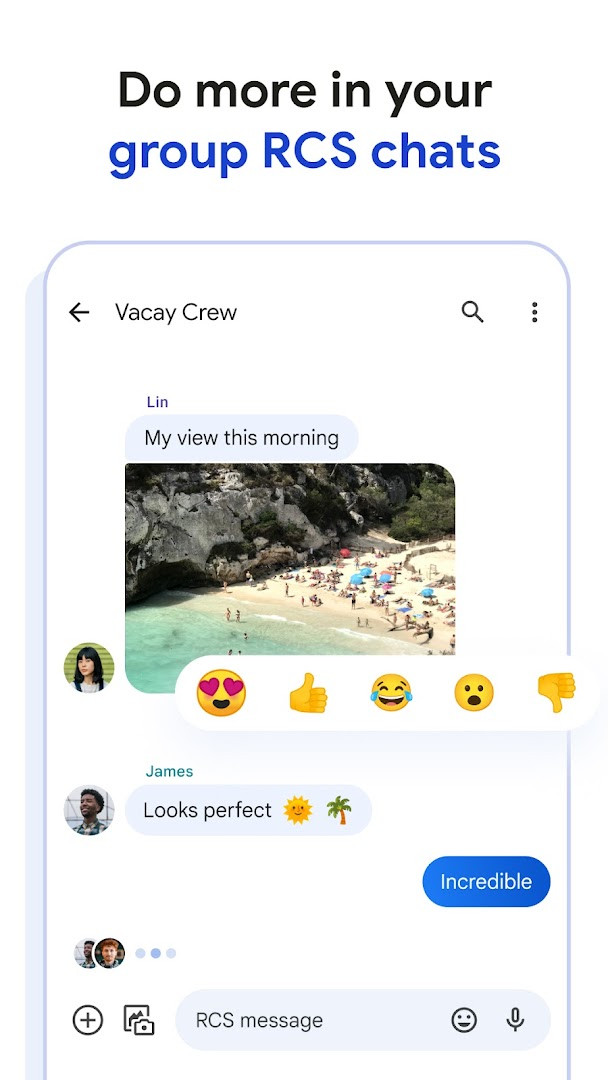
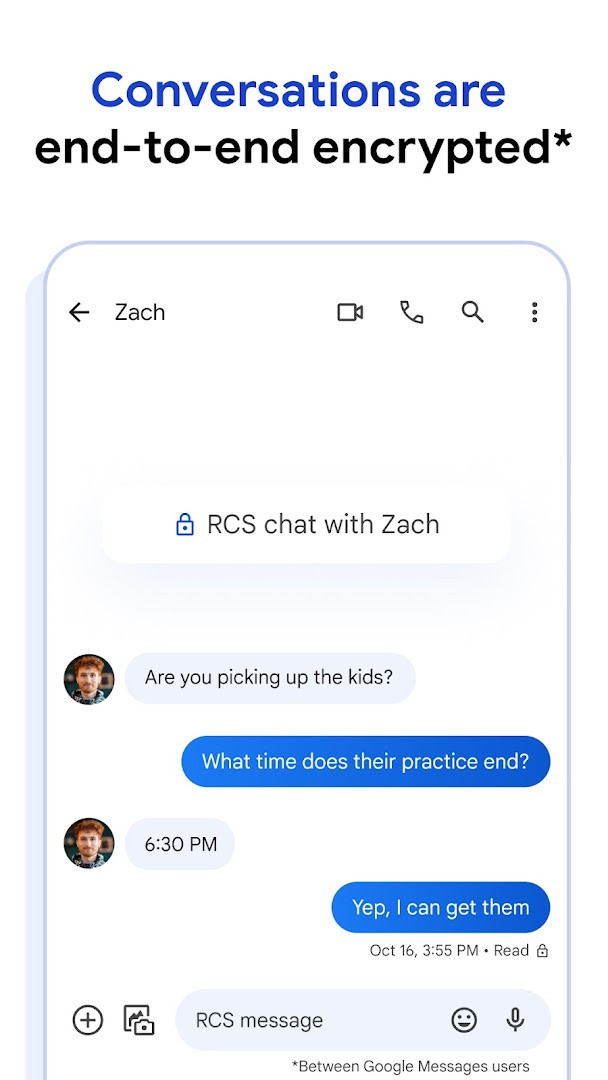
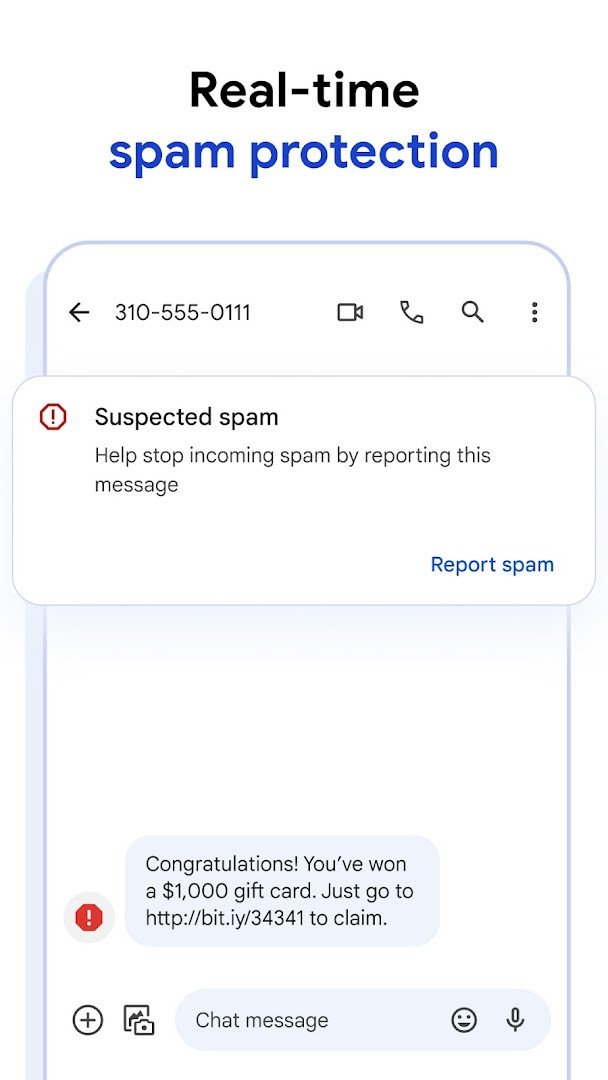
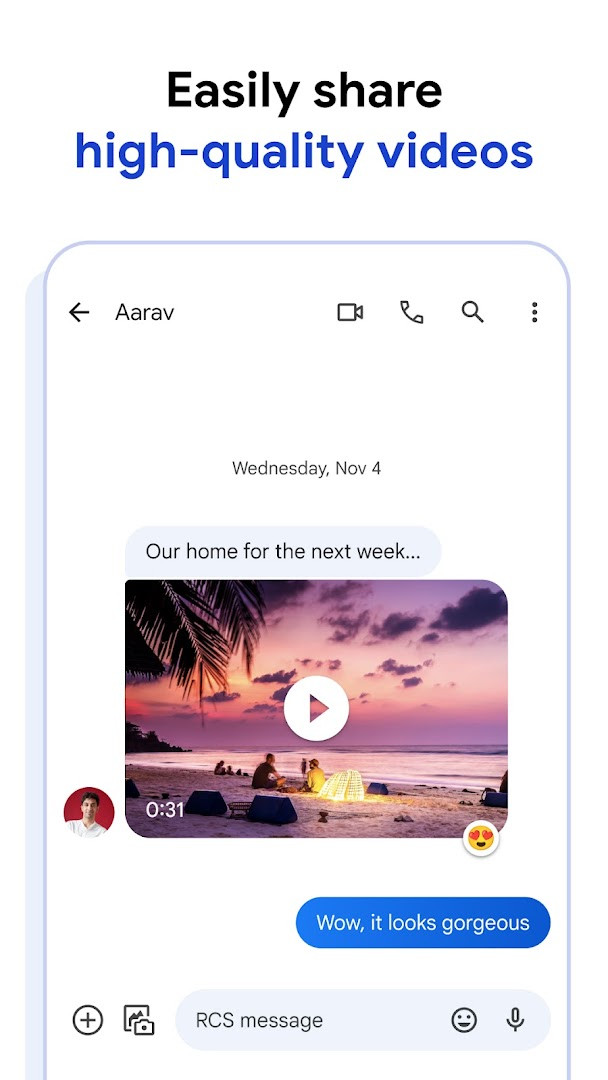
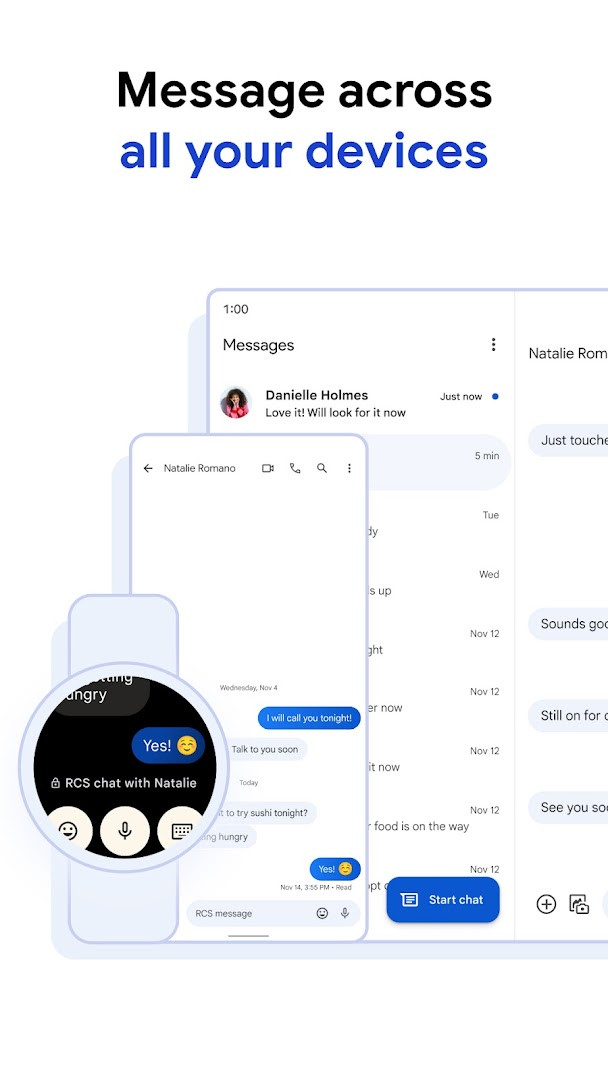
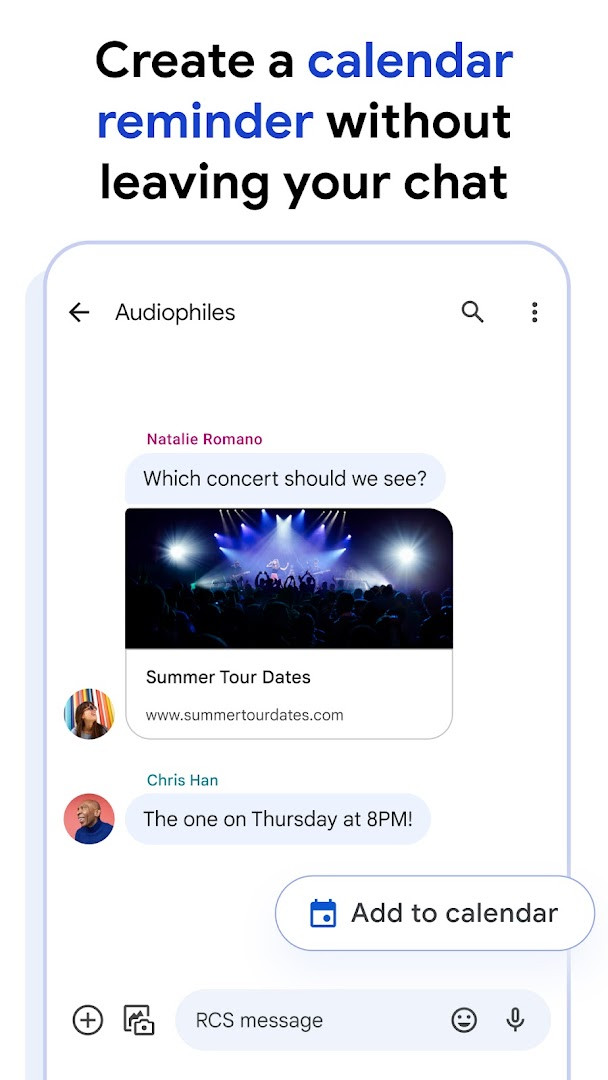
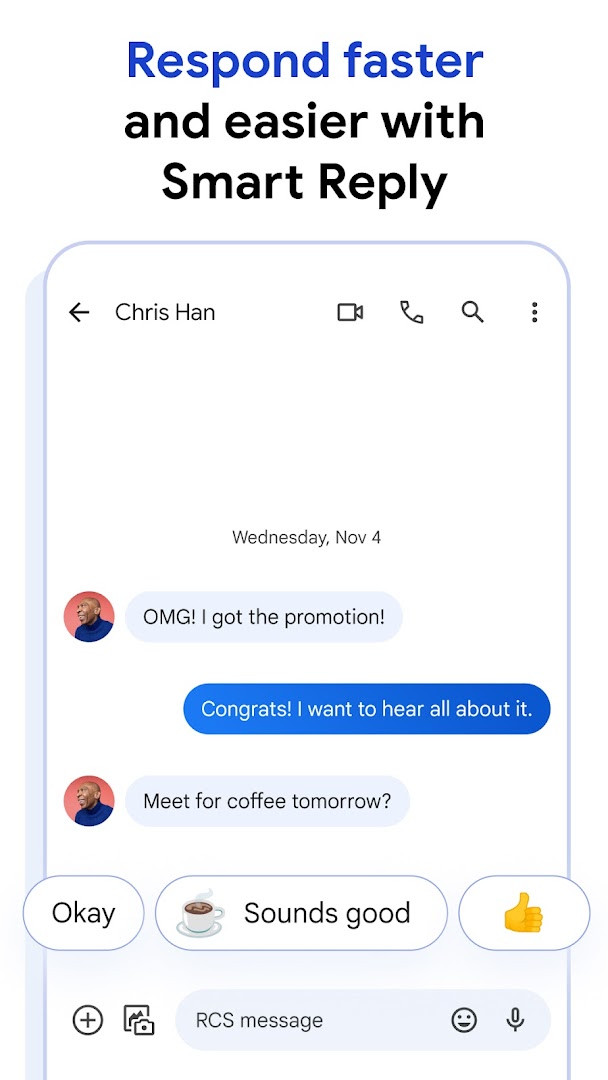
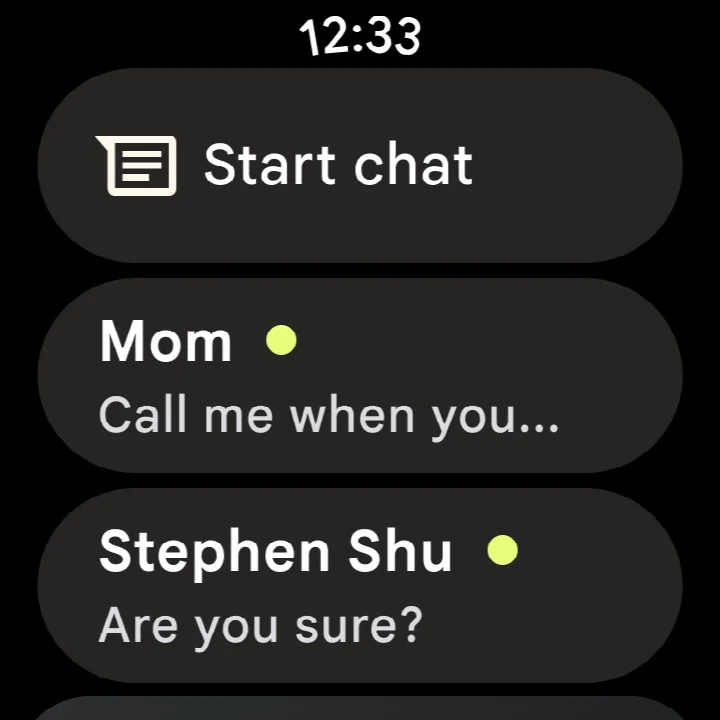
Google Messages is a communication app by Google LLC that provides SMS, MMS, and Rich Communication Services (RCS) messaging with a focus on modern features and cross-device continuity. Originally released in November 2014, the app has grown into the default messaging client on many Android devices, serving over ten billion installs according to the data. Its core purpose is to replace basic text messaging with a richer, more interactive experience that leverages RCS, the industry standard that supersedes older SMS and MMS protocols. With RCS, users can send high-resolution photos and videos, see typing indicators, and participate in dynamic group chats that now include iPhone users who have adopted the standard. The app also emphasizes privacy, offering end-to-end encryption for one-to-one conversations between Google Messages users, ensuring that neither Google nor third parties can read the content. Additional layers of protection include advanced spam filtering. Beyond communication basics, the app integrates AI-powered assistance through Magic Compose, which suggests message rewrites or enhancements, and allows for personalization such as custom bubble colors and selfie GIFs. The latest update, dated October 2026, focuses on bug fixes and stability improvements, with no new headline features mentioned. The app requires Android 6.0 or higher and has a modest file size of 9 MB, making it lightweight for most devices. It is free to use, contains no ads, and offers no in-app purchases, aligning with Google's approach to core utilities. The app also extends to Wear OS, enabling messaging from smartwatches, and supports seamless transitions between phone, tablet, and computer, though RCS availability varies by region and carrier, and some features may require beta testing or specific market conditions. Overall, Google Messages represents a significant evolution of traditional texting, combining industry standards, privacy safeguards, and intelligent tools into a single, unified messaging platform.
Key features
- Rich Communication Services (RCS) support for high-resolution media, typing indicators, and enhanced group chats, including with iPhone users
- End-to-end encryption for personal conversations between Google Messages users, protecting messages and attachments from unauthorized access
- AI-powered Magic Compose suggestions to help craft or refine messages
- Custom chat bubble colors and fun selfie GIFs for personal expression
- Advanced spam protection to filter unwanted messages
- Seamless continuation of conversations across phone, tablet, and computer, with Wear OS support for on-the-go access
How to install
- Tap the download button on this page to obtain the APK file, which is approximately 9 MB in size.
- When Android prompts you, allow your browser or file manager to install apps by enabling the 'Install unknown apps' setting for that source.
- Open the downloaded APK file from your notifications or file manager.
- Tap Install and follow the on-screen prompts to complete the installation.
- Open the app from your app drawer or home screen and sign in with your Google account if prompted.
- Ensure your device runs Android 6.0 or higher to meet the minimum OS requirement.
Pros
- Free with no ads and no in-app purchases
- End-to-end encryption for user-to-user chats
- Cross-device support including Wear OS
- AI writing assistance via Magic Compose
- Regular updates with stability fixes
Cons
- RCS features may be limited by carrier or region
- Some features require beta testing or specific device compatibility
- Requires granting access to sensitive permissions like SMS, location, and contacts
Latest changes
The latest update to Google Messages, released on October 8, 2026, focuses on bug fixes and stability improvements to ensure a smoother messaging experience. This release builds on the app's core strengths, including RCS support for high-quality media sharing and group chats that include iPhone users, end-to-end encryption for personal conversations, and AI-powered features like Magic Compose. As always, availability of specific features may vary by market, device, and carrier.
Version history
| Version | Size | Requires Android | Updated |
|---|---|---|---|
| 1.9.041 (4109217-38.phone) | 18 MB | 4.1 | Sep 25, 2019 |
| 4.3.094 (griffin_RC05_alldpi.armeabi-v7a.wear) | 9 MB | 6.0 | Apr 30, 2019 |
| 1.9.518 (3202766-48.phone) | 18 MB | 7.1 | Oct 11, 2016 |
| 1.1.057 (1704610-04) | 8.1 MB | 5.1 | Mar 10, 2015 |
Google Messages is ideal for Android users who want a modern, feature-rich texting experience beyond basic SMS, including those who frequently communicate with iPhone users via RCS, privacy-conscious individuals seeking encrypted conversations, and people who value seamless messaging across multiple devices like phones, tablets, and smartwatches.
For the best experience, enable RCS in the app's settings if your carrier supports it, and consider using Magic Compose to quickly improve the tone of your messages before sending.
Permissions
FAQ
Is Google Messages free to download and use?
Yes, Google Messages is free. It costs $0.00, contains no ads, and offers no in-app purchases.
What Android version do I need to install Google Messages?
The app requires Android 6.0 or higher. The current version listed on this page was updated on October 8, 2026.
How large is the Google Messages APK file?
The APK file size is about 9 MB. This is the size shown on the download page for the latest version.
Do I need a Google account or any special setup to use Google Messages?
No special account is required beyond what is typical for using an Android device. The app functions as your default SMS and RCS messaging app, and no separate sign-up is needed.
What permissions does Google Messages request during installation?
The app requests access to identity, contacts, location, SMS, phone, photos/media/files, storage, camera, microphone, and device ID & call information. These permissions support features like sending messages, sharing media, and making calls.
How do I update Google Messages to the newest version?
To update, simply download the latest version available on this page and install it over your current installation. The most recent update here includes bug fixes and stability improvements.
Google Messages is a solid, free messaging solution that modernizes traditional texting with RCS, strong privacy features, and useful AI tools. While its advanced capabilities depend on carrier support and device compatibility, the app's core SMS/MMS functionality remains reliable and its cross-device integration adds practical value. For most Android users, it is a worthwhile default that balances innovation with everyday usability.
Similar apps



More from this developer
 Gboard - the Google KeyboardGoogle LLC · ★ 4.5 · Tools · 9.4 MB
 Google CalendarGoogle LLC · ★ 4.6 · Productivity · 33 MB
 Google TVGoogle LLC · ★ 3.9 · Entertainment · 40 MB
 GoogleGoogle LLC · ★ 4.0 · Tools · 156 MB
 Google DriveGoogle LLC · ★ 4.3 · Productivity · 124 MB
 YouTubeGoogle LLC · ★ 3.8 · Entertainment · 199 MB
Updated: Nov 7, 2026