Android Accessibility Suite for Android
Android Accessibility Suite is a collection of accessibility tools from Google LLC for using your Android device eyes-free or with a switch device.
Android Accessibility Suite helps people with visual or motor impairments operate their Android phone without looking at the screen or using a touchscreen. It combines the TalkBack screen reader with an on-screen Accessibility Menu, Select to Speak, and a braille keyboard.
Screen gallery
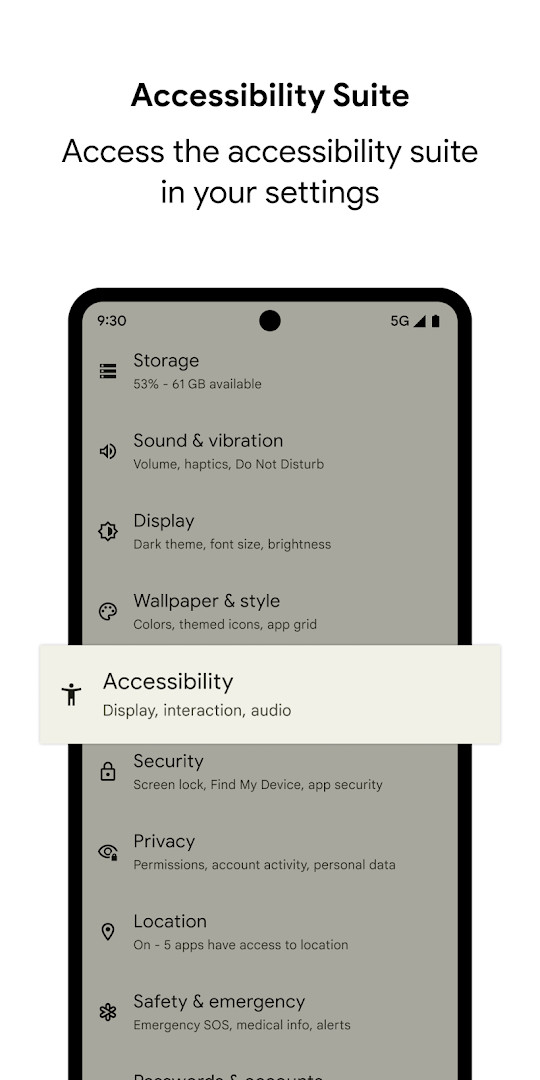
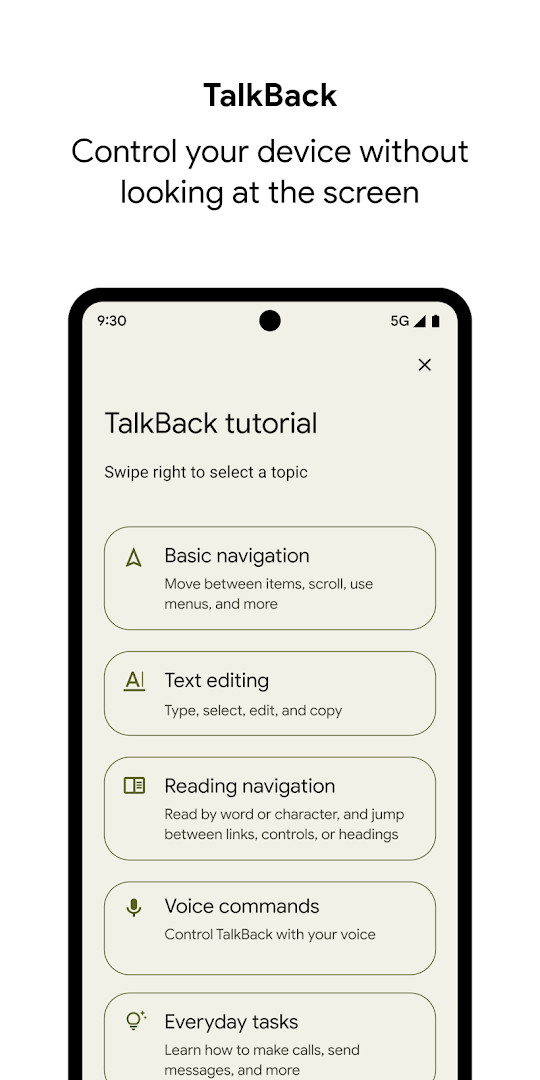
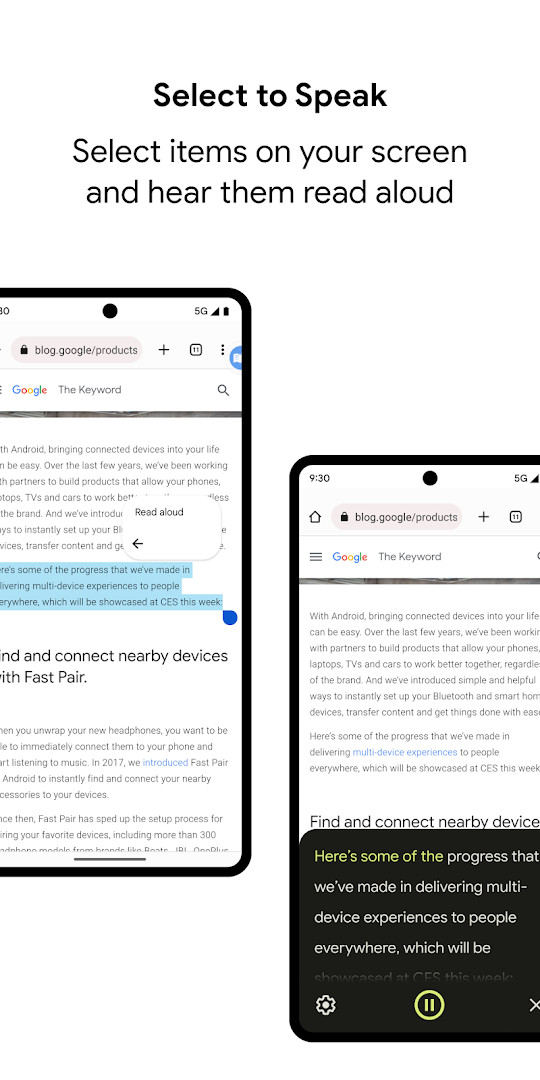
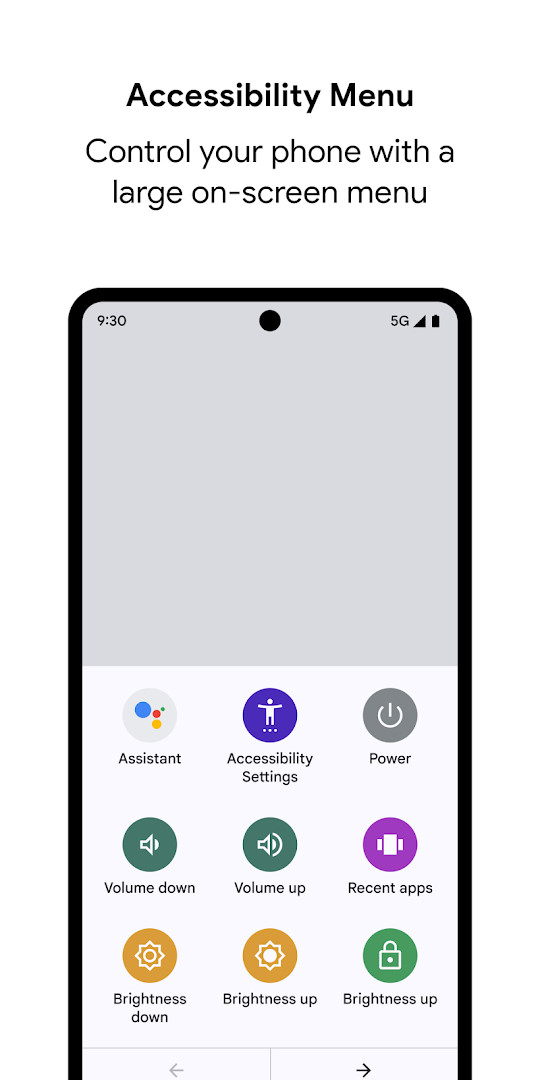
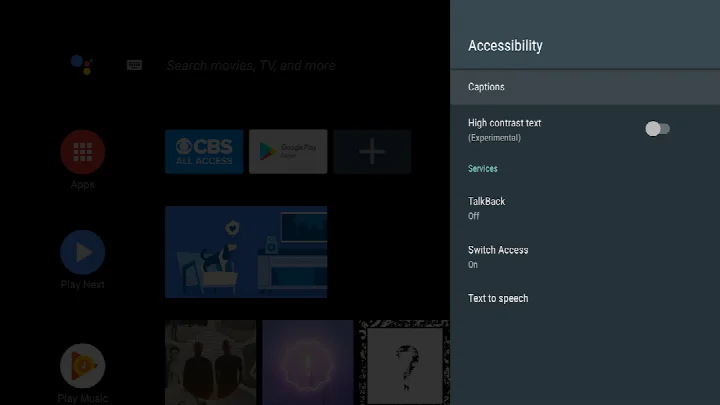
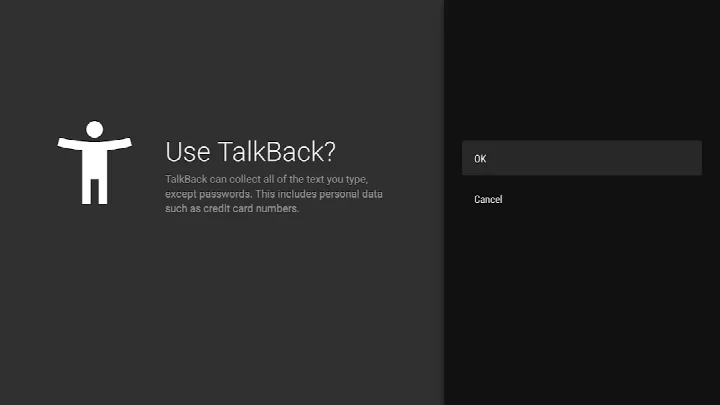
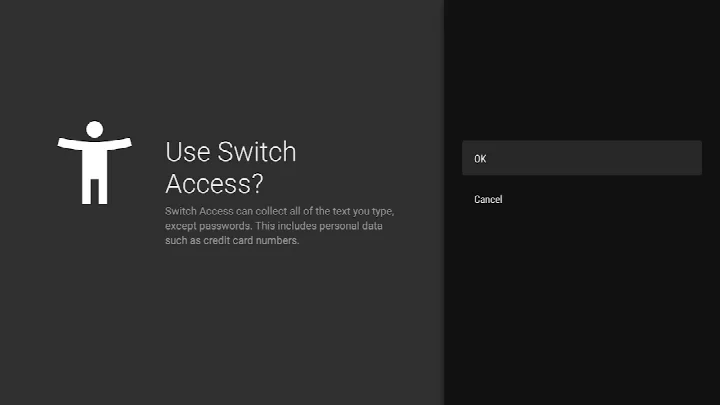
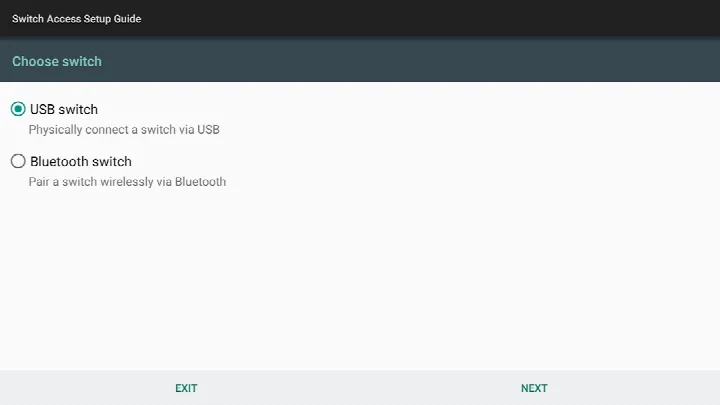
Android Accessibility Suite is a collection of system-level accessibility tools by Google LLC that helps you operate an Android device eyes-free or with a switch device. Rather than a single utility, it bundles several complementary services under one package, most notably TalkBack, the Accessibility Menu, and Select to Speak. For experienced users comparing alternatives, this suite stands out because it is the native, deeply integrated option on most Android devices, which means it tends to receive updates in lockstep with the operating system and offers tight coupling with system settings and hardware. The suite is designed for people who need screen reading, switch access, or simplified on-screen controls, but it also appeals to power users who want granular control over how their device speaks and responds.
The core components serve distinct purposes. TalkBack is a full screen reader that provides spoken feedback, supports gesture-based navigation, and includes an on-screen braille keyboard for typing. The Accessibility Menu places a large, persistent on-screen menu that lets you lock the phone, adjust volume and brightness, take screenshots, and access other common actions without fumbling through multiple screens. Select to Speak works as a lightweight alternative to a full screen reader: you select text or elements on the screen and the device reads them aloud, which is handy for intermittent reading rather than continuous narration. All three can be enabled independently from the device's Accessibility settings, and they can coexist with other assistive technologies.
The latest update, version 17.1, focuses on refinements rather than new headline features. Improvements include better text selection, voice selection within TalkBack settings, enhanced braille display customization, and a better typing experience with physical keyboards in Chinese, Japanese, Korean, and Vietnamese. There are also improved keyboard interactions in smart browse mode and overall performance gains. For Wear OS, the 17.1 release brings a more seamless Continue on Phone experience and enhanced speech output display. The app requires Android 9 or later for the phone version, and TalkBack for Wear requires Wear OS 3.0 or later. Released in late 2020, it has been updated frequently, with the most recent build dated early November 2026.
Key features
- TalkBack screen reader with spoken feedback, gesture control, and on-screen braille keyboard
- Accessibility Menu with large controls for locking, volume, brightness, screenshots, and more
- Select to Speak for reading selected on-screen items aloud
- Improved text selection and voice selection within TalkBack settings
- Enhanced braille display customization and physical keyboard typing improvements for CJK and Vietnamese
- Improved smart browse mode keyboard interactions and overall performance
- TalkBack for Wear OS with seamless Continue on Phone and enhanced speech output display
How to install
- Tap the download button on this page to get the APK file (approximately 45 MB).
- When Android prompts, allow your browser or file manager to install apps by enabling the Install unknown apps setting for that source.
- Open the downloaded APK file from your notifications or Downloads folder.
- Tap Install and confirm when the system asks for permission.
- Open the app, then go to Settings > Accessibility to enable TalkBack, Accessibility Menu, or Select to Speak as needed.
Pros
- Deep system integration with Android settings and hardware
- Multiple assistive tools in one package, reducing the need for separate apps
- Regular updates with performance and feature refinements
- No ads, no in-app purchases, and completely free
- Works on a wide range of devices running Android 9 or later
Cons
- Heavy permissions footprint, including phone state, accessibility service, and notifications
- Large download size at 45 MB for a system utility
- Some features may feel complex to configure for first-time users
- TalkBack for Wear requires a separate Wear OS 3.0 or later device
Latest changes
The latest update to TalkBack 17.1 brings improved text selection, a new voice selection option within TalkBack settings, and enhanced braille display customization. Typing with a physical keyboard has been refined for Chinese, Japanese, Korean, and Vietnamese, and keyboard interactions in smart browse mode are more responsive. On Wear OS, TalkBack 17.1 offers a smoother "Continue on Phone" experience and better display of speech output. Overall performance has also been improved.
Version history
| Version | Size | Requires Android | Updated |
|---|---|---|---|
| 3.1.1 | 1.2 MB | 4.1 | Oct 1, 2026 |
| 17.1.0.983118198 | 45 MB | 9 | Sep 29, 2026 |
| 17.0.1.926549743 | 43 MB | 9 | Sep 24, 2026 |
| 12.2.0.461147544 leanback | 28 MB | 6.0 | Jun 26, 2026 |
| 17.0.1.911806202 | 43 MB | 9 | Jun 10, 2026 |
| 9.0.0.332399336 | 15 MB | 11 | Nov 22, 2025 |
| 3.2.0 | 1.3 MB | 4.2 | Nov 10, 2025 |
| 7.3.0.238058557 leanback | 11 MB | 5.0 | Mar 14, 2019 |
| 5.0.7 | 7.2 MB | 4.1 | Nov 13, 2016 |
This suite is for people with visual impairments who need a full screen reader like TalkBack, users with motor or dexterity challenges who benefit from the large Accessibility Menu or switch access, and anyone who wants selective text-to-speech via Select to Speak rather than continuous narration.
If you enable TalkBack, try the on-screen braille keyboard in settings; it often provides faster typing than gesture-based input once you learn the layout, and you can customize the braille display connection for external hardware.
Permissions
FAQ
Which Android version is required to run Android Accessibility Suite?
The app requires Android 7 (Android N) or later. For TalkBack on Wear OS, you need Wear OS 3.0 or later.
What components are included in the suite?
The suite includes the Accessibility Menu, Select to Speak, and the TalkBack screen reader. The Accessibility Menu offers controls for locking the phone, adjusting volume and brightness, and taking screenshots. Select to Speak reads aloud items you choose on screen. TalkBack provides spoken feedback, gesture control, and an on-screen braille keyboard.
How do I enable one of the accessibility tools after installing the app?
Open your device's Settings app, go to Accessibility, then choose Accessibility Menu, Select to Speak, or TalkBack to turn it on.
What did the TalkBack 17.1 update introduce?
TalkBack 17.1 brought improved text selection, voice selection within TalkBack settings, enhanced braille display customization, better typing with a physical keyboard for Chinese, Japanese, Korean, and Vietnamese, improved keyboard interactions in smart browse mode, and overall performance gains. The Wear OS version added a smoother 'Continue on Phone' experience and improved speech output display.
What permissions does the app request and why?
It requests phone state access to adapt announcements to your call status, an accessibility service permission to observe actions, retrieve window content, and read typed text, and notification access so TalkBack can inform you about updates. The app also lists permissions for location, photos/media/files, storage, camera, microphone, and device ID and call information.
Android Accessibility Suite is the default, deeply integrated accessibility stack for Android, and its 17.1 update brings meaningful polish to text selection, braille, and keyboard input. For experienced users, the main trade-off is the broad permission footprint and the 45 MB size, but the combination of TalkBack, Accessibility Menu, and Select to Speak in one free, ad-free package makes it the strongest baseline option for accessible Android use, especially if you want tools that stay current with system updates.
Similar apps

More from this developer
 Google MessagesGoogle LLC · ★ 4.6 · Communication · 9 MB
 Gboard - the Google KeyboardGoogle LLC · ★ 4.5 · Tools · 9.4 MB
 Google CalendarGoogle LLC · ★ 4.6 · Productivity · 33 MB
 Google TVGoogle LLC · ★ 3.9 · Entertainment · 40 MB
 GoogleGoogle LLC · ★ 4.0 · Tools · 156 MB
 Google DriveGoogle LLC · ★ 4.3 · Productivity · 124 MB
Updated: Nov 10, 2026