Gmail: Official Email App
Gmail is a communication app by Google LLC that lets you manage email with search, AI help, and support for multiple accounts.
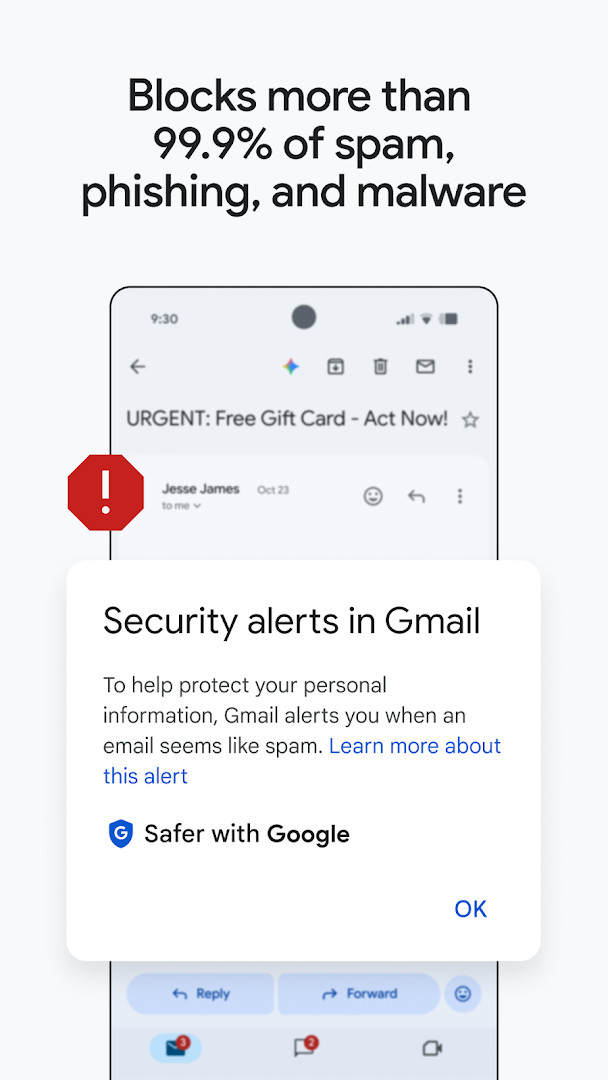
Gmail is the official email client from Google LLC that combines secure messaging with features like AI-assisted writing, smart replies, and search across your inbox and Drive files. It is designed for both personal users and teams, offering tools such as summary cards, one-tap unsubscribe, and spam protection that blocks over 99.9% of unwanted messages.
Screen gallery
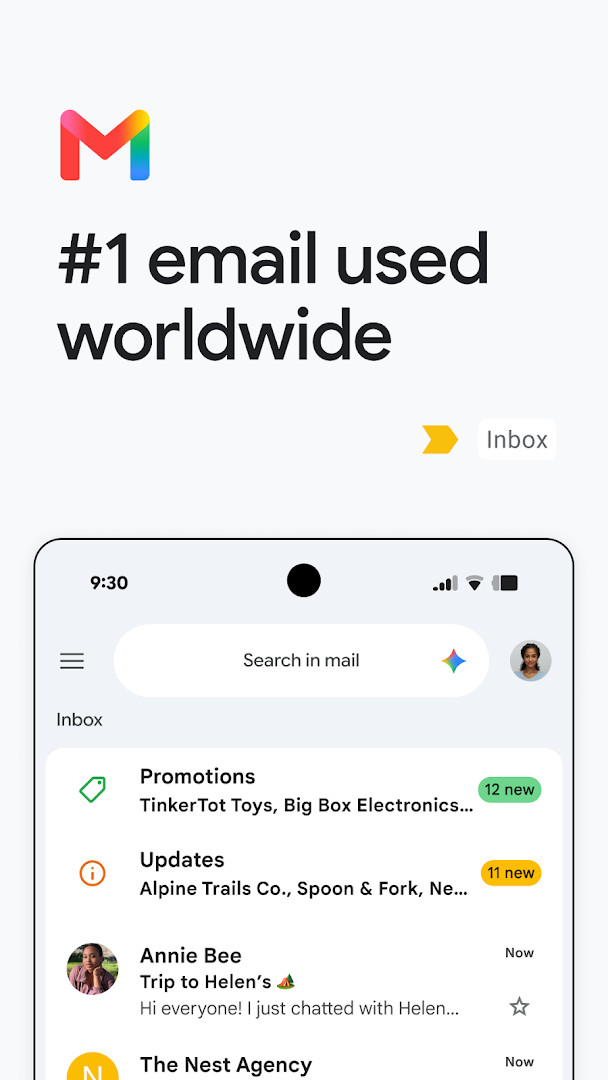
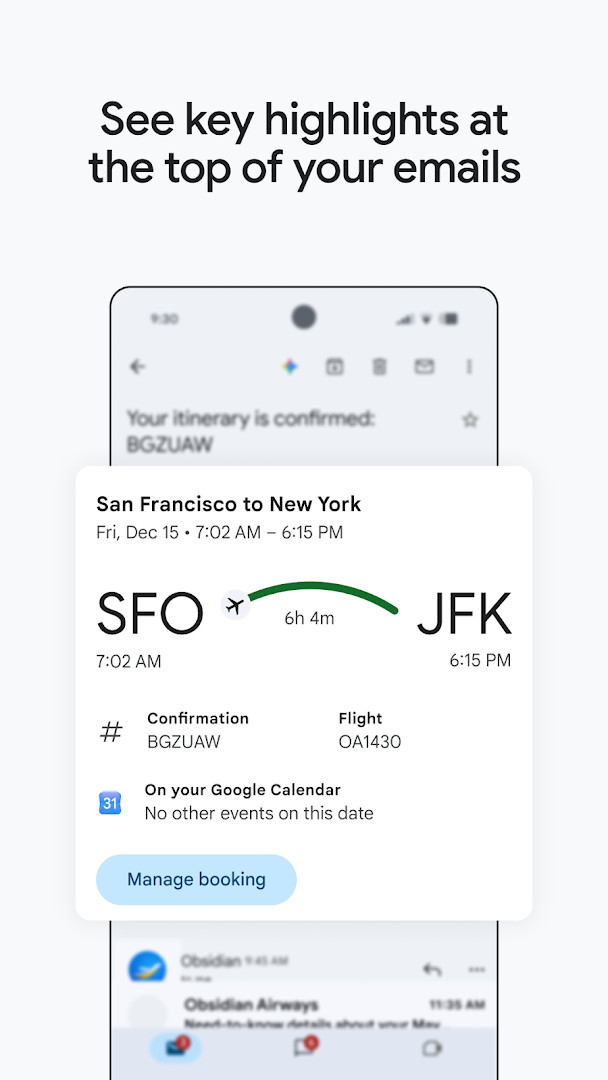
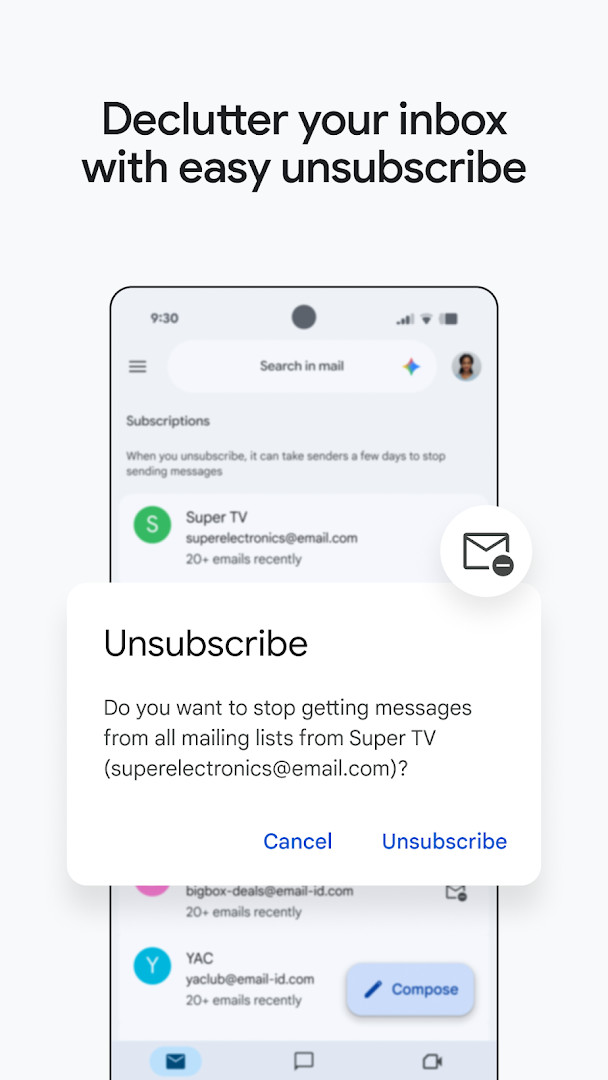
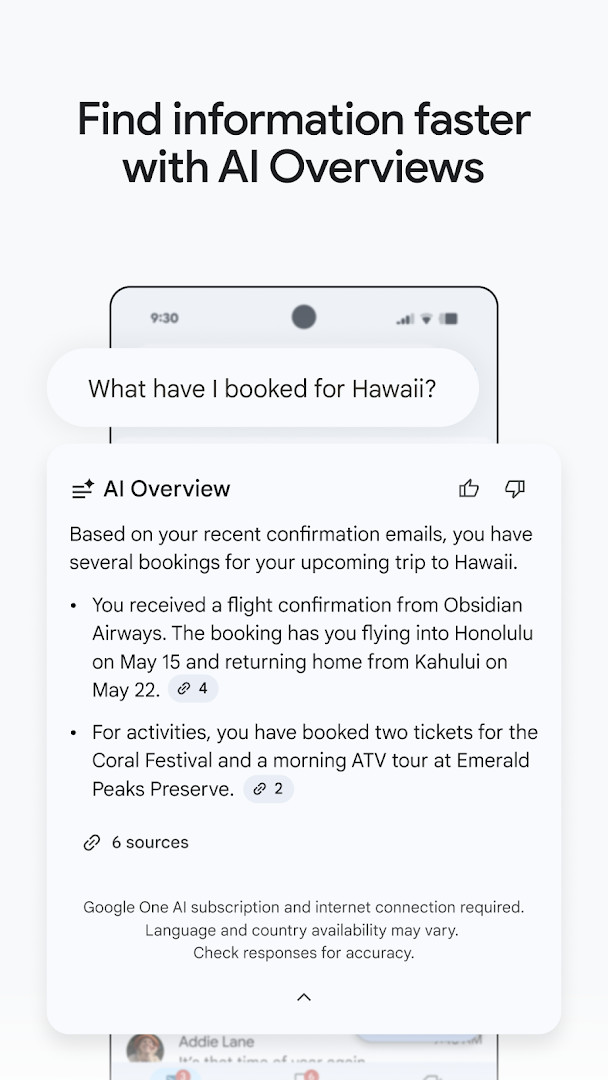
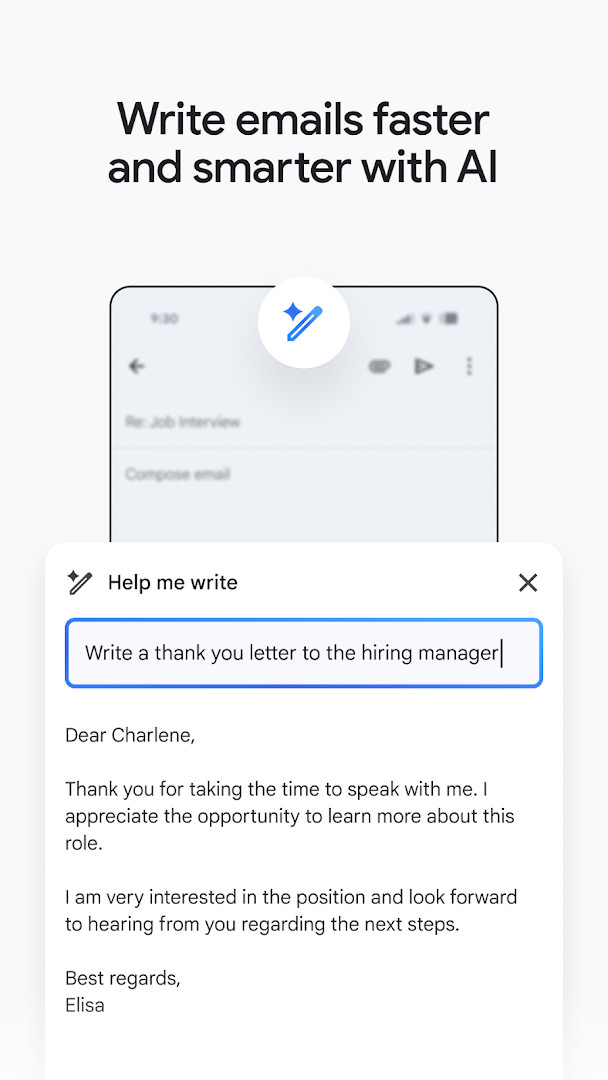
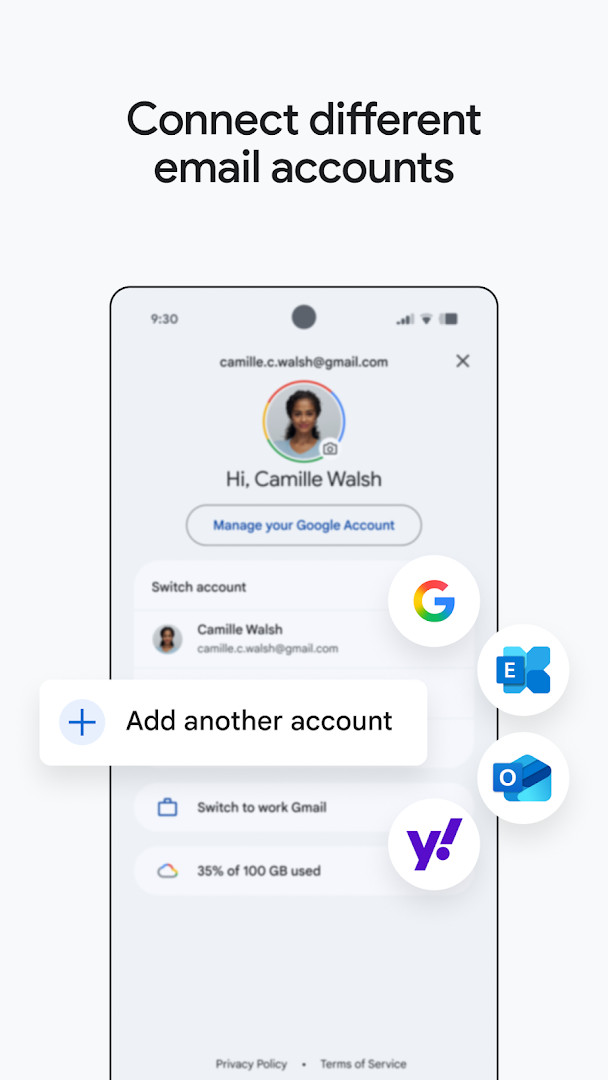
Gmail is an official email application by Google LLC that manages multiple mail accounts, provides AI-assisted writing and search tools, and integrates tightly with the Google Workspace suite. The app serves as the dedicated mobile client for the widely used Gmail service, letting users send, receive, and organize messages while also offering access to features like chat, voice and video calls, and collaborative spaces. Its core purpose is to keep personal and professional correspondence efficient, secure, and accessible from an Android phone or tablet, with a design that emphasizes speed and relevance over manual sorting.
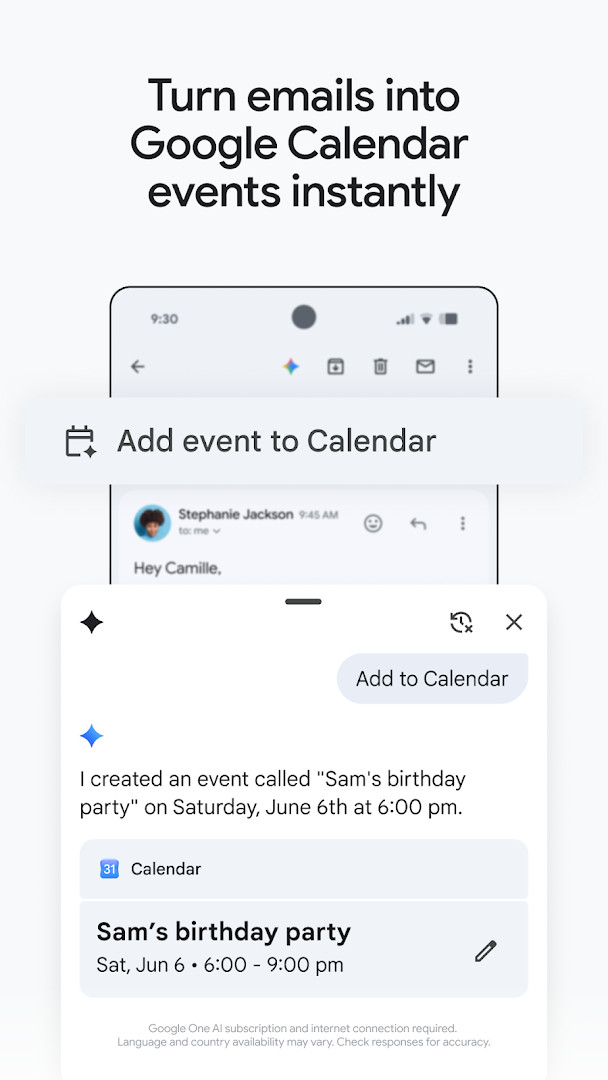
Beyond basic messaging, the application layers in several productivity enhancements that go beyond a conventional inbox. Summary cards at the top of emails surface key details such as tracking numbers or event information without requiring users to open each message. Google's AI capabilities, available under the Gemini branding, assist with drafting replies, generating contextual Smart Reply suggestions, and searching across both inbox content and Google Drive files. The app also includes a one-tap unsubscribe option to reduce unwanted mail and an Add to Calendar button that creates Google Calendar invites directly from a message, streamlining common workflow steps.
Recent updates frame the tool as a central hub for workplace communication, where secure email serves as the foundation for chat, group collaboration in spaces, and voice or video calls, all within one interface. The version released on 2026-11-13 continues this direction, emphasizing that users can stay on top of important work without switching between separate apps. Privacy and security remain prominent: the service automatically blocks over 99.9% of spam, phishing, and malware before it reaches the inbox, and enterprise-grade threat defenses are highlighted for business users, though the app does request access to a broad range of device functions and personal data.
Key features
- Summary cards at the top of emails highlight important details like tracking or event information
- AI-powered writing assistance with Help me write and contextual Smart Reply features
- Search across inbox and Google Drive files using keywords or Gemini queries
- One-tap unsubscribe to manage unwanted senders from a single location
- Support for multiple accounts from different email providers, including non-Gmail addresses
- Add to Calendar button that creates Google Calendar invites directly from the inbox
- Wear OS support with a Gmail complication and tile for quick email overviews
- Automatic blocking of more than 99.9% of spam, phishing, and malware
- Integrated chat, spaces for group collaboration, and voice or video calls within the app
How to install
- Tap the download button on this page to begin getting the APK file, which is about 26 MB in size.
- When Android prompts you, allow your browser or file manager to install apps by enabling the Install unknown apps setting for that source.
- Locate the downloaded APK file in your notifications or file manager and open it.
- Tap Install on the confirmation screen and wait for the installation to complete.
- Open the app from your home screen or app drawer, then sign in with your account credentials.
- Ensure your device runs Android 5.0 or higher, as that is the minimum operating system version required.
Pros
- Strong spam and malware filtering that blocks the vast majority of threats before they arrive
- AI tools like Help me write and Smart Reply can speed up email composition
- Multiple account support works with Gmail and other providers like Outlook or Yahoo
- Deep integration with Google Calendar, Drive, Meet, and Chat for a unified workflow
- Wear OS support allows quick email checks from a smartwatch
Cons
- Requests access to many sensitive permissions, including identity, calendar, contacts, phone, camera, microphone, and storage
- Contains ads within the free tier, which some users may find intrusive
- Advanced AI features like Gemini require a paid Google AI Pro or Ultra plan and an internet connection
- Large app with many features may feel overwhelming for users who only want basic email
Latest changes
The latest Gmail update is designed to help you focus on what matters, with secure email as its foundation. Beyond email, you can now chat, collaborate with groups in dedicated spaces, and make voice or video calls—all from within the same app. This keeps communication and teamwork in one convenient place.
Version history
| Version | Size | Requires Android | Updated |
|---|---|---|---|
| 8.10.7.218420740.release | 22 MB | 4.1 | Jan 20, 2026 |
| 2019.10.20.278647676.release | 26 MB | 4.4 | Jan 17, 2026 |
| 2020.05.31.316831277.release | 26 MB | 5.0 | Jan 16, 2026 |
| 7.5.7.156101332.release | 19 MB | 4.0 | May 18, 2017 |
| 2.3.6 | 1.8 MB | — | Jun 16, 2013 |
| 1.3 | 0.8 MB | — | Jan 27, 2012 |
This app suits individuals who rely on Gmail for both personal and professional communication and want a feature-rich mobile client. It is also ideal for Google Workspace subscribers who need integrated chat, video calls, and collaboration tools alongside email, as well as users who frequently juggle multiple email accounts and value AI-assisted drafting and search capabilities.
To reduce data usage and improve privacy, review the app's permissions after installation and revoke any that are not essential, such as camera or microphone access, if you rarely attach media or make calls from the app.
Permissions
FAQ
What does the 99.9% spam blocking figure in the description actually cover?
According to the app description, Gmail automatically blocks more than 99.9% of spam, phishing, and malware from reaching your inbox, providing peace of mind about unwanted content.
Which Gemini-powered features are built into the Gmail app?
The app includes Gemini-based tools such as 'Help me write', contextual Smart Reply, the ability to ask Gemini to find details from your inbox or Google Drive files, and an 'Add to Calendar' button that creates Google Calendar invites with Gemini. These require a Google AI Pro or Ultra plan, an internet connection, and may vary by language and country.
Can I use the Gmail app with email accounts from other providers?
Yes, the app supports switching between multiple accounts from different email providers, so you can manage both Gmail and non-Gmail addresses in one place.
How does the Wear OS integration work in the Gmail app?
The Gmail app is available on Wear OS, where you can add a Gmail complication and tile to get a quick overview of your emails directly from your watch.
What is the app's size and what Android version does it require?
The app is 26 MB in size and requires a minimum Android OS version of 5.0. It was last updated on 2026-11-13.
Gmail for Android delivers a polished, secure email experience with powerful AI enhancements and seamless integration into Google's productivity ecosystem, making it a strong default choice for most users. However, the broad permission requests and reliance on premium plans for the most advanced features mean that privacy-conscious individuals should weigh those trade-offs carefully before relying on it as their primary communication tool.
Similar apps



More from this developer
 Digital WellbeingGoogle LLC · ★ 3.6 · Tools
 Speech Recognition & SynthesisGoogle LLC · ★ 4.0 · Tools · 15 MB
 Google ChromeGoogle LLC · ★ 4.1 · Communication · 218 MB
 Android Accessibility SuiteGoogle LLC · ★ 4.1 · Tools · 45 MB
 Google MessagesGoogle LLC · ★ 4.6 · Communication · 9 MB
 Gboard - the Google KeyboardGoogle LLC · ★ 4.5 · Tools · 9.4 MB
Updated: Nov 18, 2026