Digital Wellbeing: Screen Time Manager
Digital Wellbeing is a free tools app by Google LLC that lets you track usage habits and disconnect when you want.
Digital Wellbeing requires Android 9 or newer and contains no ads or in-app purchases. The app has 1.5 million ratings and over 10 billion installs. It suits people who want to monitor screen time, set app timers, and use bedtime or focus modes.
Screen gallery
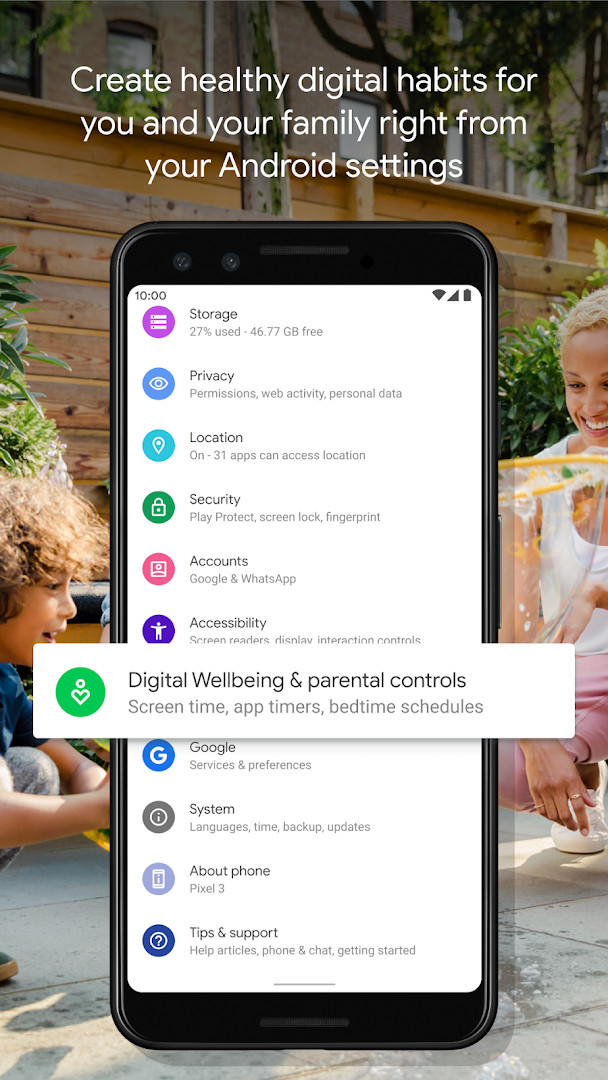
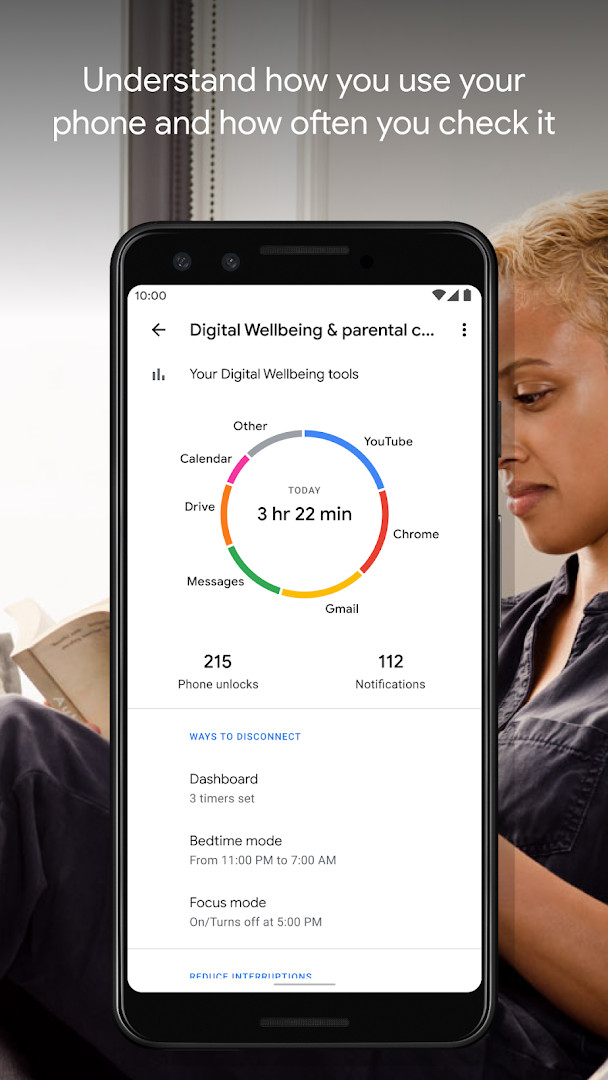
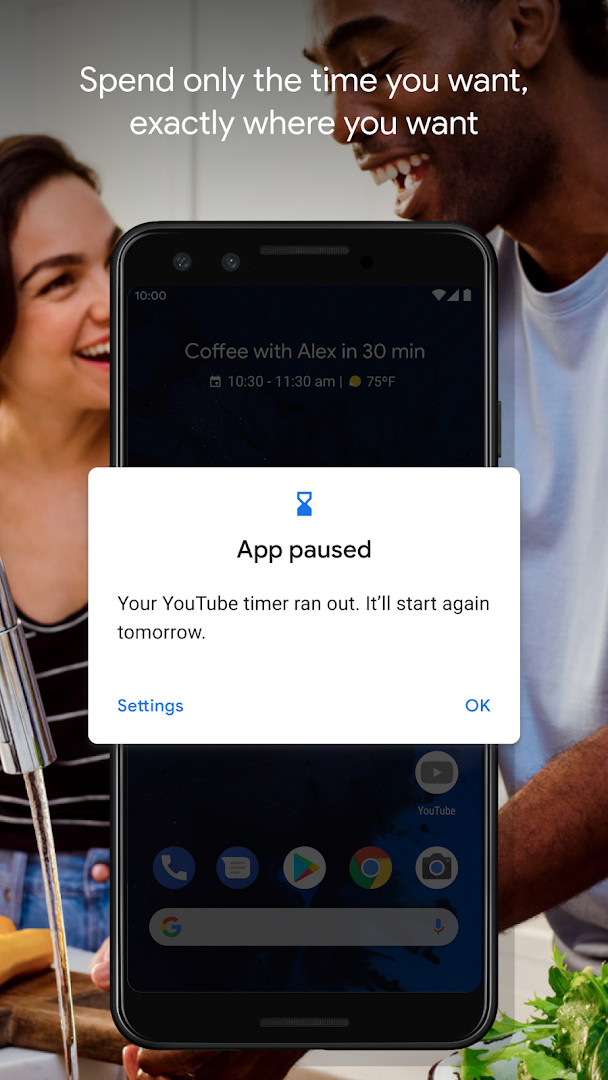
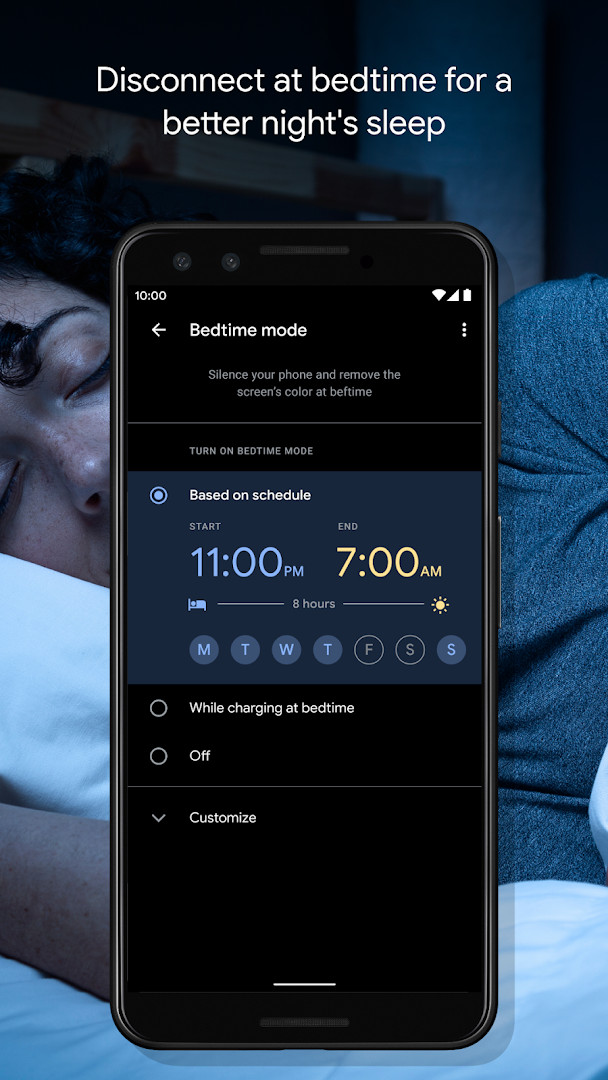
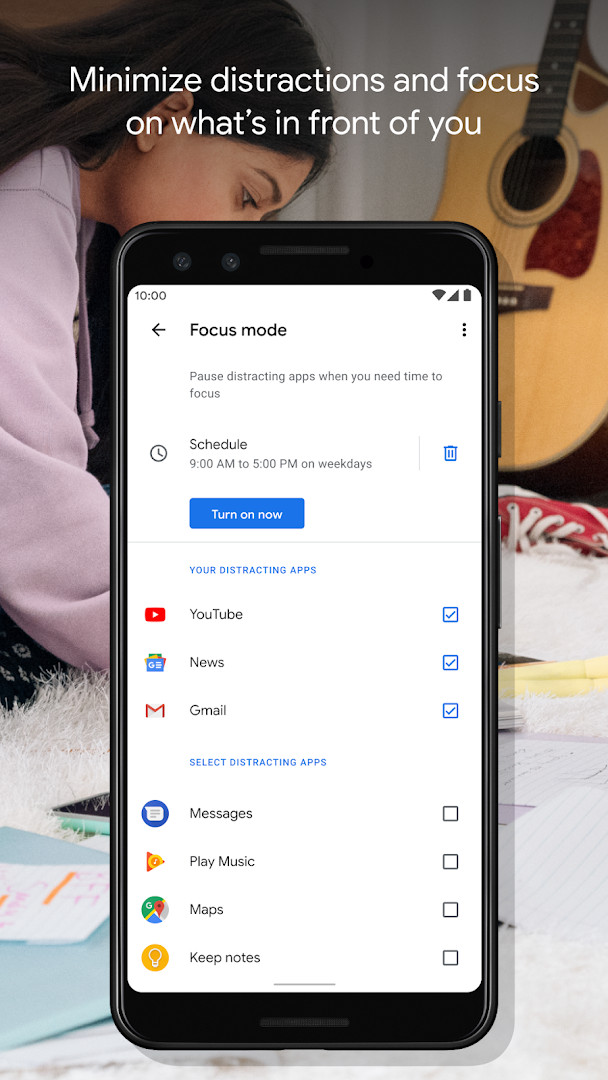
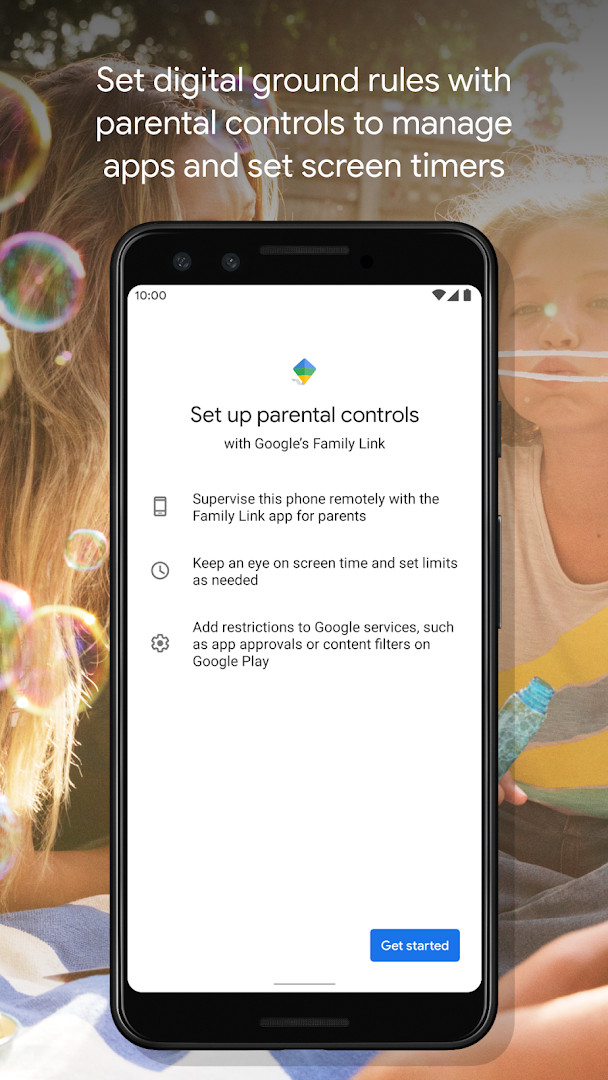
Digital Wellbeing is a system utility app by Google LLC that helps you monitor and manage your smartphone usage habits. It presents a clear daily picture of how often you use each application, how many notifications arrive, and how frequently you unlock or check your device. Rather than simply reporting raw numbers, the tool frames this data as a starting point for intentional disconnection, letting you translate awareness into practical limits. The app has been available since August 2018 and has received steady updates; the latest release, version 1.50.1015162751 (893257), dated November 9, 2026, brings several bug fixes and stability improvements. These refinements do not add new headline features but aim to make the existing timers and modes more reliable. The core experience remains focused on giving you control: daily app timers cap how long you spend in any given application, Bedtime mode schedules a grayscale screen with Do Not Disturb for the night, and Focus mode pauses distracting apps with a single tap or on an automatic schedule for work, school, or home. Because it is deeply tied to the Android system, you will typically find the entry point inside your phone's Settings menu rather than as a standalone launcher icon. The app requests access to Location, Phone, Photos/Media/Files, and Storage; these permissions are used to support features like scheduling based on your routine and managing media-related distractions, but you should review them carefully if privacy is a priority. With a rating of 3.62 from over 1.5 million ratings and more than 10 billion installs, it is one of the most widely deployed digital wellness tools, yet its effectiveness depends on how consistently you use its controls.
Key features
- Daily dashboard showing app usage frequency, notification counts, and device unlock patterns
- Per-app daily timers that notify you when you reach a set limit
- Bedtime mode with a customizable schedule that fades the screen to grayscale and silences notifications via Do Not Disturb
- Focus mode that pauses selected distracting apps with one tap or on an automatic schedule
- Integration with the system Settings menu for easy access and configuration
- Scheduled Focus mode for automatic activation during work, school, or home hours
- Stability improvements and bug fixes included in the latest version
How to install
- Tap the download button on this page to get the APK file.
- When Android asks, allow your browser or file manager to install apps by enabling the 'Install unknown apps' setting for that source.
- Open the downloaded APK file from your notifications or file manager.
- Tap Install and confirm when prompted; the file size is not listed, and the minimum Android version required is 9.
- Open the app after installation completes, then locate Digital Wellbeing in your device's Settings menu to start using it.
Pros
- Provides a comprehensive, visual overview of your digital habits
- Offers practical tools like timers, Bedtime mode, and Focus mode to reduce screen time
- Integrates directly with Android settings for seamless access
- Free to use with no ads or in-app purchases
- Regular updates maintain stability and fix issues
Cons
- Requires sensitive permissions (Location, Phone, Photos/Media/Files, Storage) that may concern privacy-focused users
- Effectiveness depends on user discipline; timers can be overridden easily
- May feel redundant for users who already have similar built-in controls on their device
Latest changes · 1.50.1015162751 (893257)
This update of Digital Wellbeing brings several bug fixes and stability improvements, making the app run more smoothly. If you have been experiencing glitches or performance issues, this version should help address them.
Version history
| Version | Size | Requires Android | Updated |
|---|---|---|---|
| 1.50.1015162751 (893257) | — | 9 | Nov 9, 2026 |
| 1.49.996288414 (886717) | — | 9 | Nov 9, 2026 |
| 1.48.975819457 (880517) | — | 9 | Oct 20, 2026 |
| 1.0.427802149.beta (349228) | 15 MB | 9 | Jun 18, 2026 |
| 1.0.427802149 (349227) | 15 MB | 9 | Mar 17, 2023 |
This app suits people who want to curb excessive screen time, students or professionals seeking to minimize distractions during work or study, and anyone who struggles with nighttime phone use and wants a structured way to wind down before sleep.
To get the most out of Bedtime mode, set a consistent schedule that starts 30–60 minutes before your usual sleep time; the grayscale screen and silenced notifications will help you avoid late-night browsing.
Permissions
FAQ
What kind of information does Digital Wellbeing show about my phone usage?
It gives you a daily picture of your digital habits, including how often you use each app, how many notifications arrive, and how often you check your phone or unlock your device.
How does Bedtime mode help me disconnect at night?
You can set a schedule for Bedtime mode, which fades your screen to Grayscale and uses Do Not Disturb to silence notifications, helping you switch off for sleep.
Can Focus mode run on its own, or do I always have to turn it on manually?
You can pause distracting apps with a single tap, but you can also schedule Focus mode to turn on automatically, for example during work, school, or time at home.
What are the current version details and system requirements for Digital Wellbeing?
The latest listed version is 1.50.1015162751 (893257), updated on November 9, 2026, and it requires Android 9 or newer. The newest update mainly includes bug fixes and stability improvements.
Is Digital Wellbeing free, and does it show ads or offer purchases?
Yes, it is free at 0.00 USD with no ads and no in-app purchases. It has an Everyone content rating and requests access to Location, Phone, Photos/Media/Files, and Storage.
Digital Wellbeing is a solid, free tool for anyone serious about understanding and managing their phone usage, though its privacy trade-offs and reliance on self-discipline mean it works best as part of a broader habit-change strategy rather than a one-click fix.
Similar apps
 YouTubeGoogle LLC · ★ 3.8 · Entertainment · 156 MB
 Google WalletGoogle LLC · ★ 4.3 · Finance · 16 MB
 Speech Recognition & SynthesisGoogle LLC · ★ 4.0 · Tools · 15 MB
 Android Accessibility SuiteGoogle LLC · ★ 4.1 · Tools · 45 MB
 Gboard - the Google KeyboardGoogle LLC · ★ 4.5 · Tools · 9.4 MB
 GoogleGoogle LLC · ★ 4.0 · Tools · 156 MB
 Marmalade TTSMaxwell Warren · Tools · 107 MB
More from this developer
 GmailGoogle LLC · ★ 4.1 · Communication · 26 MB
Speech Recognition & SynthesisGoogle LLC · ★ 4.0 · Tools · 15 MB
 Google ChromeGoogle LLC · ★ 4.1 · Communication · 218 MB
Android Accessibility SuiteGoogle LLC · ★ 4.1 · Tools · 45 MB
 Google MessagesGoogle LLC · ★ 4.6 · Communication · 9 MB
Gboard - the Google KeyboardGoogle LLC · ★ 4.5 · Tools · 9.4 MB
Updated: Nov 18, 2026