Speech Recognition & Synthesis for Android
Speech Recognition & Synthesis is a tools app from Google LLC for converting speech to text and text to speech on your device.
Speech Recognition & Synthesis is for anyone who uses voice input or spoken output on Android, including navigation, dictation, transcription, accessibility, and language learning. The app is free with no ads or in-app purchases, requires Android 8.0 or higher, and its 15 MB package supports speech-to-text and text-to-speech for other apps without an account.
Screen gallery
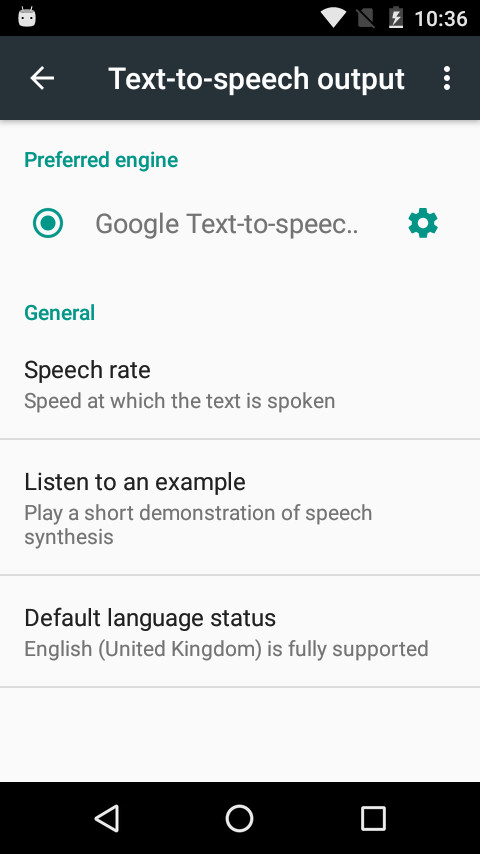
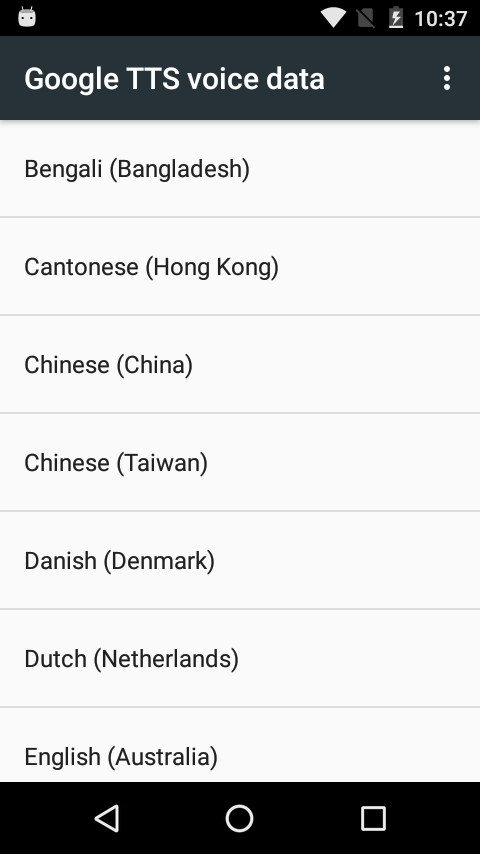
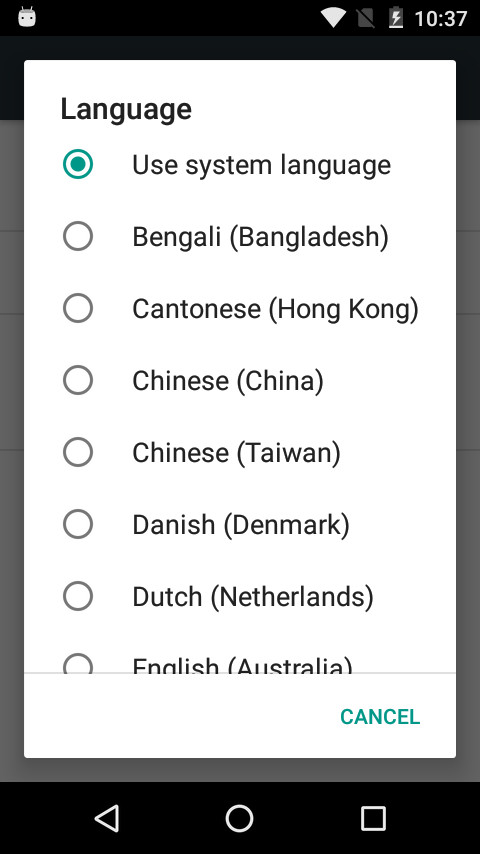
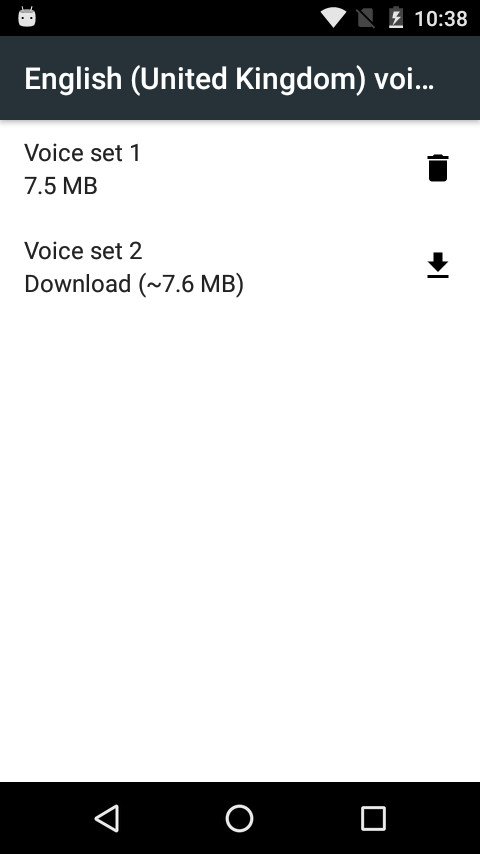
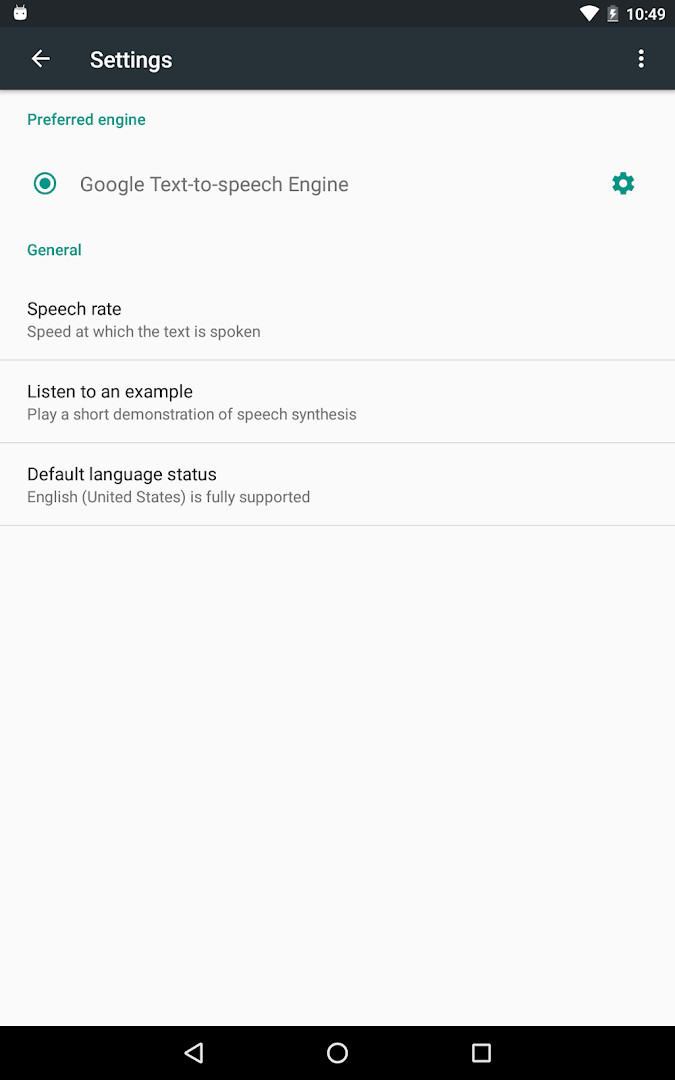
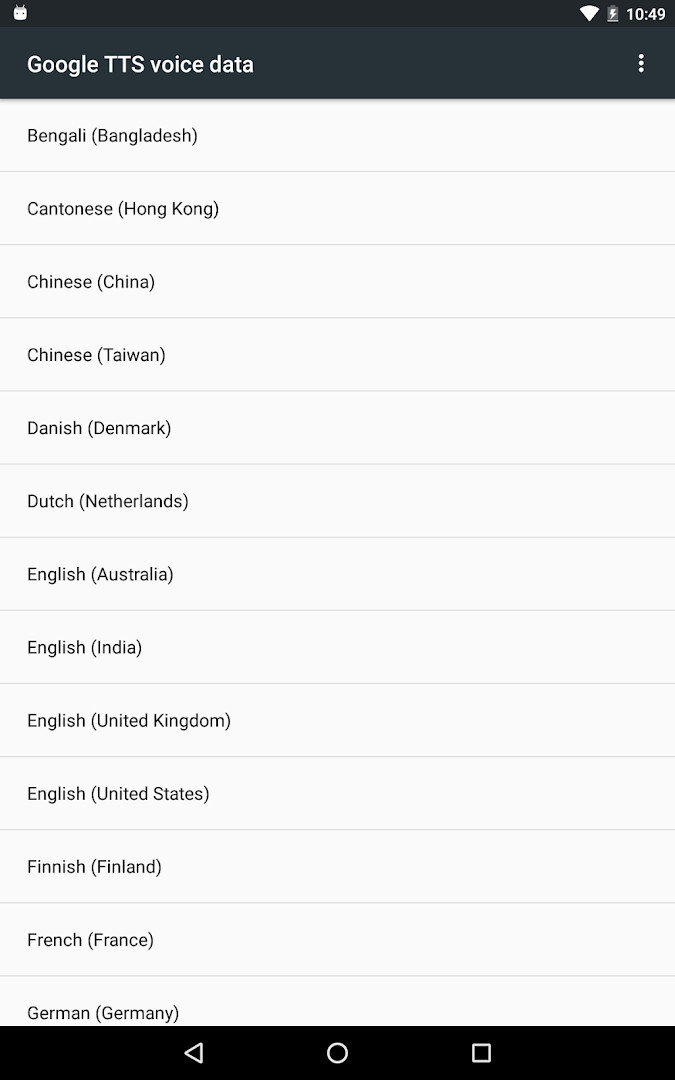
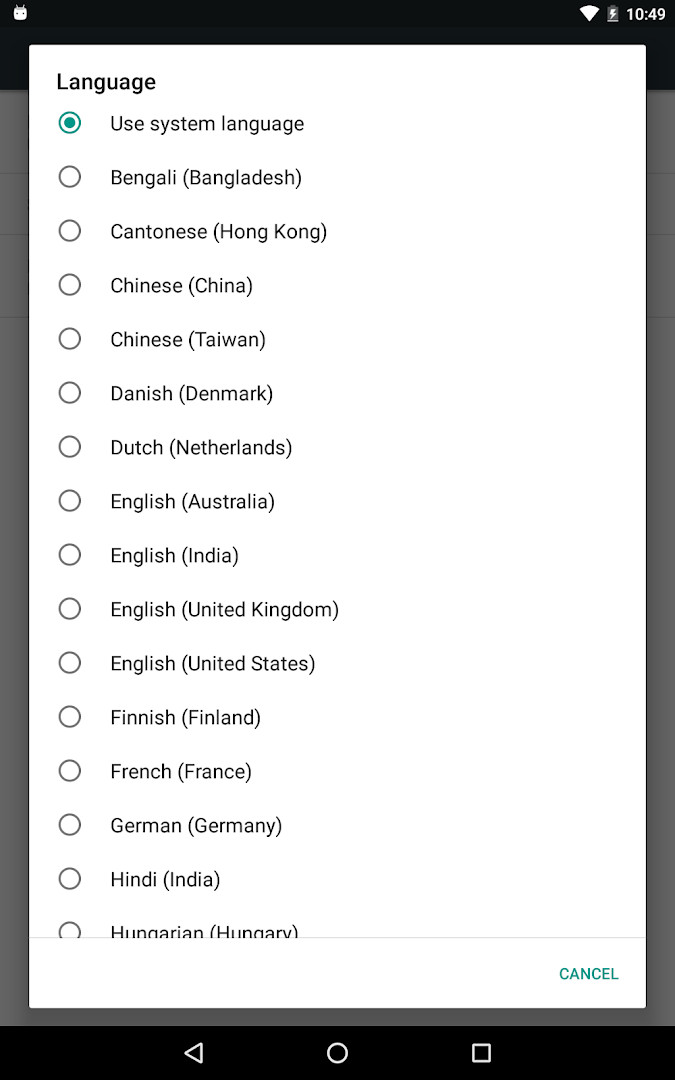
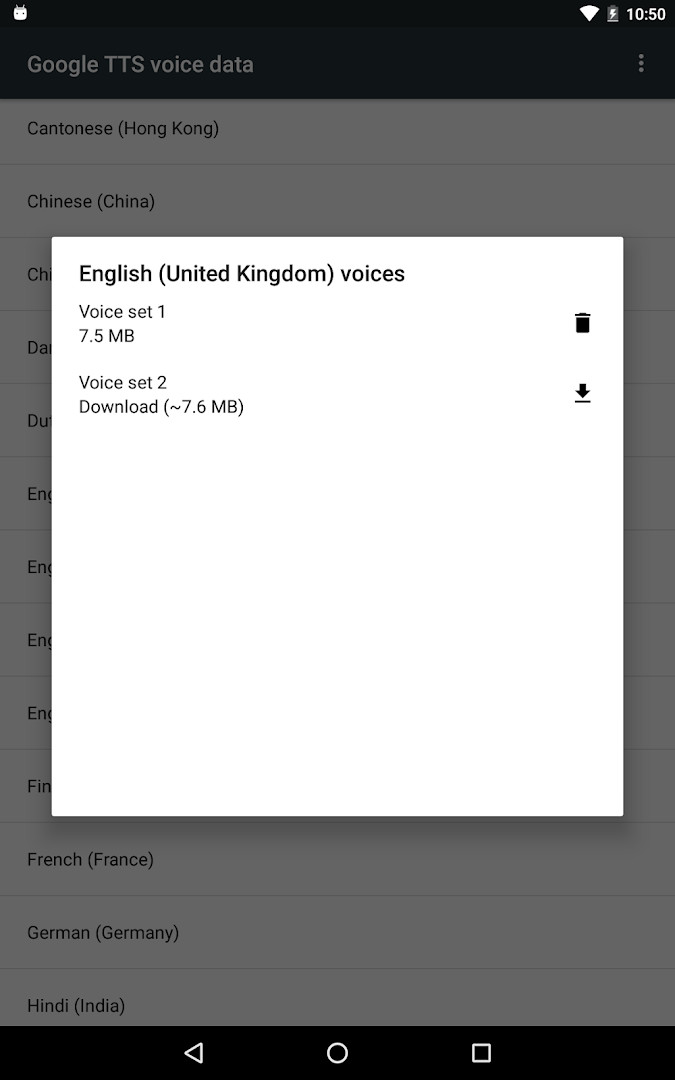
Speech Recognition & Synthesis is a Tools app by Google LLC that provides both speech-to-text and text-to-speech services for Android devices. It acts as a system-level engine that other applications can call upon to convert spoken words into written text or to read on-screen content aloud. The app is designed to work quietly in the background, supplying voice capabilities to a wide range of third-party apps, so users rarely interact with it directly. For example, it powers voice search in Google Maps, transcribes recordings in the Recorder app, supports the Phone app's Call Screen feature for real-time captions, and enables accessibility tools like Voice Access. It also assists dictation and keyboard apps for composing messages by voice, voice-search features in entertainment apps, and language-learning apps that need to recognize what you say during practice. On the text-to-speech side, it lets Google Translate speak translations aloud so you can hear pronunciations, and it provides spoken feedback for TalkBack and other accessibility applications. The app is intended for anyone who uses voice input or spoken output on their device, especially those who rely on accessibility features or frequently dictate text. It is already available on many Android devices, but updating to the latest version here ensures you get the newest improvements and fixes.
Key features
- Provides speech-to-text functionality to Google and third-party apps to convert spoken words into text
- Powers Google Maps voice search for places
- Enables Recorder app to transcribe recordings on device
- Supports Phone App Call Screen feature with real-time transcription of callers
- Works with accessibility apps like Voice Access for operating the device through voice
- Assists dictation and keyboard apps for voice-based text input
- Offers text-to-speech to read screen text aloud, used by Google Translate and TalkBack
How to install
- Tap the download button on this page to get the APK file, which is about 15 MB in size.
- When Android prompts you, allow your browser or file manager to install apps by enabling the 'Install unknown apps' setting for that app.
- Open the downloaded APK file from your notifications or file manager.
- Tap Install and confirm when asked to proceed.
- Open the app after installation completes; it will work as a system service, and you may need to select it as your default engine in Settings.
- Ensure your device runs Android 8.0 or higher, as this is the minimum supported version.
Pros
- Free and without ads or in-app purchases
- Provides both speech-to-text and text-to-speech in one package
- Works seamlessly with many Google and third-party apps
- Supports accessibility features like TalkBack and Voice Access
- Regularly updated by Google LLC
- No additional permissions beyond microphone access
Cons
- Requires microphone permission, which may raise privacy concerns for some users
- Not a standalone app; functionality depends on integration with other apps
- Must be manually selected as the default engine on some devices
Latest changes
The app has been renamed to “Speech Recognition and Synthesis from Google.” It now supports speech-to-text in addition to text-to-speech, letting apps turn your spoken words into text. Further details can be found in the About this app section.
Version history
| Version | Size | Requires Android | Updated |
|---|---|---|---|
| 996.0.100.79.22 | 15 MB | 4.1 | Feb 16, 2024 |
This app is for Android users who rely on voice input or spoken output, including those who dictate messages, use voice search, practice languages, or depend on accessibility tools like TalkBack and Voice Access. It is also suitable for experienced users who want to ensure their device has the latest speech engine from Google for consistent performance across apps.
After installing, you can set it as your default voice input engine by going to Settings > Apps & notifications > Default apps > Assist App and selecting Speech Recognition and Synthesis from Google. For text-to-speech, navigate to Settings > Languages & Input > Text-to-Speech output and choose the same engine. If you notice it is already installed on your device, updating to this version will bring the latest features and fixes.
Permissions
FAQ
How do I install the APK on my Android device?
Download the APK from this page, then open the file and allow installation from unknown sources if prompted. Follow the on-screen steps to finish setup.
What is the current version of the app?
The latest version listed is 996.0.100.79.22, released on February 16, 2024.
Does the app contain ads or in-app purchases?
No, the app is free, contains no ads, and has no in-app purchases. You can use all its features without paying.
Can I use the app offline or is data sent to Google?
The app processes speech on your device for many tasks, such as transcription in the Recorder app. However, some features may use Google services, and the app requires microphone permission to capture your voice.
What are some alternatives in the same category?
Other tools in the speech recognition and synthesis category include various text-to-speech engines and voice input apps. You can compare them based on supported languages, voice quality, and offline capabilities.
How do I set this app as my default speech engine?
For speech-to-text, go to Settings > Apps & notifications > Default apps > Assist App. For text-to-speech, go to Settings > Languages & Input > Text-to-Speech output and select it as your preferred engine.
Which Android version is required?
The app requires Android 8.0 or higher. It was originally released on October 10, 2013, and the latest update was on November 10, 2026.
Speech Recognition & Synthesis from Google is a reliable, free system component that enhances voice-driven experiences across Android. It is especially valuable for users who depend on accurate speech conversion or accessibility support, and keeping it updated ensures smooth operation with all compatible apps.
Similar apps
 YouTubeGoogle LLC · ★ 3.8 · Entertainment · 156 MB
 Google WalletGoogle LLC · ★ 4.3 · Finance · 16 MB
 Android Accessibility SuiteGoogle LLC · ★ 4.1 · Tools · 45 MB
 Gboard - the Google KeyboardGoogle LLC · ★ 4.5 · Tools · 9.4 MB
 GoogleGoogle LLC · ★ 4.0 · Tools · 156 MB
 Marmalade TTSMaxwell Warren · Tools · 107 MB
More from this developer
 Google ChromeGoogle LLC · ★ 4.1 · Communication · 218 MB
Android Accessibility SuiteGoogle LLC · ★ 4.1 · Tools · 45 MB
 Google MessagesGoogle LLC · ★ 4.6 · Communication · 9 MB
Gboard - the Google KeyboardGoogle LLC · ★ 4.5 · Tools · 9.4 MB
 Google CalendarGoogle LLC · ★ 4.6 · Productivity · 33 MB
 Google TVGoogle LLC · ★ 3.9 · Entertainment · 40 MB
Updated: Nov 16, 2026