Google Chrome for Android
Google Chrome is a communication app from Google LLC for fast and secure web browsing on Android.
Google Chrome is for Android users who want a fast and secure way to browse the web. It includes Google search, Google Lens, and Google Translate, plus features like Safety Check and a password manager. Chrome is free, requires Android 12L or higher, and its current version is about 215 MB.
Screen gallery
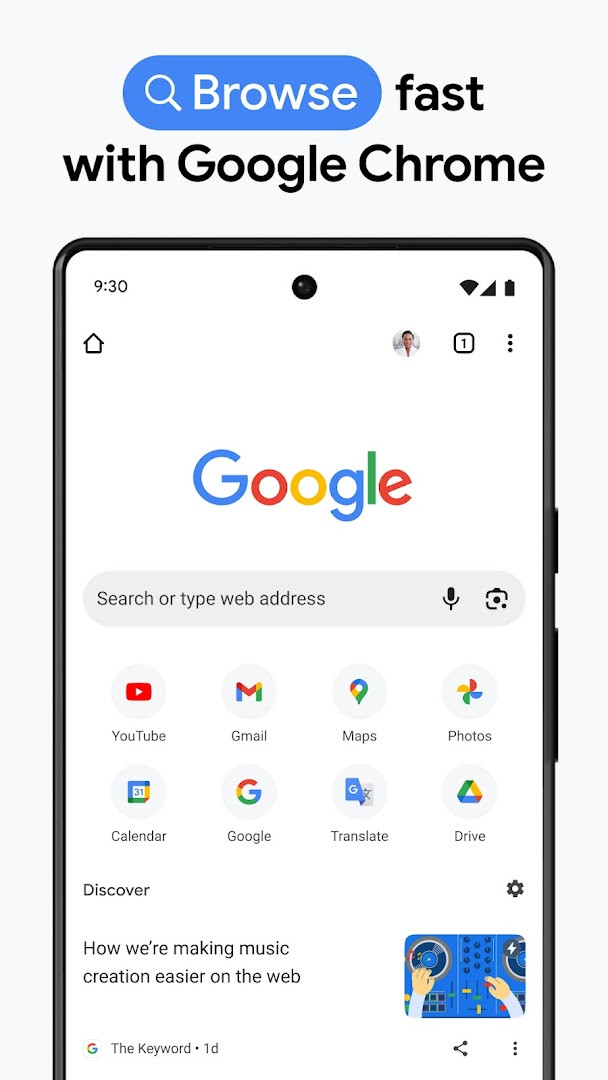
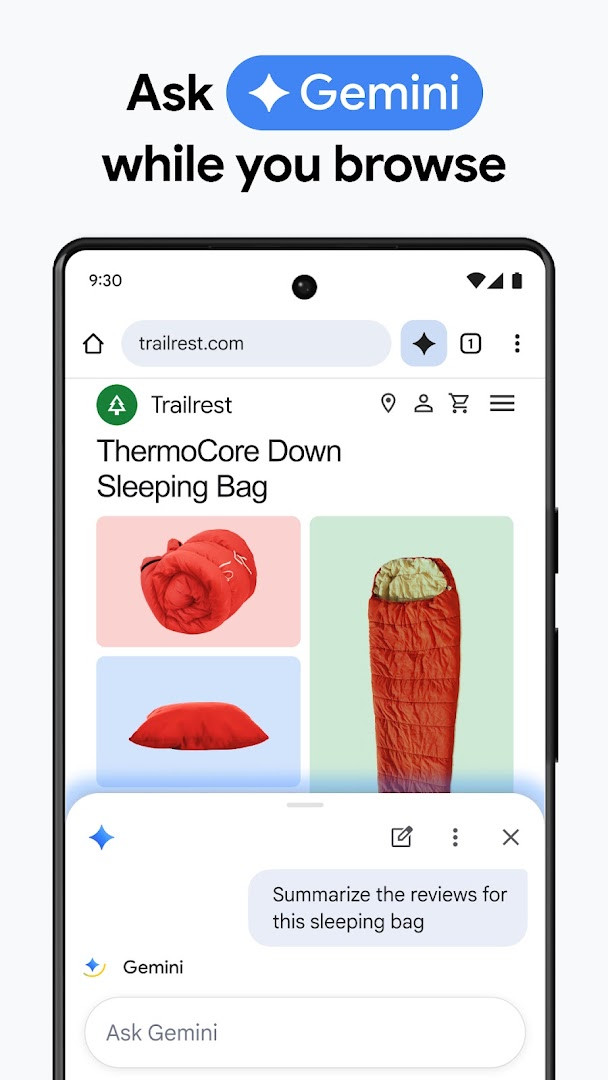
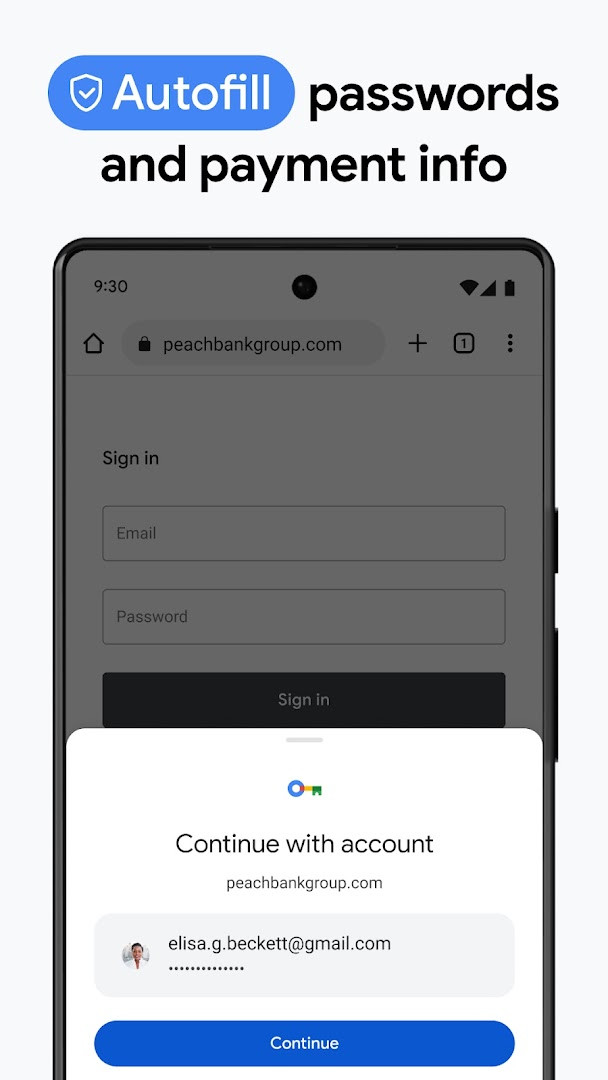
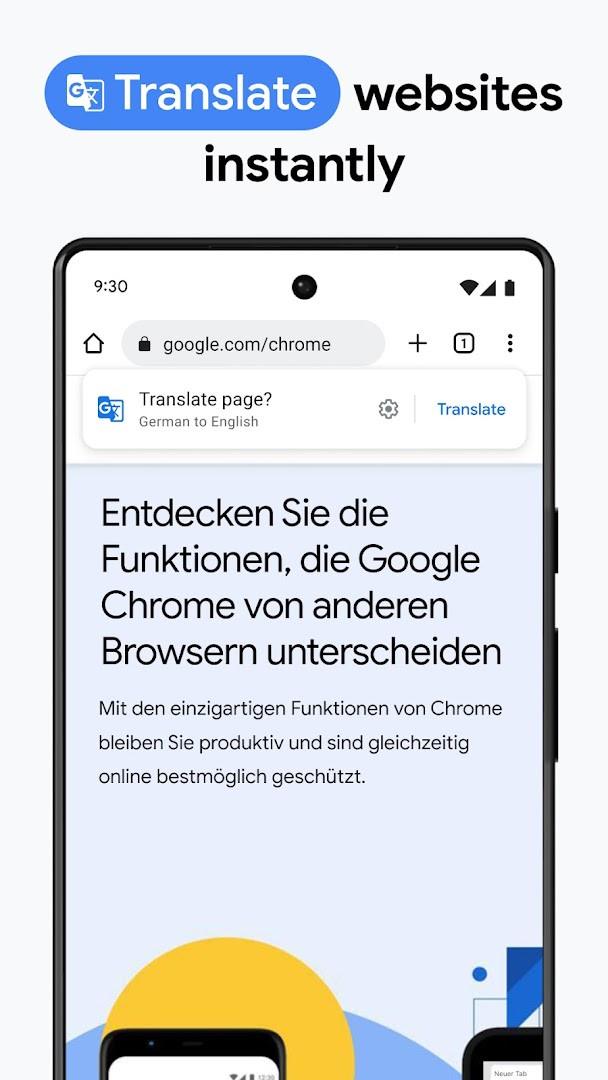
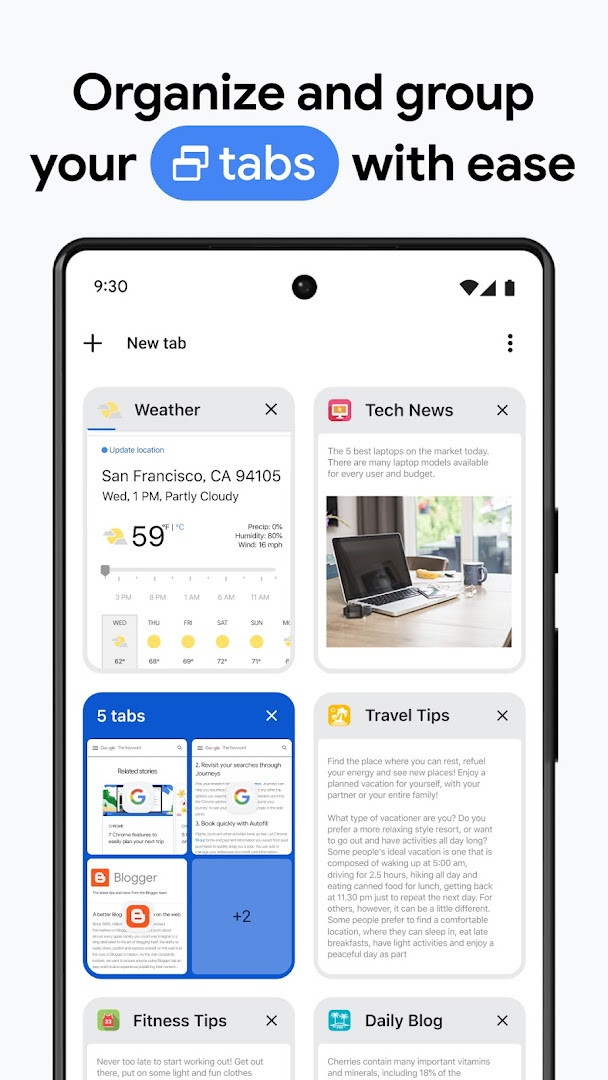
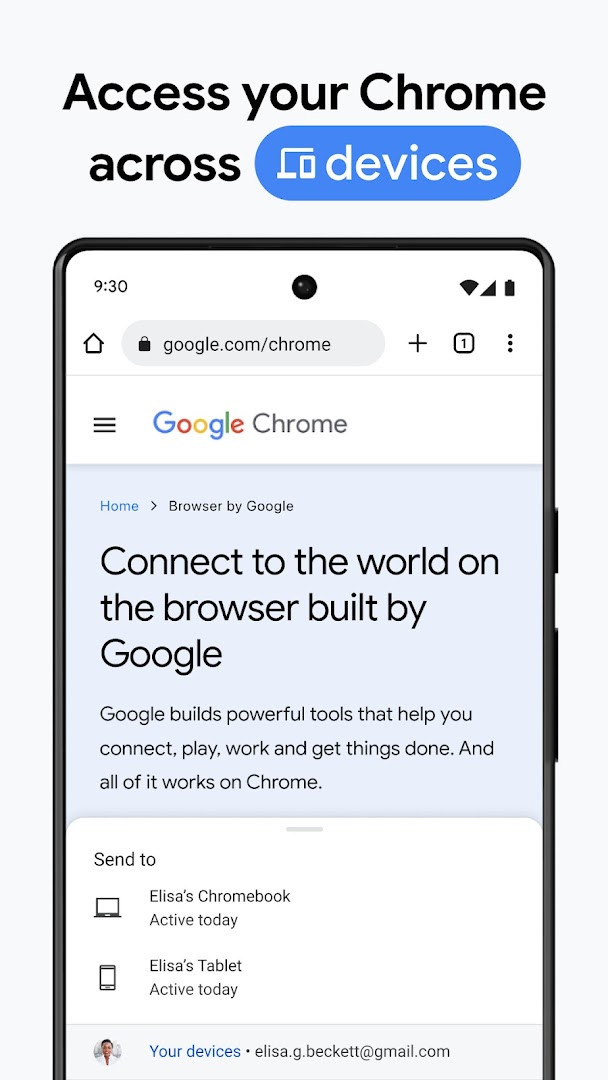
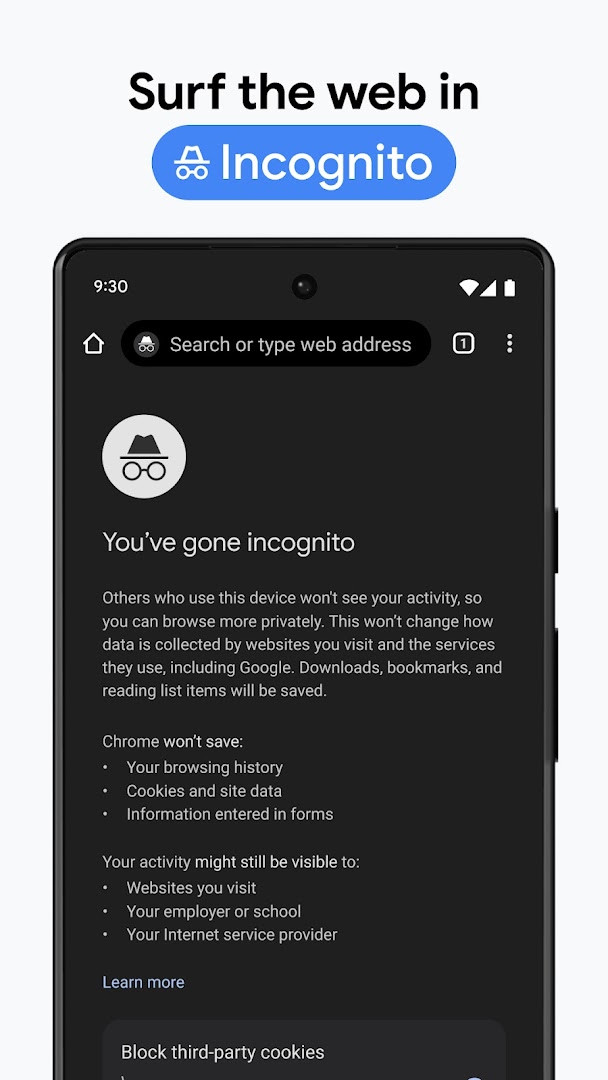
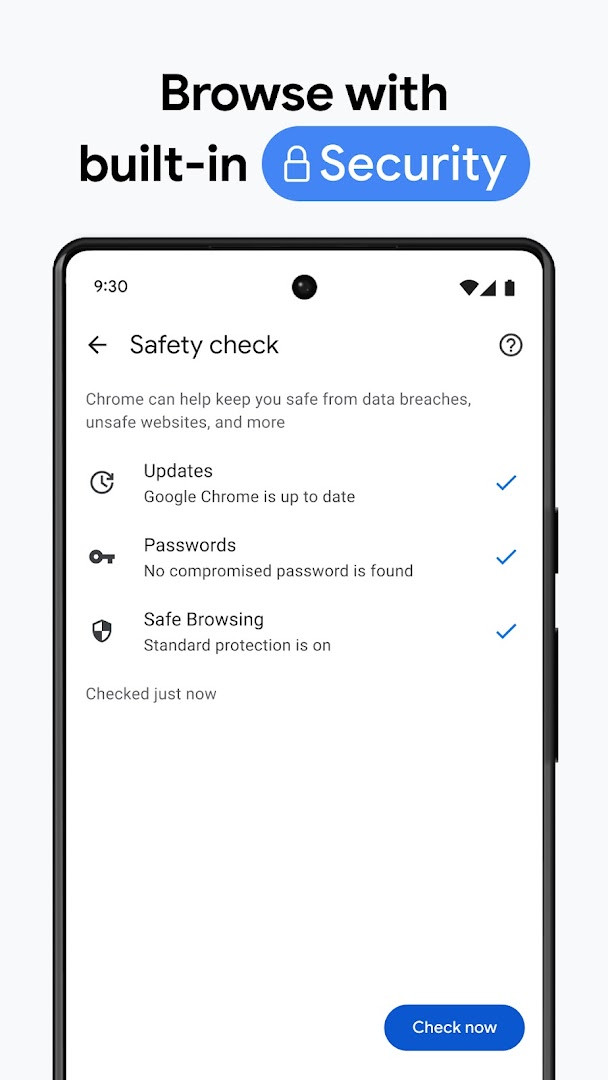
Google Chrome is a communication-oriented web browser by Google LLC that lets you browse, search, and get answers across the web with speed and security. As one of the most widely used browsers worldwide, it combines Google’s search engine, translation tools, and password management into a single app, making it a practical choice for people who already rely on Google services. The app is designed for both casual users who want a simple, reliable browser and experienced users who need cross-device sync, tab organization, and advanced security controls.
Chrome brings several Google services directly into the browsing experience. You can search with Google, use your voice for hands-free queries, point your camera at anything with Google Lens to identify it, and translate entire websites in over 130 languages with Google Translate. Beyond convenience, the browser emphasizes security with an Enhanced Protection mode, proactive Safety Check alerts, and a built-in password manager that generates and stores credentials securely.
The app also focuses on continuity across devices. When you sign in, bookmarks, tabs, and passwords sync between your phone, computer, and tablet. Tab Groups help you keep related tabs together, and Autofill saves time by filling in payments, addresses, and passwords. With a file size of 215 MB and a minimum Android version of 12L, it is a substantial but feature-rich application that suits users who want a full-featured browser backed by Google’s ecosystem. Note that feature availability varies by country and language, and the app includes ads.
Key features
- Search with Google and get answers fast, including voice search for hands-free use.
- Google Lens lets you search what you see around you using your camera.
- Google Translate supports browsing the web in 130+ languages and one-click translation of entire sites.
- Enhanced Protection mode provides the highest level of Chrome’s security while browsing.
- Safety Check delivers proactive safety alerts for peace of mind.
- Google Password Manager securely generates and saves passwords, with alerts if your passwords are at risk.
- Sync across devices lets you access bookmarks, tabs, and passwords when signed in on your phone, computer, or tablet.
- Tab Groups help you stay organized across devices by grouping related tabs.
- Autofill saves time by filling in saved payments, addresses, and passwords.
How to install
- Tap the download button on this page to get the APK file for Google Chrome, which is about 215 MB in size.
- When your browser or file manager asks for permission, allow it to install apps by enabling the “Install unknown apps” setting for that app.
- Open the downloaded APK file from your notifications or file manager.
- Tap Install and wait for the installation to complete.
- Open Google Chrome from your app drawer or home screen after installation.
- Ensure your device runs Android 12L or a newer version, as this is the minimum OS requirement.
Pros
- Deep integration with Google services like Search, Lens, and Translate.
- Robust security features including Enhanced Protection and Safety Check.
- Seamless sync of bookmarks, tabs, and passwords across devices.
- Built-in password manager with risk alerts.
- Tab Groups and Autofill improve organization and save time.
- Free to use with no in-app purchases.
Cons
- Large download size of 215 MB, which may be heavy for some devices.
- Requires Android 12L or newer, excluding older devices.
- Includes ads within the app.
- Requests a wide range of permissions, including contacts, location, camera, and microphone, which may raise privacy concerns.
Latest changes
Thanks for choosing Chrome! This update focuses on stability and performance improvements to make your browsing smoother. Enjoy a more reliable experience with the latest version.
Version history
| Version | Size | Requires Android | Updated |
|---|---|---|---|
| 154.0.8037.126 | 215 MB | 12L | Oct 6, 2026 |
| 153.0.8010.53 | 214 MB | 12L | Sep 27, 2026 |
| 149.0.7827.103 | 13 MB | 10 | Jun 12, 2026 |
| 148.0.7778.167 | 12 MB | 12L | May 15, 2026 |
| 148.0.7778.121 | 12 MB | 12L | May 12, 2026 |
| 148.0.7778.120 | 12 MB | 12L | May 12, 2026 |
| 138.0.7204.179 | 227 MB | 8.0 | Oct 30, 2025 |
| 119.0.6045.194 | 132 MB | 7.0 | Jan 15, 2024 |
| 106.0.5249.126 | 115 MB | 6.0 | Oct 19, 2022 |
| 81.0.4044.138 | 52 MB | 4.4 | May 9, 2020 |
Google Chrome is ideal for Android users who want a fast, secure browser with tight integration into Google’s ecosystem, including those who rely on Search, Lens, Translate, and password sync across multiple devices. It also suits experienced users who value advanced security controls and cross-device organization, though it may be less appealing to privacy-conscious users due to its broad permission requests.
To get the most out of Chrome, sign in with your Google account to enable cross-device sync of bookmarks, tabs, and passwords. Enable Enhanced Protection mode for maximum security, and use Tab Groups to keep related tabs organized. If you frequently translate pages, set your preferred language in the Translate settings to speed up one-click translations. Finally, review the app’s permissions in your system settings and revoke any you are uncomfortable with, as Chrome requests access to contacts, location, and other sensitive data.
Permissions
FAQ
How do I install the Google Chrome APK on an Android device?
To install, download the APK file for Chrome and open it on your device. You may need to allow installation from unknown sources in your settings if you are not installing through a standard method. The app requires Android 12L or higher and takes up about 215 MB of space.
What is the current version of Google Chrome?
The latest listed version is 154.0.8037.126, released on October 6, 2026. Earlier versions include 153.0.8010.53, 149.0.7827.103, and 148.0.7778.167.
Does Google Chrome contain ads or in-app purchases?
Chrome is free to download and use, with no in-app purchases available. However, the app does display ads, which are part of the browsing experience.
Can I use Google Chrome offline?
Chrome is primarily designed for online browsing, and the data provided does not mention any offline mode or offline content features. You would need an internet connection for most functionality.
Are there alternative browsers in the same category?
Yes, several other browsers are available in the Communication category on Android. These alternatives offer different features, performance, and privacy options, so you can compare them based on your needs.
What security features does Google Chrome offer?
Chrome includes enhanced protection mode, a safety check for proactive alerts, and a built-in password manager that can generate and save passwords, as well as warn you if your passwords are at risk.
Does Google Chrome sync data across devices?
Yes, when you sign in, Chrome can sync bookmarks, tabs, and passwords across your phone, computer, or tablet. It also supports tab groups and autofill for payments, addresses, and passwords.
Google Chrome is a powerful, feature-rich browser that delivers speed, security, and deep Google integration, making it a strong choice for users who value cross-device sync and advanced tools. While its large size, permission footprint, and Android 12L requirement may deter some, its free price and robust feature set make it a compelling option for most Android users.
Similar apps
 YouTubeGoogle LLC · ★ 3.8 · Entertainment · 199 MB
 Google WalletGoogle LLC · ★ 4.3 · Finance · 16 MB
 Google MessagesGoogle LLC · ★ 4.6 · Communication · 9 MB
 FacebookMeta Platforms, Inc. · ★ 4.6 · Communication · 147 MB
 WhatsAppWhatsApp LLC · ★ 4.6 · Communication
 SMS TelebotTeslor Dev · Communication · 19 MB
More from this developer
 Android Accessibility SuiteGoogle LLC · ★ 4.1 · Tools · 45 MB
Google MessagesGoogle LLC · ★ 4.6 · Communication · 9 MB
 Gboard - the Google KeyboardGoogle LLC · ★ 4.5 · Tools · 9.4 MB
 Google CalendarGoogle LLC · ★ 4.6 · Productivity · 33 MB
 Google TVGoogle LLC · ★ 3.9 · Entertainment · 40 MB
 GoogleGoogle LLC · ★ 4.0 · Tools · 156 MB
Updated: Nov 12, 2026