MX Player: video player
MX Player is a video player by Amazon Mobile LLC that applies hardware acceleration and supports numerous subtitle formats.
MX Player is a free video player with multi-core decoding, gesture-based subtitle controls, and a hidden privacy folder. It suits viewers who also want a kids lock that prevents children from opening other apps while watching. MX Player requires Android 7.0 or newer, averages 4.2 stars from over 14 million ratings, and first appeared in 2011.
Screen gallery
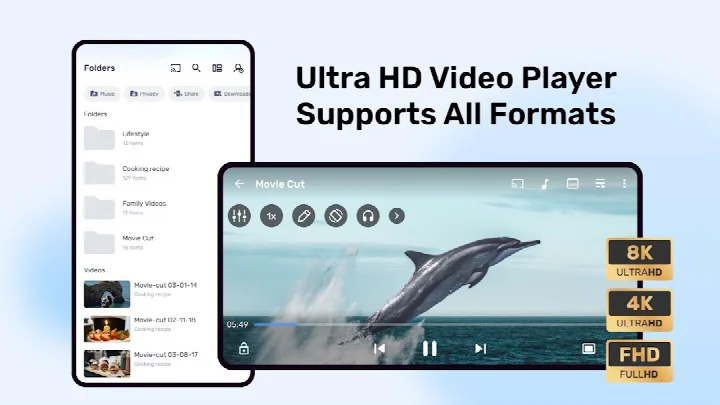
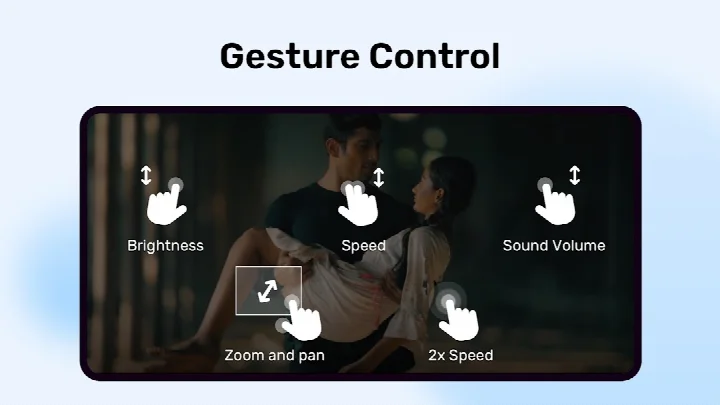
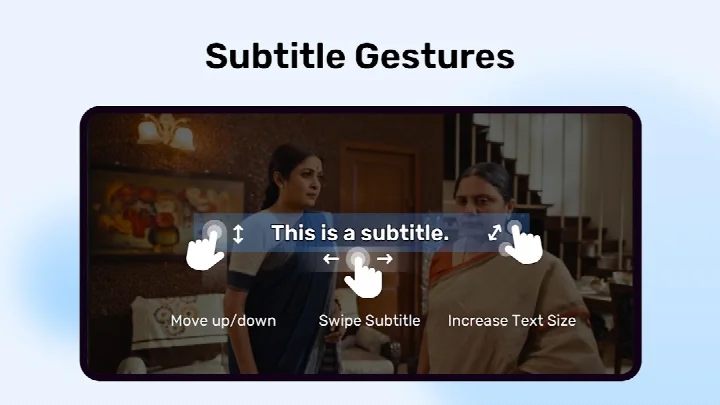
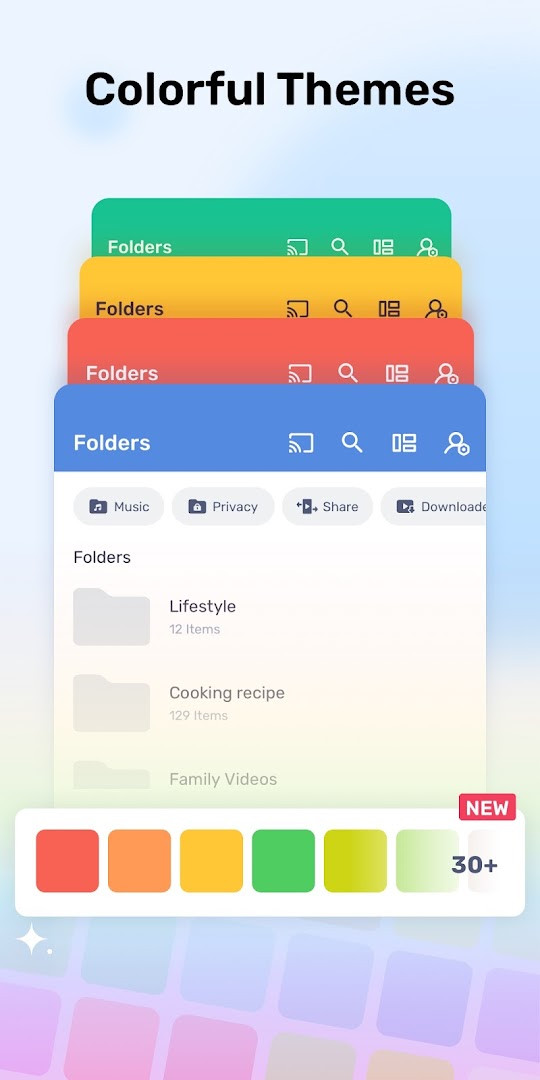
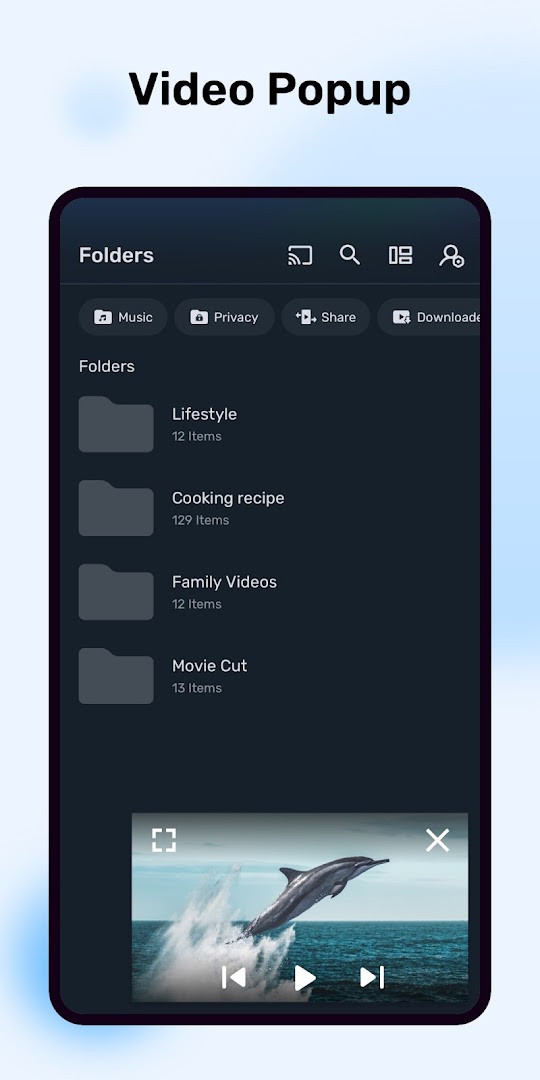
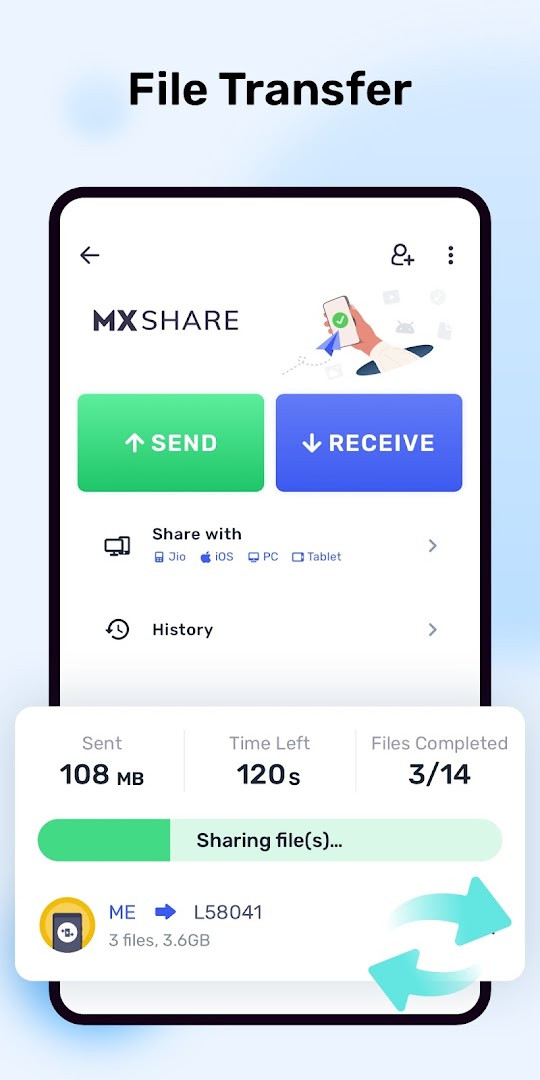
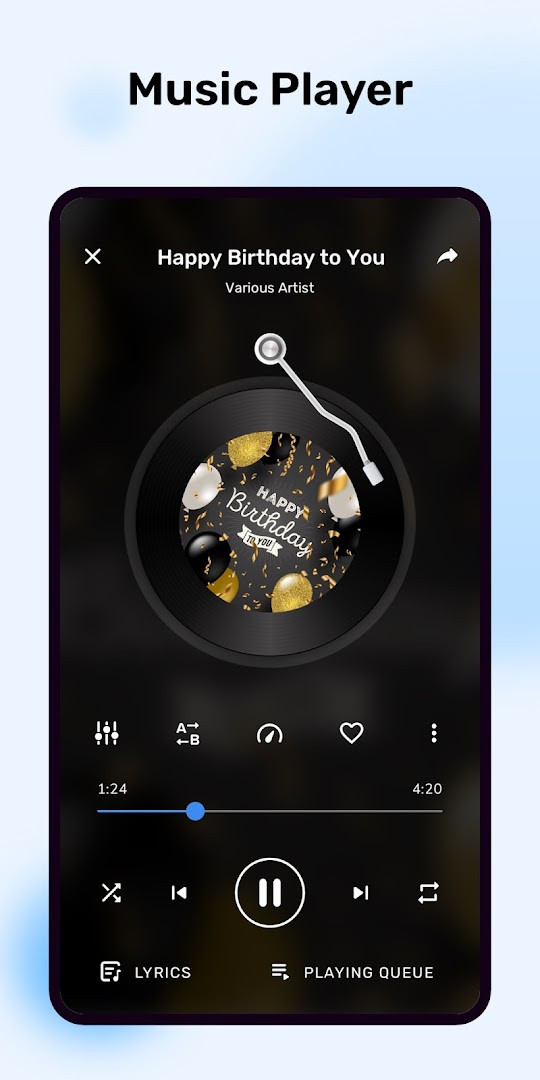
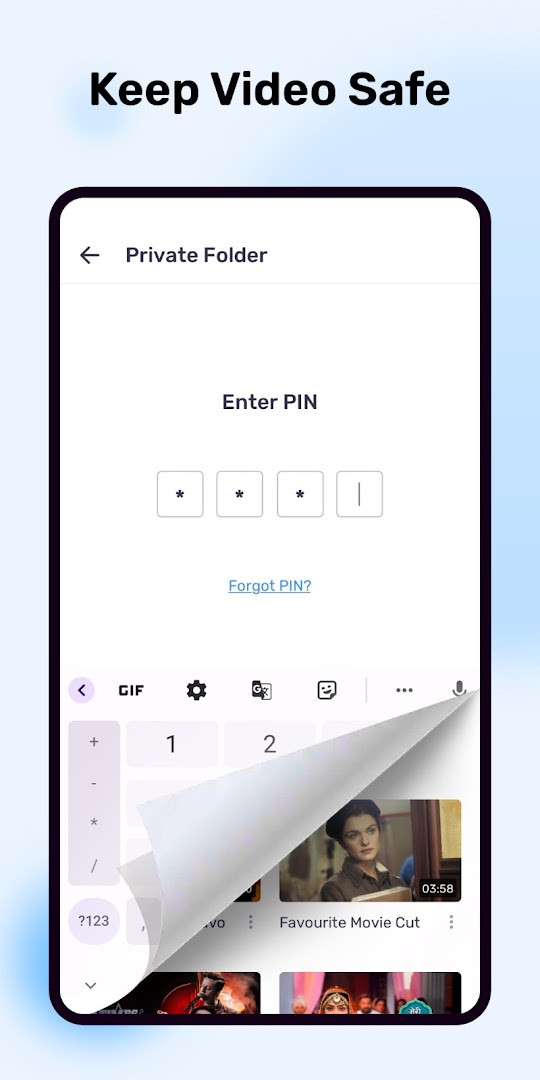
MX Player is a video player app by Amazon Mobile LLC that plays video and music with advanced hardware acceleration and a broad range of subtitle support. Since its first release in July 2011, it has become one of the most widely used media players on Android, with over a billion installs and a 4.22-star rating drawn from more than 14 million reviews. The tool is aimed at local playback first: it reads files from your device storage, renders them smoothly on modest hardware, and lets you fine-tune subtitles with gestures rather than digging through menus.
The current build, version 3.5.3, was published on November 23, 2026, and is primarily a maintenance release. According to the changelog, it squashes bugs and optimizes performance, so navigation, playback startup, and overall responsiveness should feel smoother and more reliable compared with earlier builds. There is no major new feature tied to this update, but the stability focus matters for users who depend on the player daily.
Beyond standard playback, the app bundles several practical extras: a privacy folder that hides selected videos, a kids lock that prevents little ones from making calls or leaving the player, and a pinch-to-zoom mode for inspecting fine detail. Subtitle handling is especially deep, with support for formats such as SSA/ASS, SRT, MicroDVD, VobSub, WebVTT, and Teletext. These additions make it more than a plain codec wrapper, though the core value remains reliable, fast local playback.
Key features
- HW+ decoder extends hardware acceleration to more video files for smoother playback and better battery life
- Multi-core decoding, which the developer says can improve performance by up to 70% on multi-core devices
- Pinch-to-zoom with additional zoom and pan options
- Subtitle gestures: swipe to change subtitle tracks, drag to reposition text, and pinch to resize it
- Privacy folder to hide sensitive videos away from the main library
- Kids lock to prevent accidental calls or exits while children watch
- Broad subtitle format support including SSA/ASS, SRT, SAMI, MicroDVD, VobSub, SubViewer, MPL2, TMPlayer, PJS, and WebVTT
- Optional Picture-in-Picture playback with custom controls
- Notifications for playback controls and file transfer status when enabled
How to install
- Tap the download button on this page to get the APK file; the file size is not specified.
- When Android asks, allow your browser or file manager to install apps by enabling the Install unknown apps setting.
- Open the downloaded APK file from your Downloads folder.
- Tap Install and confirm any system prompts that appear.
- Open the app once installation finishes. Android 7.0 or higher is required.
Pros
- Mature, battle-tested player with a long history on Android
- Excellent subtitle support with gesture-based controls
- Hardware acceleration plus HW+ decoder for demanding videos
- Privacy folder and kids lock add practical parental and privacy value
- Optional permissions mean you can skip location or camera access if you only need playback
Cons
- Contains ads and offers in-app purchases
- Requires broad storage and all-files access to find media and subtitles
- Some features, like Wi-Fi Direct file transfer, ask for additional permissions
- Version 3.5.3 brings stability fixes rather than new capabilities
Latest changes · 3.5.3
Version 3.5.3 focuses on stability and performance. The update includes bug fixes and optimizations intended to make the app smoother and faster. No new features are listed in the change notes.
Version history
| Version | Size | Requires Android | Updated |
|---|---|---|---|
| 3.5.3 | — | 7.0 | Nov 23, 2026 |
| 3.4.3 | — | 7.0 | Nov 14, 2026 |
| 3.2.13 | 107 MB | 7.0 | Nov 5, 2026 |
| 3.3.1 | — | 7.0 | Nov 3, 2026 |
| 1.28.7 | 37 MB | 4.2 | Jan 24, 2026 |
| 1.96.4 | 114 MB | 5.0 | Dec 13, 2025 |
| 1.31.3 | 38 MB | 4.2 | Apr 11, 2025 |
| 1.10.47 | 29 MB | 4.0 | Mar 12, 2019 |
| 1.10.20 | 27 MB | 4.0 | Oct 30, 2018 |
| 1.7.41 | 12 MB | — | Jun 5, 2018 |
Offline movie collectors who keep large video libraries on their devices, subtitle enthusiasts who need precise control over track position and styling, and parents who want a kids lock while children watch content.
If a video stutters or fails to play with the default decoder, switch that file to the HW+ decoder in the playback settings; this often resolves compatibility issues on newer or unusual encodes.
Permissions
FAQ
How do the subtitle gestures work in MX Player?
You can swipe forward or backward to jump to the next or previous subtitle line, swipe up or down to move the subtitle text on screen, and pinch or zoom to change the text size.
What does the HW+ decoder provide and what is multi-core decoding?
The HW+ decoder extends hardware acceleration to a wider range of videos. MX Player is also the first Android video player to support multi-core decoding, with test results showing up to 70% better performance on multi-core devices compared to single-core ones.
Which subtitle formats are supported?
Supported formats include DVD, DVB, SSA/ASS, SAMI with Ruby tag support, SubRip (.srt), MicroDVD (.sub), VobSub (.sub/.idx), SubViewer2.0 (.sub), MPL2 (.mpl), TMPlayer (.txt), Teletext, PJS (.pjs), and WebVTT (.vtt).
Are the extra permissions required for File Transfer mandatory?
No. The Camera, Location & Nearby Devices, and Modify System Settings permissions are only needed for the File Transfer feature, and you can deny them while still using the rest of the app. Notifications, Display over other apps, and Phone are optional permissions.
What do the Privacy Folder and Kids Lock features do?
Privacy Folder lets you hide your private videos in a dedicated folder to protect your privacy. Kids Lock keeps children entertained while preventing them from making calls or switching to other apps.
MX Player remains a dependable choice for Android users who want fast local playback, robust subtitle tools, and family-friendly controls. Version 3.5.3 refines stability rather than reinventing the player, which is fitting for an app with a billion installs. The ads and permission requests are trade-offs, but its core playback experience still holds up well against newer alternatives.
Similar apps
 Amazon ShoppingAmazon Mobile LLC · ★ 4.4 · Shopping · v32.20.2.100
 Amazon AlexaAmazon Mobile LLC · ★ 4.1 · Lifestyle · v2.2.734327.0
 Google TVGoogle LLC · ★ 3.9 · Entertainment · 40 MB
 YouTubeGoogle LLC · ★ 3.8 · Entertainment · 156 MB
 YouTube MusicGoogle LLC · ★ 4.4 · Entertainment · 74 MB
 Google Play GamesGoogle LLC · ★ 3.9 · Entertainment · 14 MB
 NetflixNetflix, Inc. · ★ 4.8 · Entertainment · 63 MB
 Spotify: Music and PodcastsSpotify AB · ★ 4.4 · Entertainment · 4.3 MB
More from this developer

Updated: Nov 25, 2026