Google Play services: Core Google tools
Google Play services is a free Tools app by Google LLC that lets you authenticate Google services, sync contacts, and improve location accuracy.
Google Play services is a 266 MB app that requires Android 9 or higher and contains no ads or in-app purchases. Google Play services keeps Google apps updated and adds core functions such as authentication, synchronized contacts, and location services. The app suits Android users who rely on Google apps and services for daily tasks.
Screen gallery


Google Play services is a system-level tools app by Google LLC that supplies the background infrastructure Android applications depend on for many everyday operations.
Rather than a standalone utility that users interact with directly, it functions as a service layer that keeps Google apps, as well as third-party apps that integrate Google APIs, running smoothly. It handles authentication against Google accounts, synchronizes contacts, exposes privacy settings, and provides location services that balance accuracy with battery use.
This component is also responsible for delivering updates to Google apps and to other applications that rely on its framework. According to the listing, it can accelerate offline searches, make maps more immersive, and improve gaming experiences. In short, it sits between apps and the underlying Android system, translating platform requests into usable features.
Because so many apps depend on it, removing or disabling it can cause those apps to stop working normally. For most users, keeping it installed and up to date is routine maintenance rather than a choice. The current package is sized at 266 MB, requires Android 9 or higher, and is distributed free of charge with no ads and no in-app purchases.
Key features
- Updates Google apps and other applications that rely on its services
- Provides authentication to Google services for signed-in accounts
- Synchronizes contacts across devices
- Gives access to the latest user privacy settings
- Delivers higher-quality location services with lower power draw
- Speeds up offline searches
- Enables more immersive map experiences
- Improves gaming experiences
How to install
- Tap the download button on this page to save the APK file, which is about 266 MB, to your device.
- When Android asks, allow your browser or file manager to install apps by enabling the "Install unknown apps" setting for that app.
- Open the downloaded APK file from your notification shade or file manager.
- Tap Install and wait for the installation to complete.
- Open the app from your app drawer. Google Play services requires Android 9 or higher.
Pros
- Free to use with no ads or in-app purchases
- Keeps Google apps and compatible third-party apps functioning correctly
- Improves location efficiency and lowers battery drain for location-based features
- Enhances maps, offline search, and gaming experiences
- Regular updates keep core services current
Cons
- Large download at 266 MB
- Requests access to many sensitive areas, including location, camera, microphone, SMS, and contacts
- Uninstalling or disabling it can break apps that depend on it
Version history
| Version | Size | Requires Android | Updated |
|---|---|---|---|
| 26.43.30 (100400-1006944126) | 266 MB | 9 | Nov 5, 2026 |
| 25.18.33 (040300-756823100) | 124 MB | 6.0 | May 17, 2025 |
| 25.18.33 (080306-756823100) | 46 MB | 6.0 | May 17, 2025 |
| 25.17.31 (080306-753339714) | 46 MB | 6.0 | May 10, 2025 |
| 24.28.35 (080306-657754416) | 44 MB | 5.0 | Jan 31, 2025 |
| 24.28.35 (080406-657754416) | 47 MB | 5.0 | Sep 3, 2024 |
| 23.07.14 (110304-512733570) | 46 MB | 8.1 | Mar 11, 2023 |
| 22.39.15 (000300-480654083) | 49 MB | 4.4 | Oct 20, 2022 |
| 21.42.59 (120408-410919843) | 126 MB | 10 | Nov 20, 2021 |
Anyone using an Android 9 or newer device who runs Google apps or third-party apps that rely on Google services, especially users who want accounts, contacts, location, and app updates to work reliably.
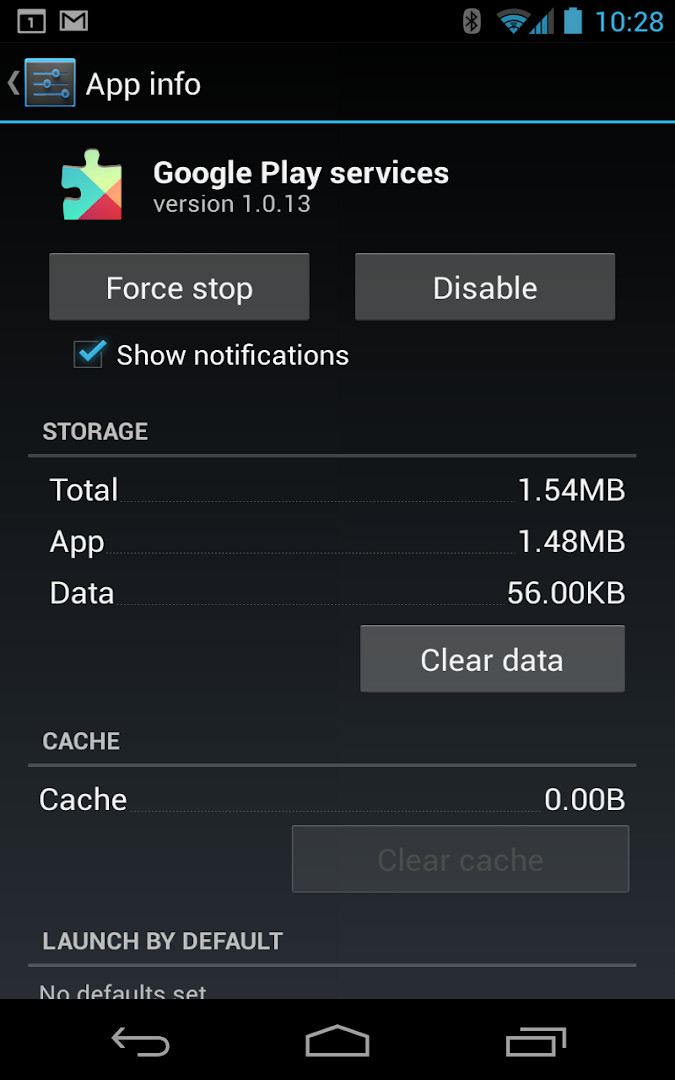
Keep Google Play services updated and avoid disabling it, since many apps depend on it. Review the location and privacy settings it provides, and if the storage footprint grows, you can clear its cache from the app info page in Android settings.
Permissions
FAQ
Is Google Play services free to download?
Yes, Google Play services is free. It is listed at a price of 0.00 USD and contains no ads or in-app purchases.
Which Android version is required?
Google Play services requires Android 9 (API level 28) or higher. Devices running older Android versions will not be able to install it.
How large is the APK file?
The file size is 266 MB. Make sure your device has enough free storage before downloading.
Do I need a Google account to use Google Play services?
Yes, a Google account is needed for core features such as authentication to Google services and syncing contacts. The app is also used to update other Google apps.
What permissions does Google Play services request?
It requests permissions related to device and app history, identity, calendar, contacts, location, SMS, phone, photos/media/files, storage, camera, microphone, Wi-Fi connection information, device ID and call information, and wearable sensor/activity data. These support features like location services and synced contacts.
How do I update Google Play services?
To update, download the newest version from this page and install it over the current one. The latest available version here is 26.43.30, dated 2026-11-05.
Google Play services is essential background software rather than a flashy app, but it quietly powers account sync, location, maps, and updates across the Android ecosystem. Installing the latest version is a straightforward way to keep your dependent apps stable and secure.
Similar apps
 YouTubeGoogle LLC · ★ 3.8 · Entertainment · 156 MB
 Google WalletGoogle LLC · ★ 4.3 · Finance · 16 MB
 Digital WellbeingGoogle LLC · ★ 3.6 · Tools
 Speech Recognition & SynthesisGoogle LLC · ★ 4.0 · Tools · 15 MB
 Android Accessibility SuiteGoogle LLC · ★ 4.1 · Tools · 45 MB
 Gboard - the Google KeyboardGoogle LLC · ★ 4.5 · Tools · 9.4 MB
 GoogleGoogle LLC · ★ 4.0 · Tools · 156 MB
 Marmalade TTSMaxwell Warren · Tools · 107 MB
More from this developer
 Google MeetGoogle LLC · ★ 4.4 · Communication · 118 MB
 GmailGoogle LLC · ★ 4.1 · Communication · 26 MB
Digital WellbeingGoogle LLC · ★ 3.6 · Tools
Speech Recognition & SynthesisGoogle LLC · ★ 4.0 · Tools · 15 MB
 Google ChromeGoogle LLC · ★ 4.1 · Communication · 218 MB
Android Accessibility SuiteGoogle LLC · ★ 4.1 · Tools · 45 MB
Updated: Nov 25, 2026