Google Meet Video Calling
Google Meet is a free communication app by Google LLC that lets you make high-quality video calls and host meetings.
Google Meet is 118 MB and requires Android 8.1 or higher. The app contains no ads and no in-app purchases, and it has been installed over 10 billion times. It suits families, friends, and teams who want secure video calls with captions and effects.
Screen gallery
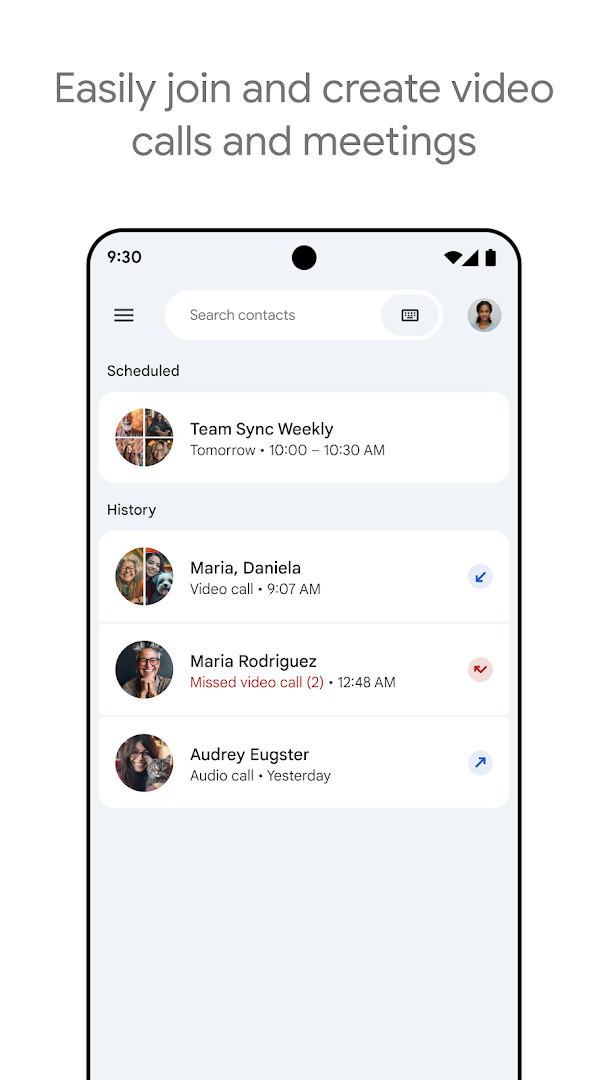
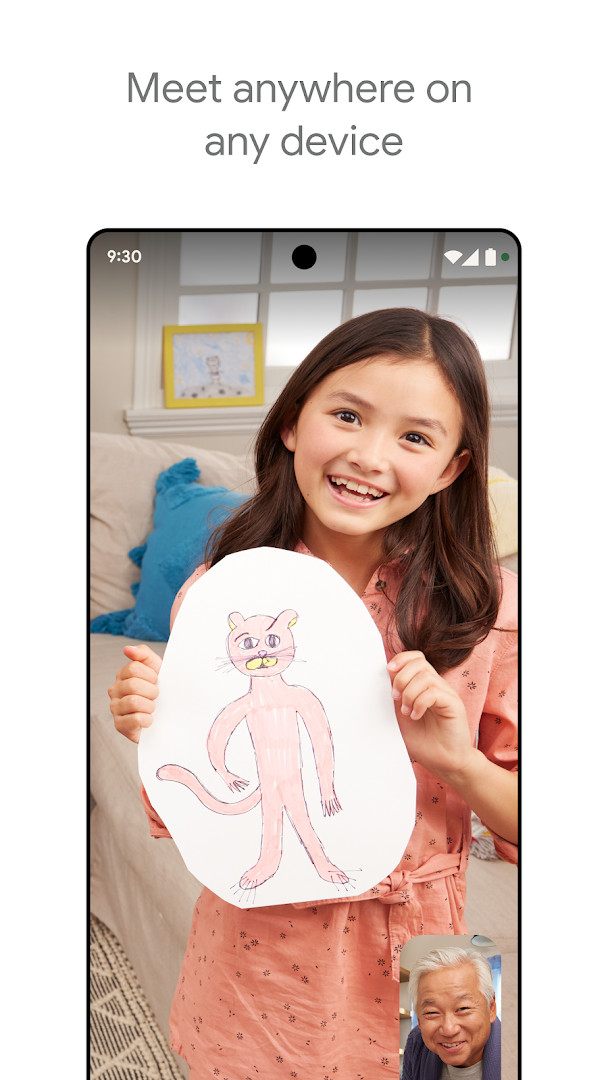
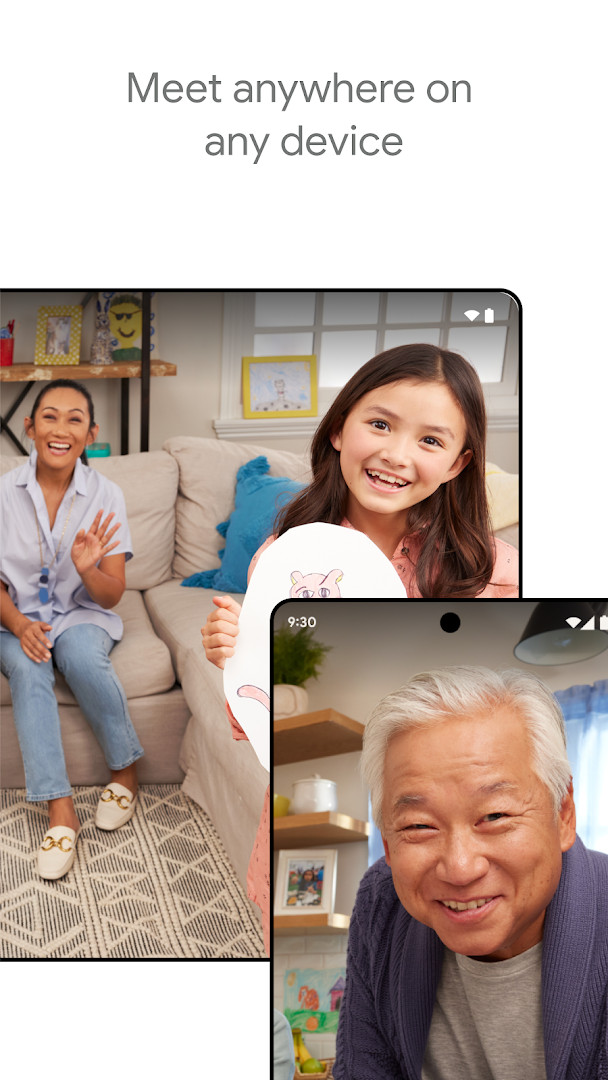
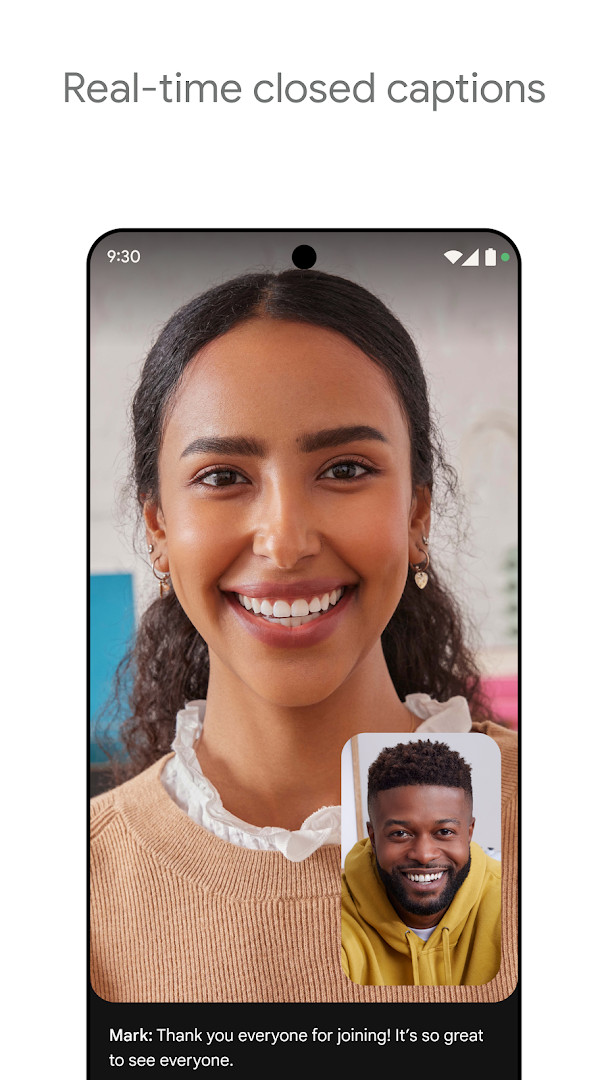
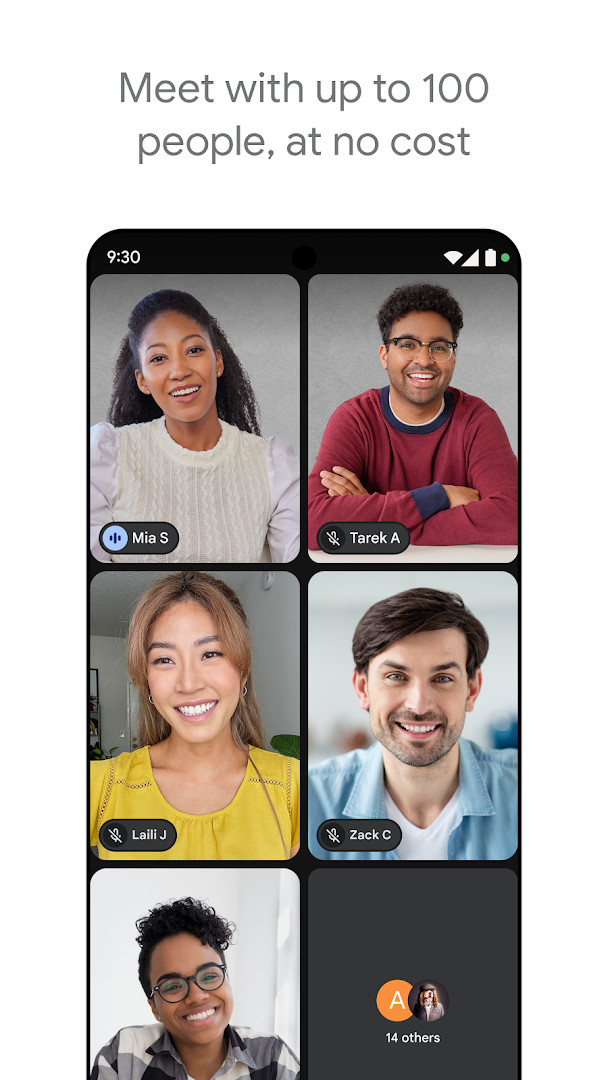
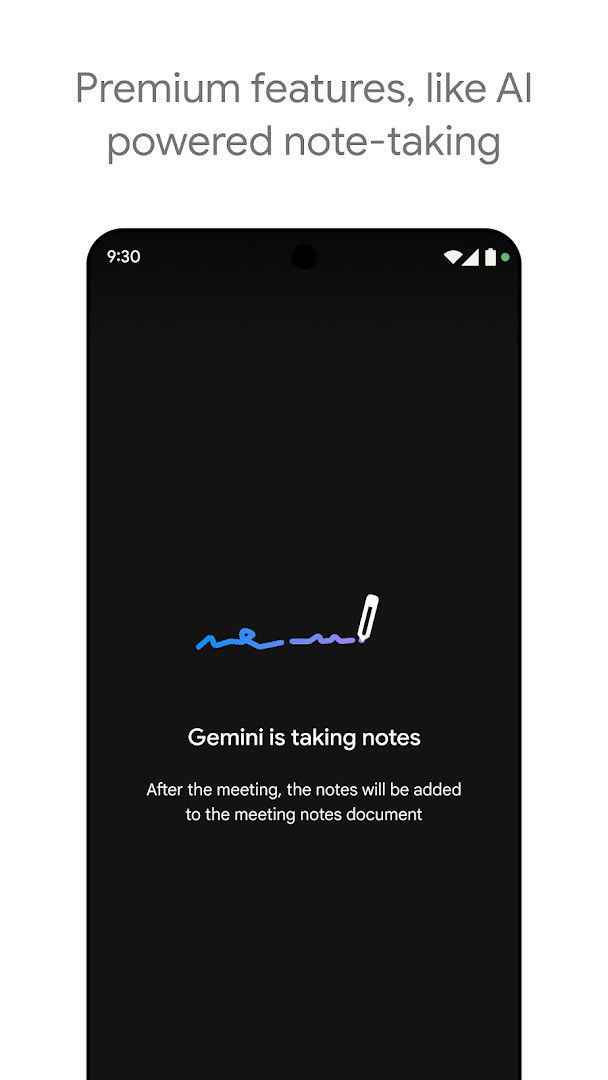
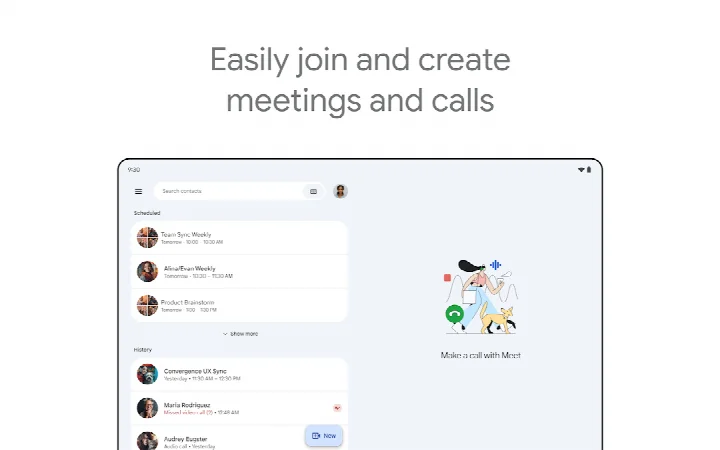
Google Meet is a communication app by Google LLC that provides secure, high-quality video calling for personal and professional conversations. It addresses the challenge of staying connected across distances by offering a reliable platform for spontaneous calls, scheduled meetings, and video messages, with tools to improve audio and visual clarity. The app handles common video call problems like poor lighting and background noise through automatic adjustments and noise cancellation, while also supporting collaboration through features such as real-time captions, in-call chat, and the ability to share visuals. Designed for Android devices running version 8.1 or higher, the app has a file size of 118 MB and was initially released in 2016, with the latest update arriving in November 2026. It is free to use, contains no ads, and offers no in-app purchases, though some advanced capabilities are marked as premium features.
Key features
- Automatic light adjustment and noise cancellation to improve call quality
- Real-time captions and translated captions in over 70 languages
- AI-powered note-taking and real-time speech-to-speech translation as premium options
- In-call chat for sharing ideas and questions without interrupting the conversation
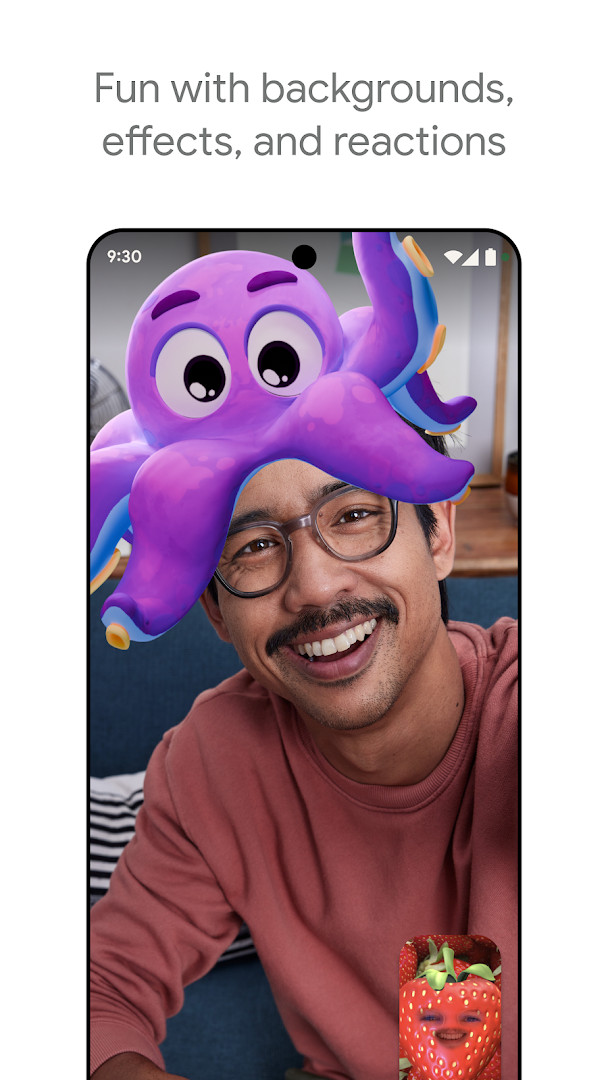
- In-call emojis and stackable effects, backgrounds, filters, and animations
- Share photos, videos, and presentations during a call
- On-the-go mode for audio-only calls with larger controls
- One-on-one video calls up to 24 hours and meetings up to 60 minutes for 100 people at no cost
How to install
- Tap the download button on this page to get the APK file, which is 118 MB in size.
- When your browser or file manager asks, allow it to install apps by enabling the 'Install unknown apps' setting for that app.
- Open the downloaded APK file from your notifications or file manager.
- Tap Install and wait for the installation to complete.
- Open Google Meet from your app drawer or home screen and sign in with your Google account.
- Ensure your device runs Android version 8.1 or higher before installing.
Pros
- Free to use with no ads and no in-app purchases
- High-quality video with up to 4K resolution support
- Wide range of accessibility features like live captions and translation
- Integrates with other Google Workspace apps like Gmail and Calendar
- Offers both spontaneous calls and scheduled meetings in one app
- Provides fun customization options with effects and filters
Cons
- Requests access to sensitive data including identity, contacts, phone, and storage
- Requires camera and microphone permissions for all video calls
- Some useful features like noise cancellation and recording are premium-only
- May collect device ID and call information, raising privacy considerations for some users
- Live captions and speech translation are not available in every language
Latest changes
The latest update to Google Meet, released on November 11, 2026, showcases premium features such as AI-powered note-taking and real-time speech-to-speech translation. These tools are designed to help everyone stay focused on the conversation and bridge language barriers, making meetings clearer and more inclusive.
Version history
| Version | Size | Requires Android | Updated |
|---|---|---|---|
| 305.0.756012893.duo.android_20250504.15_p1.n | 118 MB | 8.1 | May 16, 2025 |
Google Meet is suited for individuals who want to keep in touch with family and friends through video calls, as well as for professionals and teams needing a dependable platform for meetings and collaboration. It works well for spontaneous conversations, scheduled gatherings, or sending video messages, and its features like captions and translation make it accessible to users in multilingual settings. The app also appeals to those who value integration with Google services and want a free communication tool without advertisements, though users concerned about extensive permissions should review what access they grant.
Before your first call, check the app's permission settings and grant only what you are comfortable with, such as camera and microphone access. For a lighter experience, try on-the-go mode for audio-only calls, and explore the effects and filters to personalize your video. Note that some advanced features require a premium subscription, so review which capabilities are available to you.
Permissions
FAQ
Is Google Meet free to download and use?
Yes, Google Meet is free to download, with no purchase price and no in-app purchases or ads. Some advanced capabilities, such as AI-powered note-taking and speech translation, are premium features.
What Android version do I need?
Google Meet requires Android 8.1 or higher. The current version listed is 305.0.756012893.duo.android_20250504.15_p1.n, released on 2025-05-16.
How large is the download file?
The app package size is 118 MB. Make sure you have enough free space on your device before installing.
Do I need a Google account to use it?
Yes, you need a Google account to sign in and use Google Meet. The app asks for Identity and Device ID information as part of its permissions.
What permissions does Google Meet request?
Google Meet requests access to Identity, Contacts, Phone, Photos/Media/Files, Storage, Camera, Microphone, Wi-Fi connection information, and Device ID & call information. These are used for video calling, sharing media, and connecting calls.
How do I update Google Meet?
To update, download the newest version from this page and install it over your current installation. The listed version is 305.0.756012893.duo.android_20250504.15_p1.n, dated 2025-05-16.
Google Meet is a capable and versatile video calling tool that balances personal connection features with professional meeting utilities. It is a solid choice for most users, though the breadth of permissions and premium-only extras are worth considering before you start.
Similar apps
 YouTubeGoogle LLC · ★ 3.8 · Entertainment · 156 MB
 Google WalletGoogle LLC · ★ 4.3 · Finance · 16 MB
 GmailGoogle LLC · ★ 4.1 · Communication · 26 MB
 Google ChromeGoogle LLC · ★ 4.1 · Communication · 218 MB
 Google MessagesGoogle LLC · ★ 4.6 · Communication · 9 MB
 FacebookMeta Platforms, Inc. · ★ 4.6 · Communication · 146 MB
 WhatsAppWhatsApp LLC · ★ 4.6 · Communication
 SMS TelebotTeslor Dev · Communication · 19 MB
More from this developer
 Google Play servicesGoogle LLC · ★ 4.3 · Tools · 266 MB
GmailGoogle LLC · ★ 4.1 · Communication · 26 MB
 Digital WellbeingGoogle LLC · ★ 3.6 · Tools
 Speech Recognition & SynthesisGoogle LLC · ★ 4.0 · Tools · 15 MB
Google ChromeGoogle LLC · ★ 4.1 · Communication · 218 MB
 Android Accessibility SuiteGoogle LLC · ★ 4.1 · Tools · 45 MB
Updated: Nov 25, 2026