Phone by Google: Calls with Spam Protection
Phone by Google is a free calling app by Google LLC that lets you make calls with spam protection and caller ID.
Phone by Google is free, contains no ads and no in-app purchases, has a size of 79 MB, and requires at least Android 11. Phone by Google provides caller ID, spam blocking, call screening, visual voicemail and call recording on supported devices. Phone by Google suits Android users who want a clean official dialer with strong spam protection.
Screen gallery
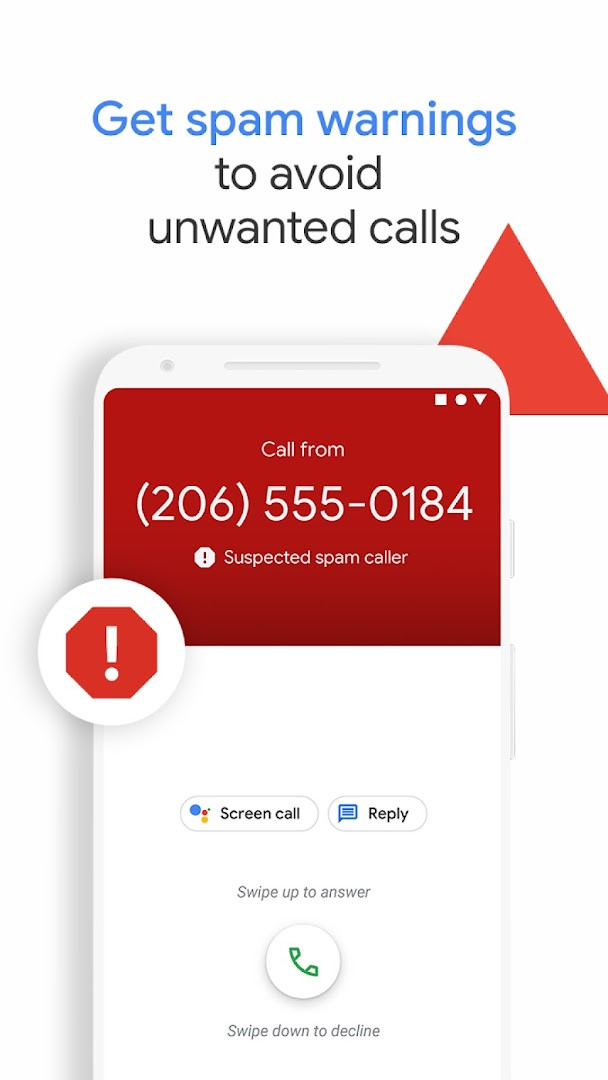
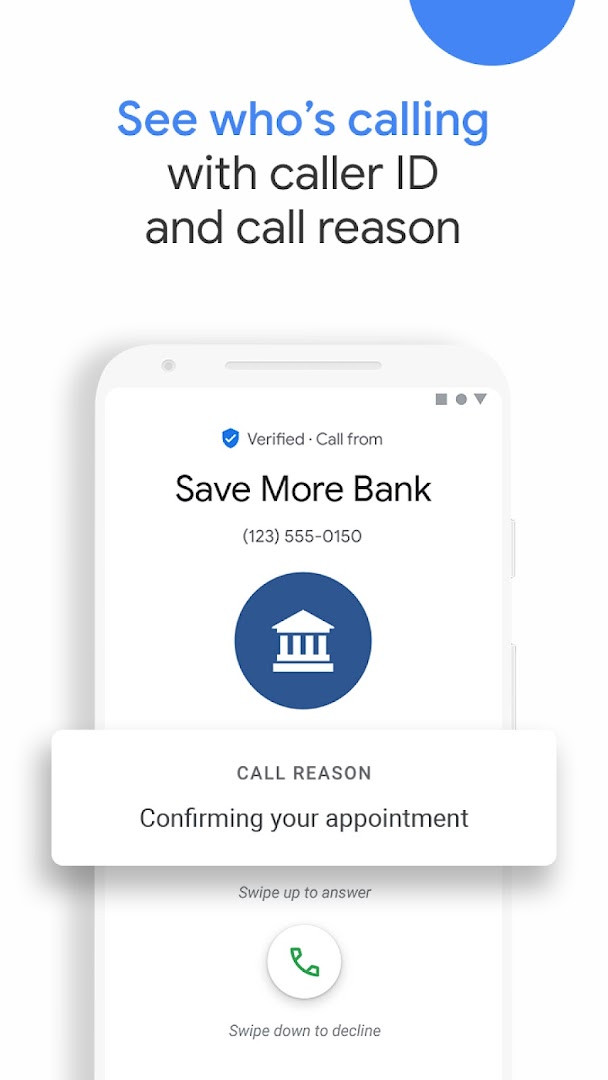
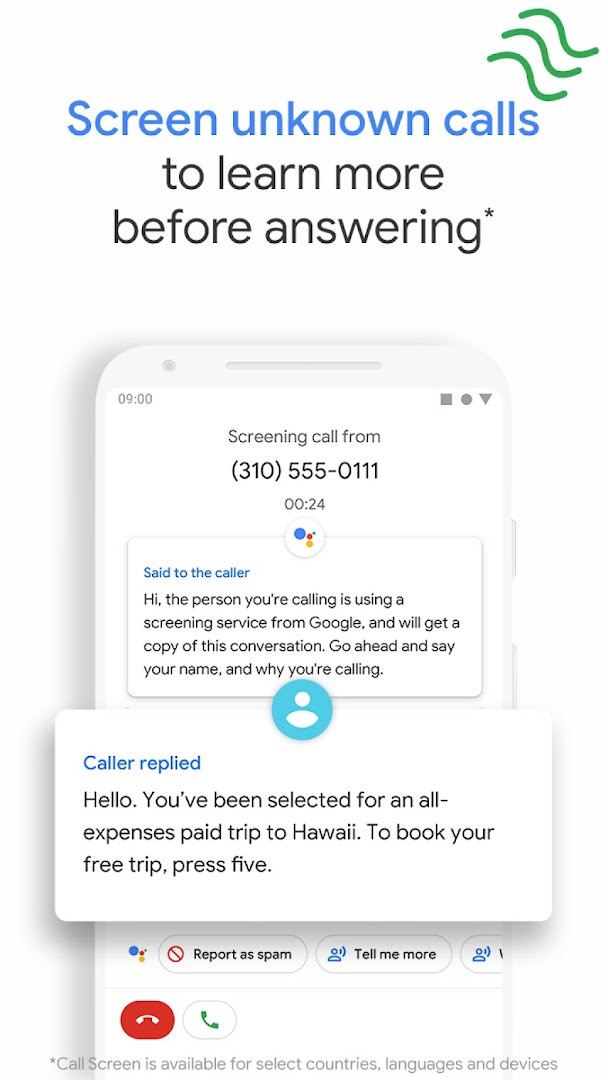
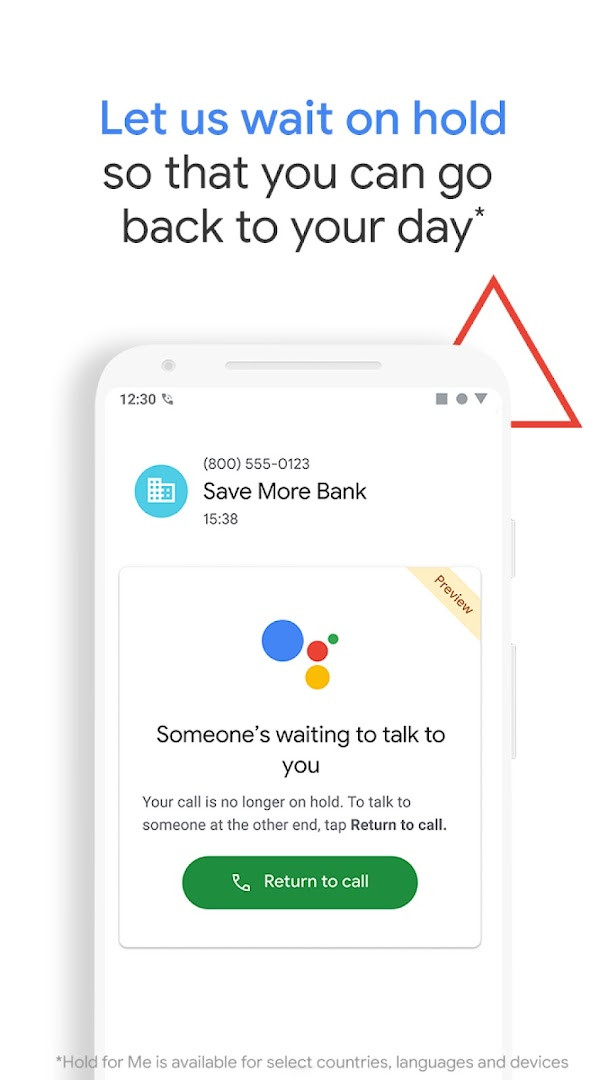
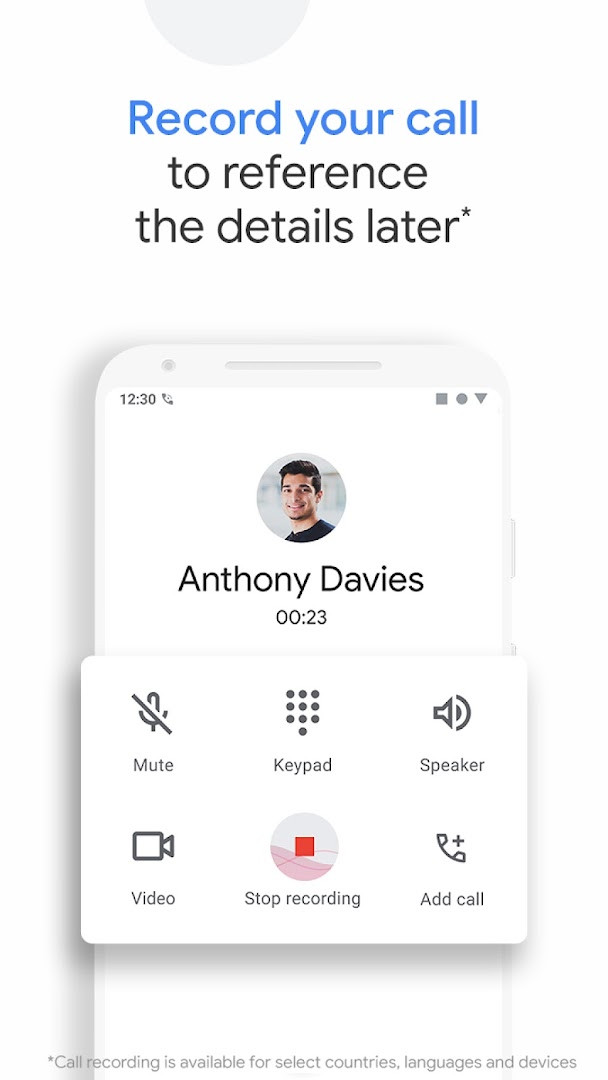
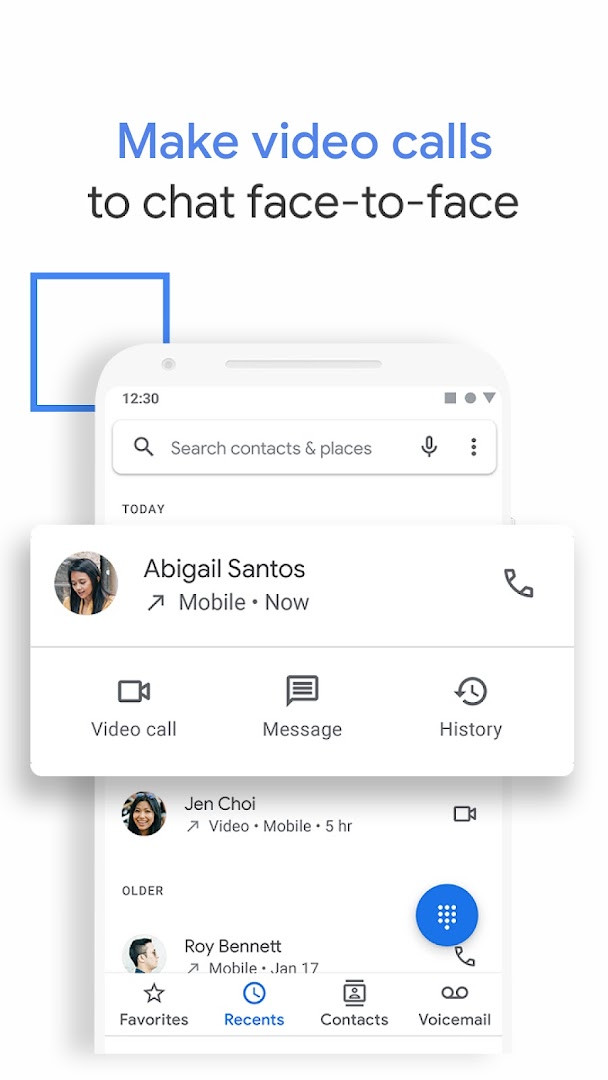
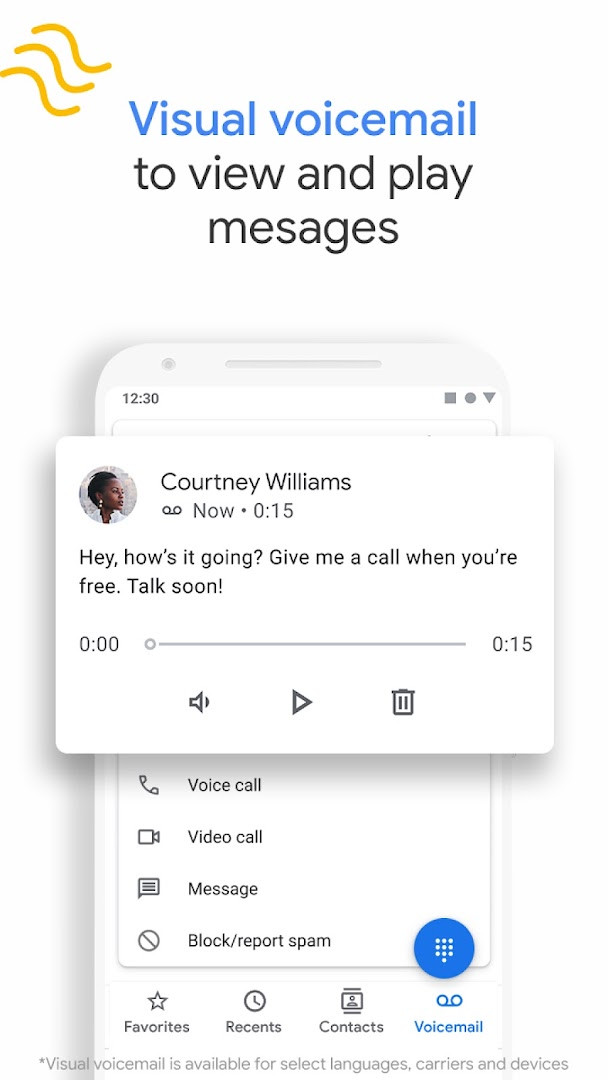
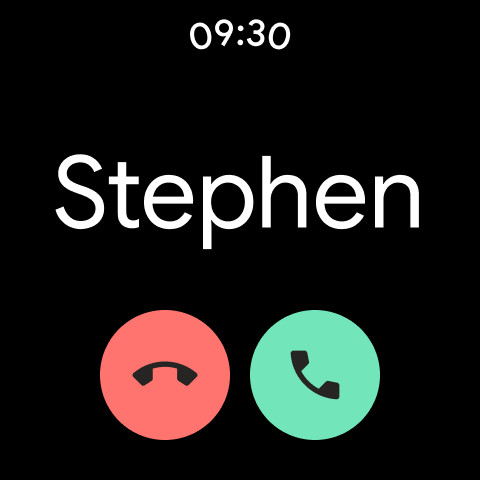
Phone by Google is a phone calling app by Google LLC that combines standard dialing functions with caller ID, spam filtering, and several call-management extras. It addresses the nuisance of unwanted robocalls and unknown numbers by showing warnings about suspicious callers, letting users block numbers, and identifying businesses before an answer. The app also aims to make everyday calls less stressful with tools such as Call Screen, Hold for Me, visual voicemail, and call recording, though these extras depend on the device, region, and language. It requires Android 11 or newer, is offered free of charge, contains no ads, and has no in-app purchases, while its straightforward design includes dark mode for nighttime use. Those familiar with a basic dialer will find familiar features plus protective layers that go beyond what a stock phone app usually provides.
Key features
- Warnings about suspected spam, telemarketer, and scam calls, with the ability to block numbers that should not reach you again
- Broad caller ID coverage that shows which business or caller is on the line so you can answer with confidence
- Hold for Me, where the Google Assistant waits on hold and alerts you when a person is ready to talk
- Call Screen, which answers unknown callers, filters detected spammers, and gives context before you pick up
- Visual voicemail that lets you play messages in any order, read transcriptions, and save or delete them without dialing in
- Call recording with an audible disclosure at the start, with recordings kept on your phone
- Dark mode to reduce eye strain at night and help save battery
- Emergency support that shows your location during an emergency call and lets you share assistance needs without speaking in supported regions
How to install
- Tap the download button on this page to get the 79 MB APK file.
- When Android asks, allow your browser or file manager to install apps by enabling the "Install unknown apps" setting.
- Open the downloaded APK file from your notifications or Downloads folder.
- Tap Install and wait for the installation to complete.
- Open Phone by Google from your app drawer and complete the initial setup; the app requires Android 11 or newer.
Pros
- Completely free, with no ads and no in-app purchases
- Robust spam warnings and call blocking tools
- Useful caller ID for businesses and unrecognized numbers
- Convenient extras such as visual voicemail, call screening, and hold assistance
- Dark mode and a lightweight, simple interface
- Emergency call location support in supported countries
Cons
- Requests a broad permission set: identity, contacts, location, SMS, phone, camera, microphone, storage, Wi-Fi connection information, and device or call information
- Several features are limited to specific devices or to the US and a few other countries, and many work in English only
- Call Screen may not detect every spam call, and Hold for Me works only with toll-free numbers on Pixel 2+ hardware in the US
- The wide storage and media permissions could prompt privacy concerns for users who prefer minimal data access
Latest changes
The latest update to Call Screen on Pixel devices in the US brings automatic screening of unknown callers. The Google Assistant now filters out detected robocalls before the phone rings. For non-robocalls, the phone rings shortly after with context about who is calling and why.
Version history
| Version | Size | Requires Android | Updated |
|---|---|---|---|
| 247.0.1016877637-publicbeta | 79 MB | 11 | Nov 13, 2026 |
| 245.0.1014219393 | 72 MB | 11 | Nov 11, 2026 |
| 246.0.1012442248 | 72 MB | 11 | Nov 11, 2026 |
| 245.0.1014219393-pixel | 86 MB | 11 | Nov 11, 2026 |
| 244.0.1005938827-publicbeta-downloadable | 38 MB | 11 | Nov 10, 2026 |
| 244.0.1005938827-publicbeta | 84 MB | 11 | Nov 8, 2026 |
| 245.0.1006864670 | 81 MB | 11 | Nov 7, 2026 |
| 245.0.1006864670-downloadable | 38 MB | 11 | Nov 4, 2026 |
| 245.0.1006864670-pixel | 86 MB | 11 | Nov 4, 2026 |
| 245.0.1006864670-publicbeta | 84 MB | 11 | Nov 3, 2026 |
Phone by Google is best suited to people who regularly make and receive calls and are tired of robocalls, telemarketers, or calls from numbers they do not recognize. It also appeals to users who want a dialer with integrated caller ID, visual voicemail, and automated screening instead of juggling multiple utilities. Because many of the advanced features are limited to the US and certain Pixel devices, users elsewhere may still find value in the basic dialer, spam blocking, and dark mode. Anyone who is cautious about app permissions should be aware of the large permission list and review what is enabled during setup, making this app most appropriate for those who can accept broad access in exchange for stronger call protection.
During initial setup, review each permission and deny anything you do not need, since the app can still make and receive calls with a more limited set. Be aware that Call Screen, voicemail transcription, and Hold for Me are region and language dependent (largely US, English only), so expectations should be adjusted on other carriers or in other countries.
Permissions
FAQ
How do I install the APK on Android?
The APK is about 79 MB and requires Android 11 or later. After downloading the file, you may need to allow installation from unknown sources in your device settings, then open the APK and follow the prompts on the installation screen.
What is the current version?
The app was last updated on 2026-11-23. Recent builds include 247.0.1016877637-publicbeta dated 2026-11-13 and 246.0.1012442248 dated 2026-11-11.
Does Phone by Google contain ads or in-app purchases?
No. The app is free to download and use, shows no ads, and offers no in-app purchases.
Can I use it offline?
The listing doesn't specify offline functionality. Many features such as caller ID, spam warnings, Call Screen, and Hold for Me rely on online services, so those parts generally need a data or Wi-Fi connection.
How does it compare with other calling apps in the Tools category?
Other dialer apps in this category also handle calls, spam blocking, and voicemail. This one stands out through Call Screen, Hold for Me, and wide caller ID coverage, although several of these extras are limited to specific devices and regions.
Which Android devices are supported and how large is the app?
It supports Android 11 and above on most devices, and the app size is 79 MB. Some features are available only on devices that come with the Phone app pre-installed, and certain options are limited to the US and English.
Are the smart calling features available on every device?
No. Hold for Me, Call Screen, visual voicemail transcription, call recording, and emergency support are available only on some devices that have Phone pre-installed. Several are also restricted to certain countries and English, and automatic Call Screen works only in the US.
For users on Android 11 and newer, Phone by Google offers a dependable, ad-free calling experience with genuinely helpful anti-spam tools. Its extensive permission list and region-limited extras mean it is worth configuring carefully, but it remains a strong free choice for a smarter dialer.
Similar apps
 YouTubeGoogle LLC · ★ 3.8 · Entertainment · 156 MB
 Google GeminiGoogle LLC · ★ 4.5 · Productivity
 Google WalletGoogle LLC · ★ 4.3 · Finance · 16 MB
 Google Play servicesGoogle LLC · ★ 4.3 · Tools · 266 MB
 Digital WellbeingGoogle LLC · ★ 3.6 · Tools
 Speech Recognition & SynthesisGoogle LLC · ★ 4.0 · Tools · 15 MB
 Android Accessibility SuiteGoogle LLC · ★ 4.1 · Tools · 45 MB
 Gboard - the Google KeyboardGoogle LLC · ★ 4.5 · Tools · 9.4 MB
More from this developer
 Google MeetGoogle LLC · ★ 4.4 · Communication · 118 MB
Google Play servicesGoogle LLC · ★ 4.3 · Tools · 266 MB
 GmailGoogle LLC · ★ 4.1 · Communication · 26 MB
Digital WellbeingGoogle LLC · ★ 3.6 · Tools
Speech Recognition & SynthesisGoogle LLC · ★ 4.0 · Tools · 15 MB
 Google ChromeGoogle LLC · ★ 4.1 · Communication · 218 MB
Updated: Nov 26, 2026