Google Earth
Google Earth is a travel and maps app from Google LLC for exploring the planet with satellite imagery, 3D terrain, and Street View.
Google Earth helps anyone explore the world from above and visit faraway places. The app provides high-resolution satellite imagery, 3D terrain and buildings in hundreds of cities, 360° Street View perspectives, and guided tours from BBC Earth, NASA, and National Geographic. It is free, has no ads or in-app purchases, works on Android 4.1 and later, and takes about 11 MB.
Screen gallery
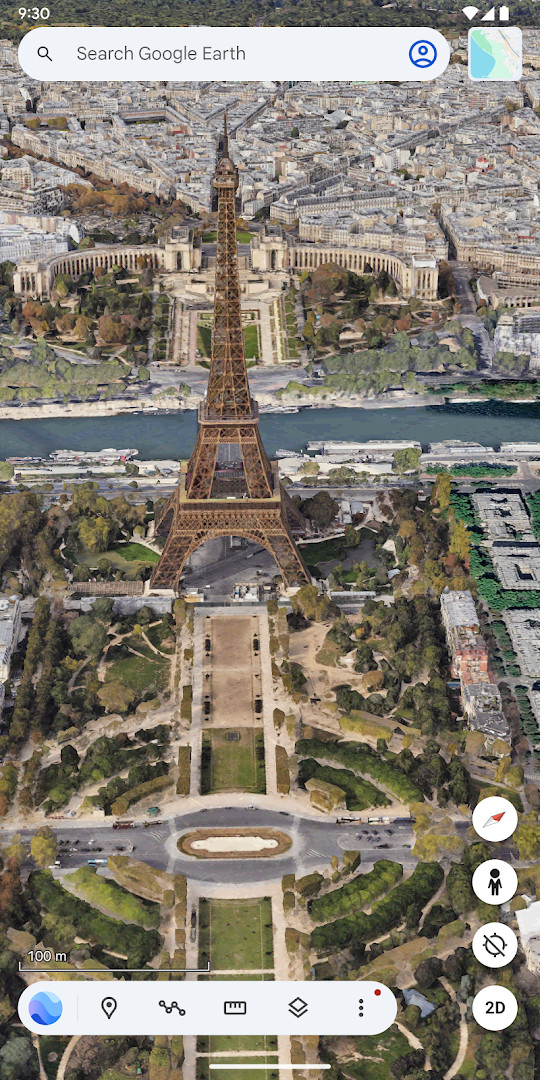
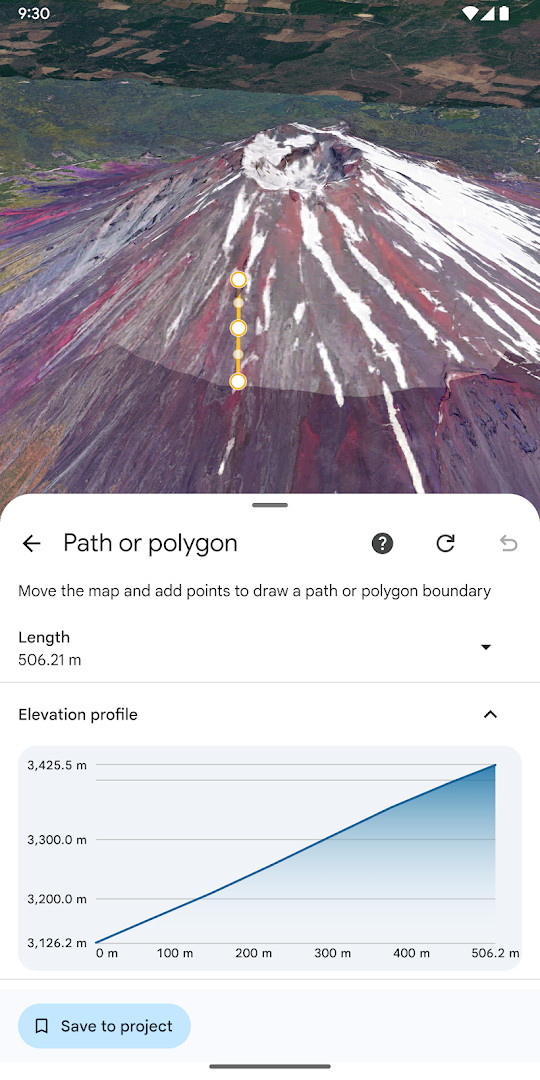
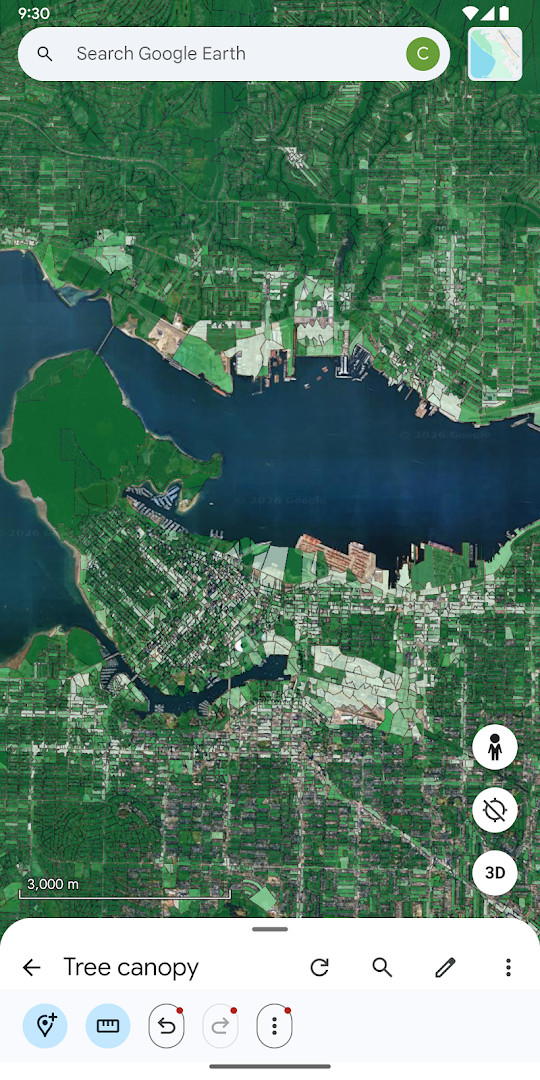
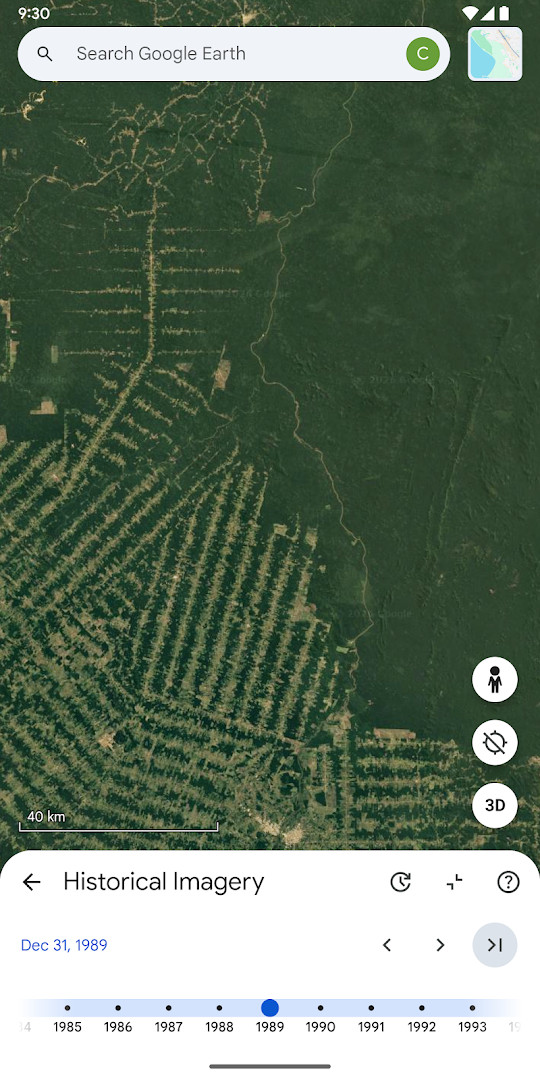
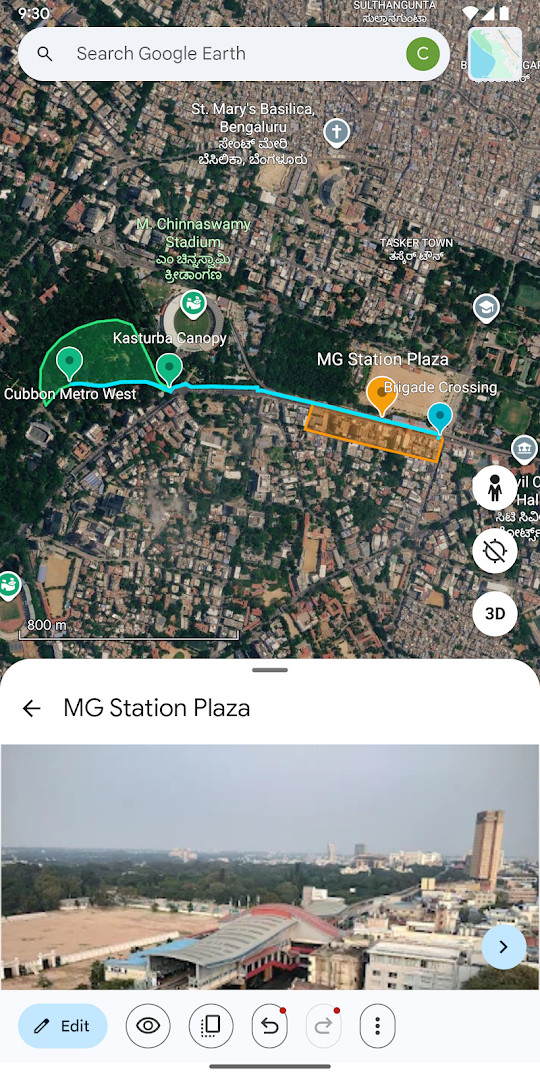
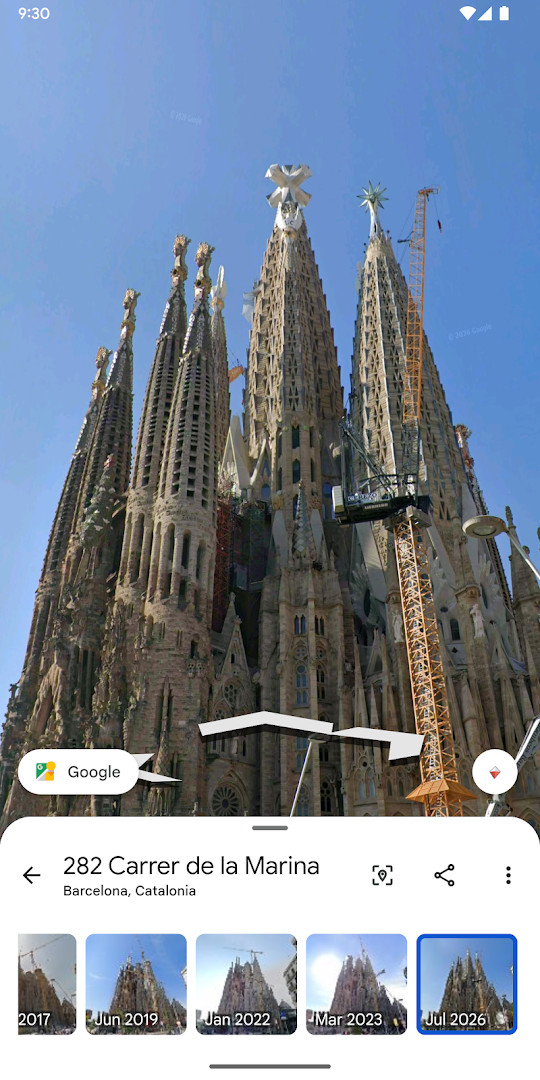
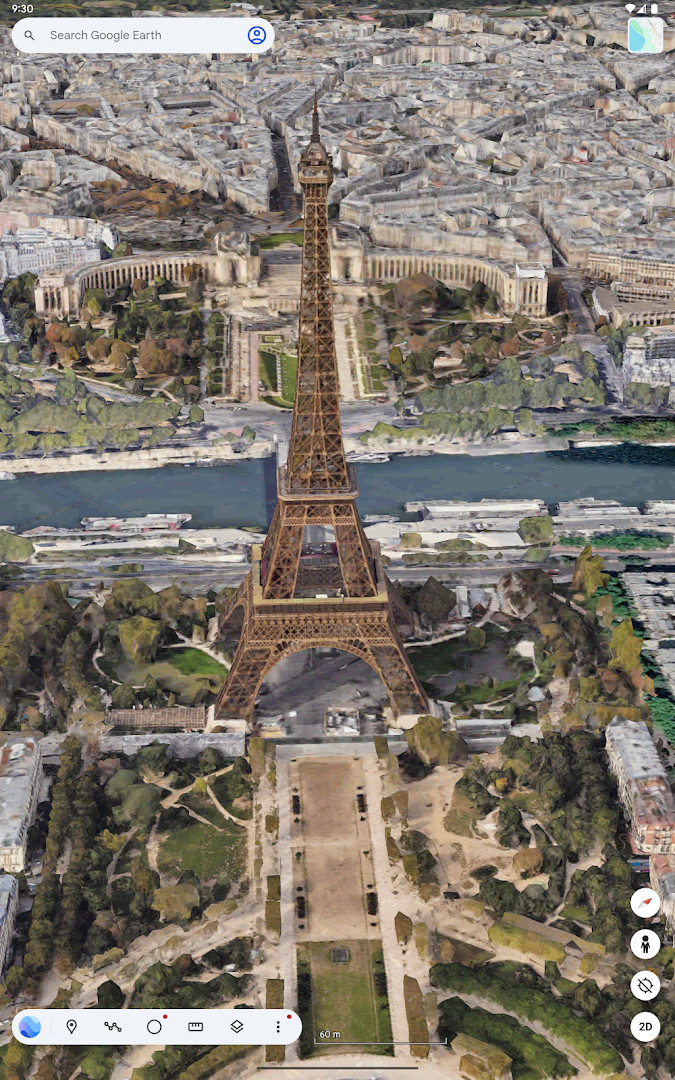
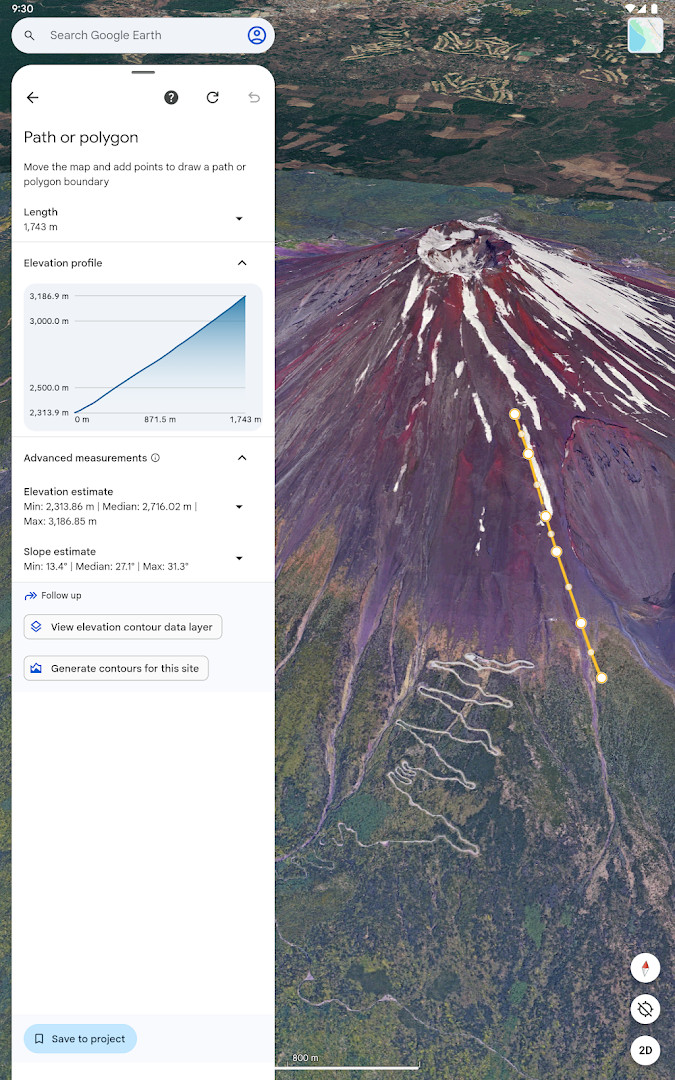
Google Earth is a travel and maps application by Google LLC that lets users inspect the planet through high-resolution satellite imagery, three-dimensional terrain, and street-level 360-degree views. The app has been available since February 2010 and was last updated in November 2026, with the current package size at 11 MB and a minimum Android version of 4.1. It is free to use, contains no advertisements, and does not offer in-app purchases, which makes the core experience straightforward for anyone who wants to explore the globe.
Beyond simple viewing, the application supports building and collaborating on data-driven maps, including the ability to create maps on the go and attach photos taken with the device camera. Users can zoom into any location, examine 3D buildings in hundreds of cities, and switch to Street View for immersive ground-level perspectives. A collection called Voyager provides guided tours from sources such as BBC Earth, NASA, and National Geographic, giving the tool an educational angle alongside its navigation functions.
The installed app requests access to identity, contacts, location, photos and media, storage, camera, and microphone, which reflects its mapping, photo-adding, and collaboration features. With roughly half a billion installs and a permission profile oriented toward media and location, the app is aimed at travelers, educators, researchers, and general users who want to visualize places from above or prepare detailed location-based projects on an Android device running version 4.1 or later.
Key features
- High-resolution satellite imagery for viewing any location from above
- 3D terrain of the entire globe and 3D buildings in hundreds of cities
- Street View with 360-degree perspectives at street level
- Voyager guided tours from BBC Earth, NASA, National Geographic, and more
- Creation and collaboration on immersive, data-driven maps
- Map creation on the go and the ability to add photos from the device camera
- Cross-device collaboration features with a refreshed interface
How to install
- Tap the download button on this page to obtain the Google Earth APK file, which is 11 MB in size.
- When Android prompts you, allow your browser or file manager to install apps by enabling the “Install unknown apps” setting for that source.
- Open the downloaded APK file from your downloads folder or notification.
- Tap Install and wait for the short setup to finish.
- Open the app from your app drawer or the Install confirmation screen and grant the requested permissions if you agree to them.
- The app requires Android 4.1 or newer; on older versions it will not run.
Pros
- Completely free with no advertisements and no in-app purchases
- Access to detailed satellite imagery, 3D terrain, and Street View in one tool
- Guided tours from well-known providers add educational value
- Actively updated, with version 9.3.4.9 released in October 2026
Cons
- Requests many permissions, including identity, contacts, camera, and microphone, which may seem excessive for basic map viewing
- Some collaborative and photo-map features may be of limited use to casual users
- Large install base does not guarantee smooth performance on older Android 4.1 devices
Latest changes
This release has a refreshed visual design. It adds features for collaborating with others across devices, creating maps while on the move, and attaching photos taken with the device camera to maps. No ads or in-app purchases are present, and the app remains free.
Version history
| Version | Size | Requires Android | Updated |
|---|---|---|---|
| 9.3.4.9 | 10 MB | 4.1 | Oct 12, 2026 |
| 7.1.2.2011 | 8.7 MB | — | Nov 13, 2025 |
| 9.3.4.10 | 11 MB | 4.1 | Nov 6, 2025 |
| 8.0.5.2351 | 10 MB | 4.0 | Dec 7, 2016 |
| 6.1 | 8 MB | — | May 9, 2014 |
| 7.1.3.1255 | 8.8 MB | — | Oct 30, 2013 |
| 7.0.0.7386 | 8.6 MB | — | Jul 1, 2012 |
Anyone interested in exploring the planet from above, including travelers planning routes, students and teachers studying geography, researchers visualizing terrain and cities, and users who want to create custom maps with photos and share them with others.
Before granting permission prompts on first launch, decide which access you truly need: location works well for map orientation, while camera and microphone are only necessary if you plan to add your own photos and collaborate on maps from the device.
Permissions
FAQ
Is Google Earth free to install and use?
Yes. The app is offered at no cost, and it does not include ads or in-app purchases.
Which Android version do I need?
You need Android 4.1 or higher. Any device running that version or newer should be able to run the app.
How big is the download file?
The app is about 11 MB in size, so it is a relatively small download.
What permissions does Google Earth request?
The app may request access to Identity, Contacts, Location, Photos/Media/Files, Storage, Camera, and Microphone. These permissions support features such as showing your location and adding photos to maps.
Do I need an account to use Google Earth?
The app listing does not state that an account is required to use it. Some collaborative features may ask for a sign-in, but installing and exploring the globe does not depend on one.
How do I update Google Earth?
When a new version becomes available, download it from this page and install it over your existing copy. The most recent update was published on 2026-11-18.
Google Earth turns an Android phone into a versatile globe viewer with satellite imagery, 3D city models, and street-level views, all offered without cost or advertising. Its collaboration features and built-in guided tours make it a practical tool for both casual exploration and more structured mapping projects.
Similar apps
 YouTubeGoogle LLC · ★ 3.8 · Entertainment · 156 MB
 Google GeminiGoogle LLC · ★ 4.5 · Productivity
 Google WalletGoogle LLC · ★ 4.3 · Finance · 16 MB
 Google Street ViewGoogle Inc. · ★ 4.4 · Travel & Maps · 42 MB
 Google Maps GoGoogle LLC · ★ 4.1 · Travel & Maps · 1.7 MB
 Uber: Rides, eats, hotelsUber Technologies, Inc. · ★ 4.7 · Travel & Maps
 Where is my TrainSigmoid Labs and its affiliates · ★ 4.5 · Travel & Maps · 28 MB
 Booking.com: Hotels & TravelBooking.com Hotels & Vacation Rentals · ★ 4.8 · Travel & Maps · v71.3
More from this developer
 Google MeetGoogle LLC · ★ 4.4 · Communication · 118 MB
 Google Play servicesGoogle LLC · ★ 4.3 · Tools · 266 MB
 GmailGoogle LLC · ★ 4.1 · Communication · 26 MB
 Digital WellbeingGoogle LLC · ★ 3.6 · Tools
 Speech Recognition & SynthesisGoogle LLC · ★ 4.0 · Tools · 15 MB
 Google ChromeGoogle LLC · ★ 4.1 · Communication · 218 MB
Updated: Nov 26, 2026